For architects

Sketch in.
Render, film, 3D out.

The AI visualization studio for architects: develop and compare design options on one node canvas.

Prompt

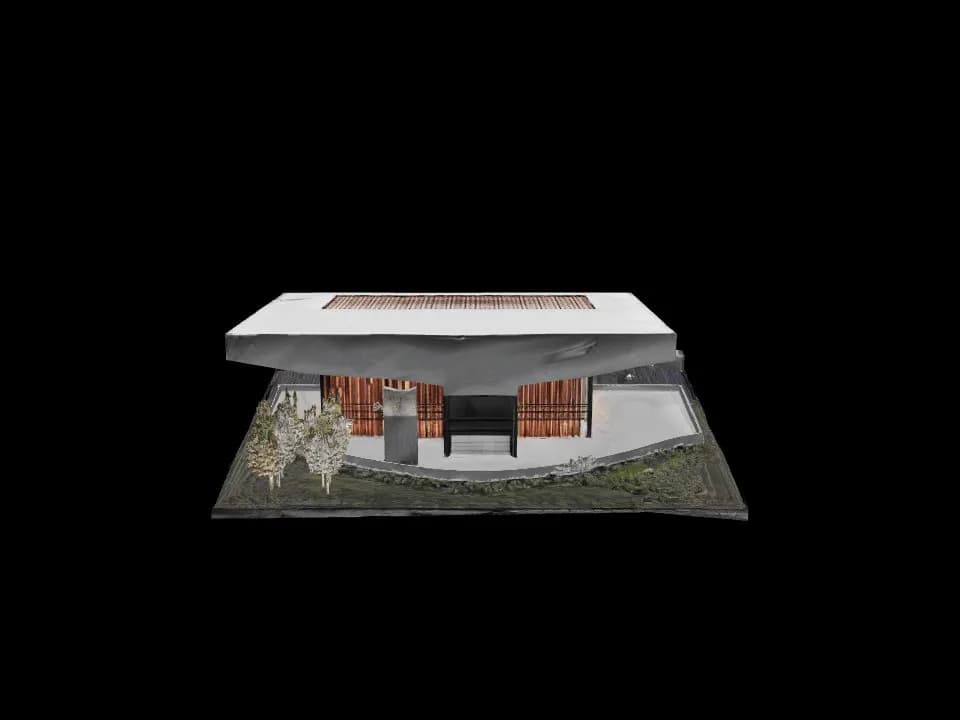
Site: massing, terrain, sun

From the map, in the browser02

Site massing and terrain

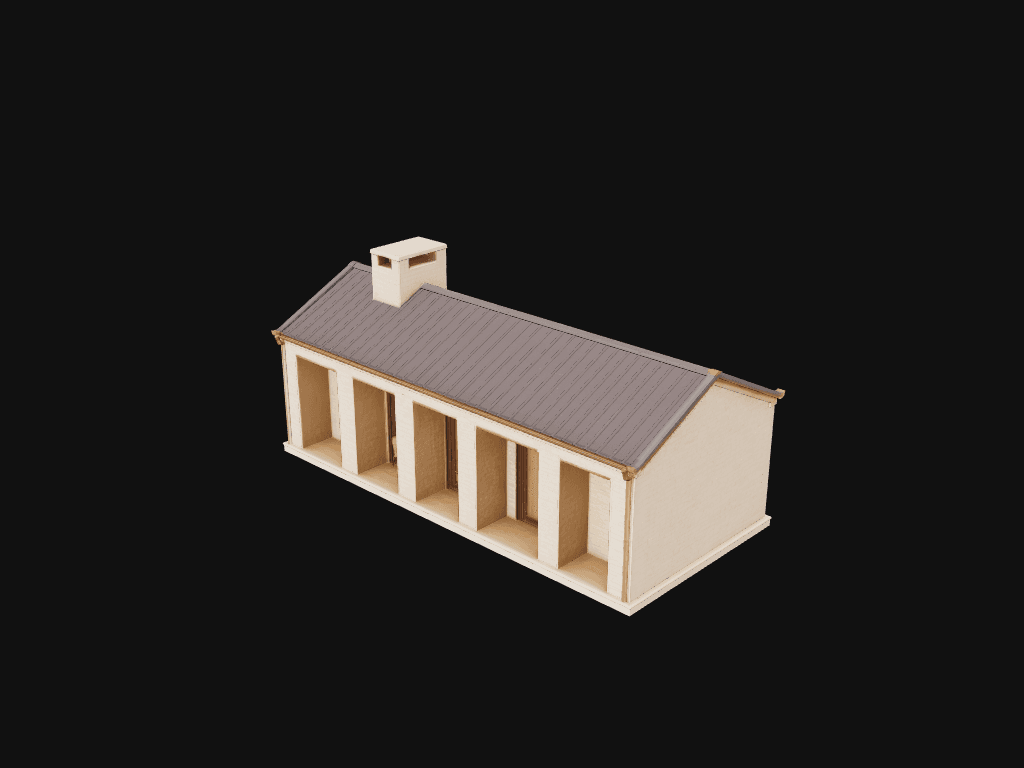
Pick a location to view OpenStreetMap building footprints and available terrain data. Missing building heights are estimated; unavailable terrain uses a flat surface.

Sun and shadow study

Change the date and hour to explore calculated sun positions and approximate shadows on the site model.

Wired into the chain

Use the site capture as a visual reference on the canvas. Compare your renders with the site model as you develop the design.

Veo 3.1 · 8s film

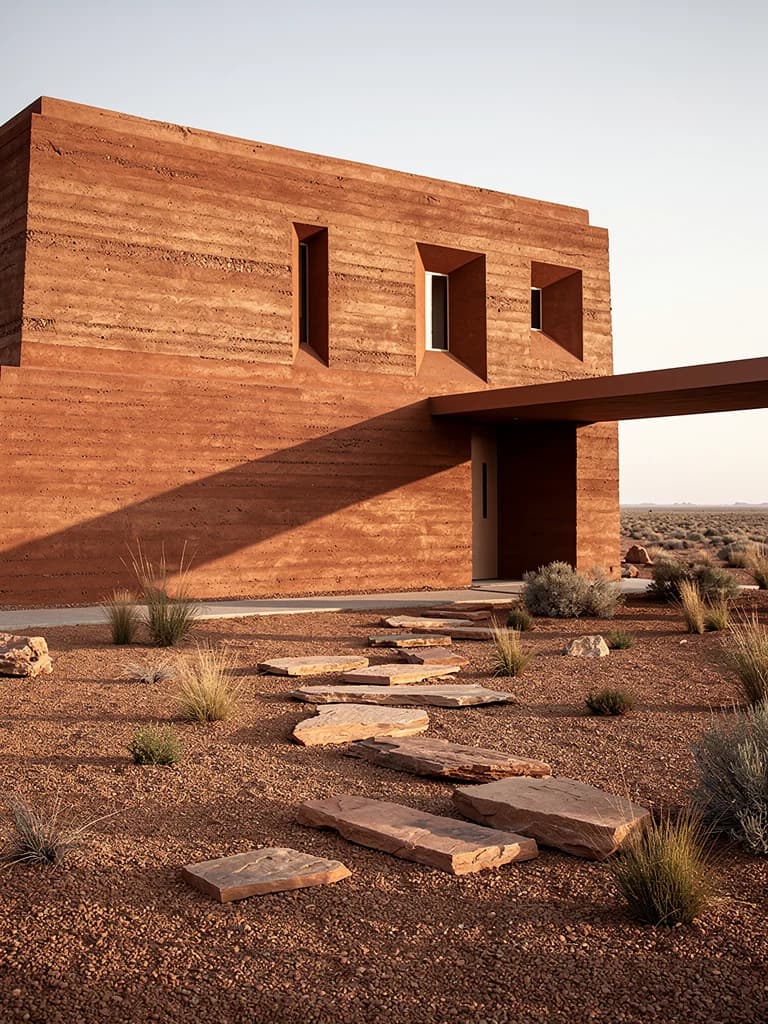
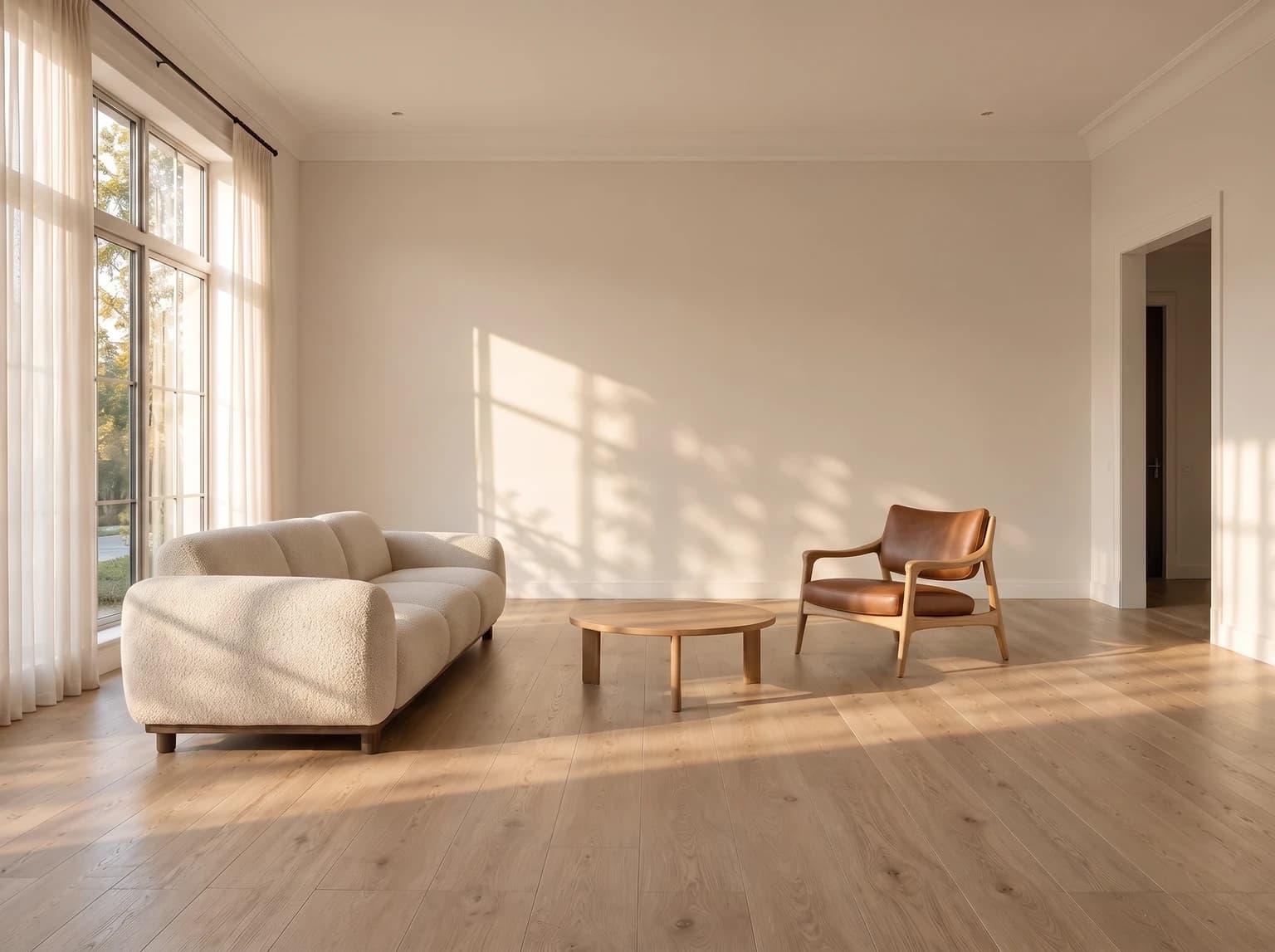
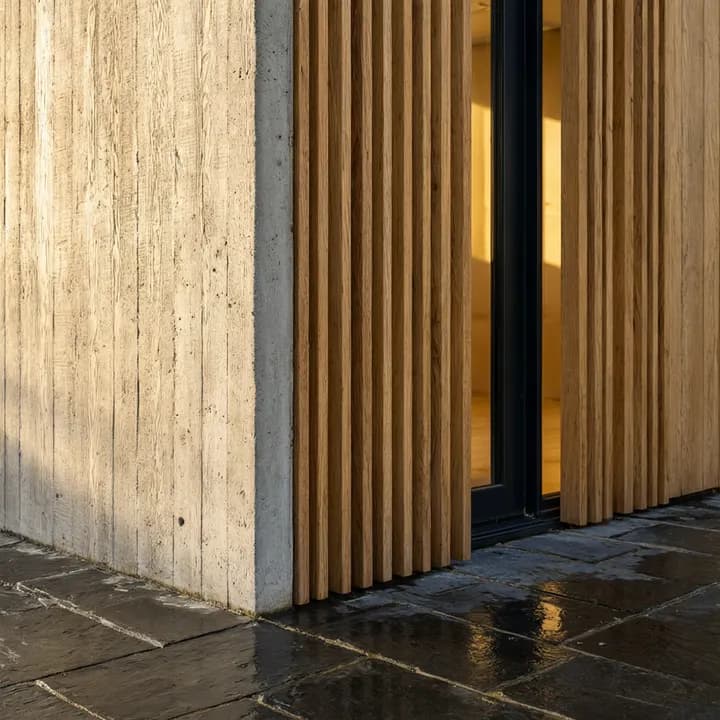
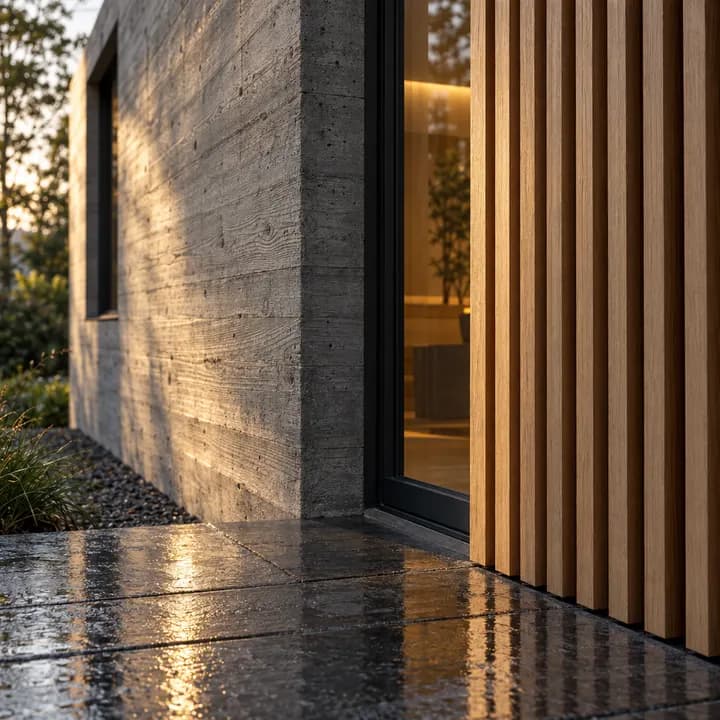
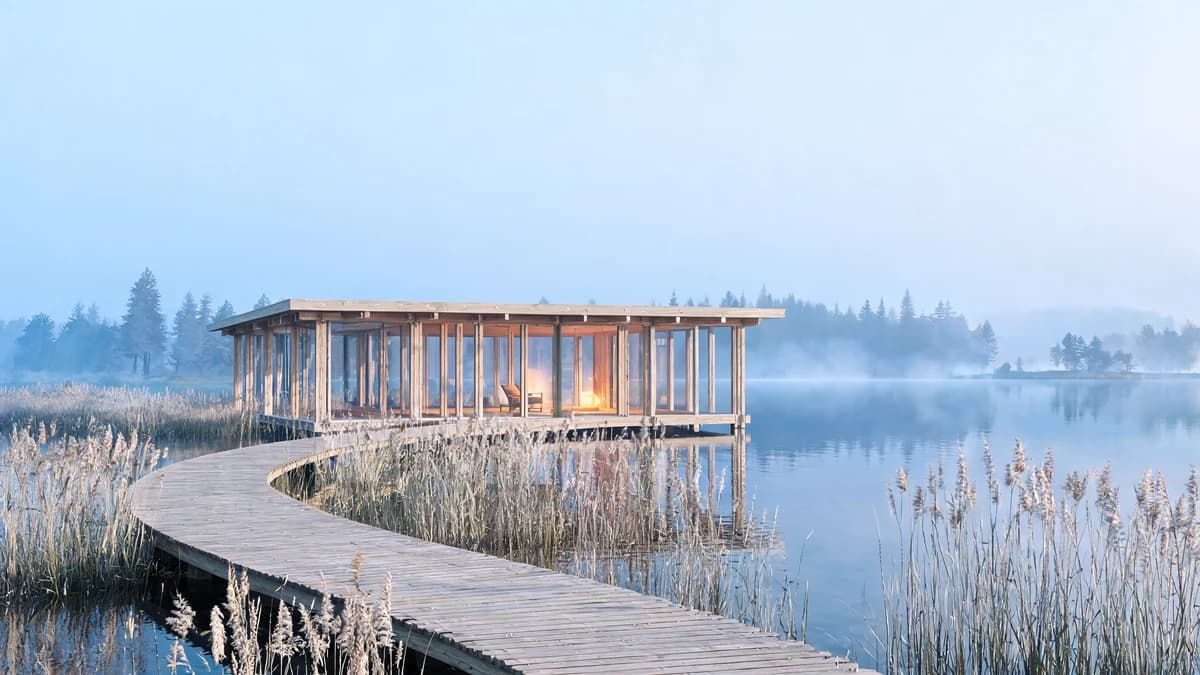
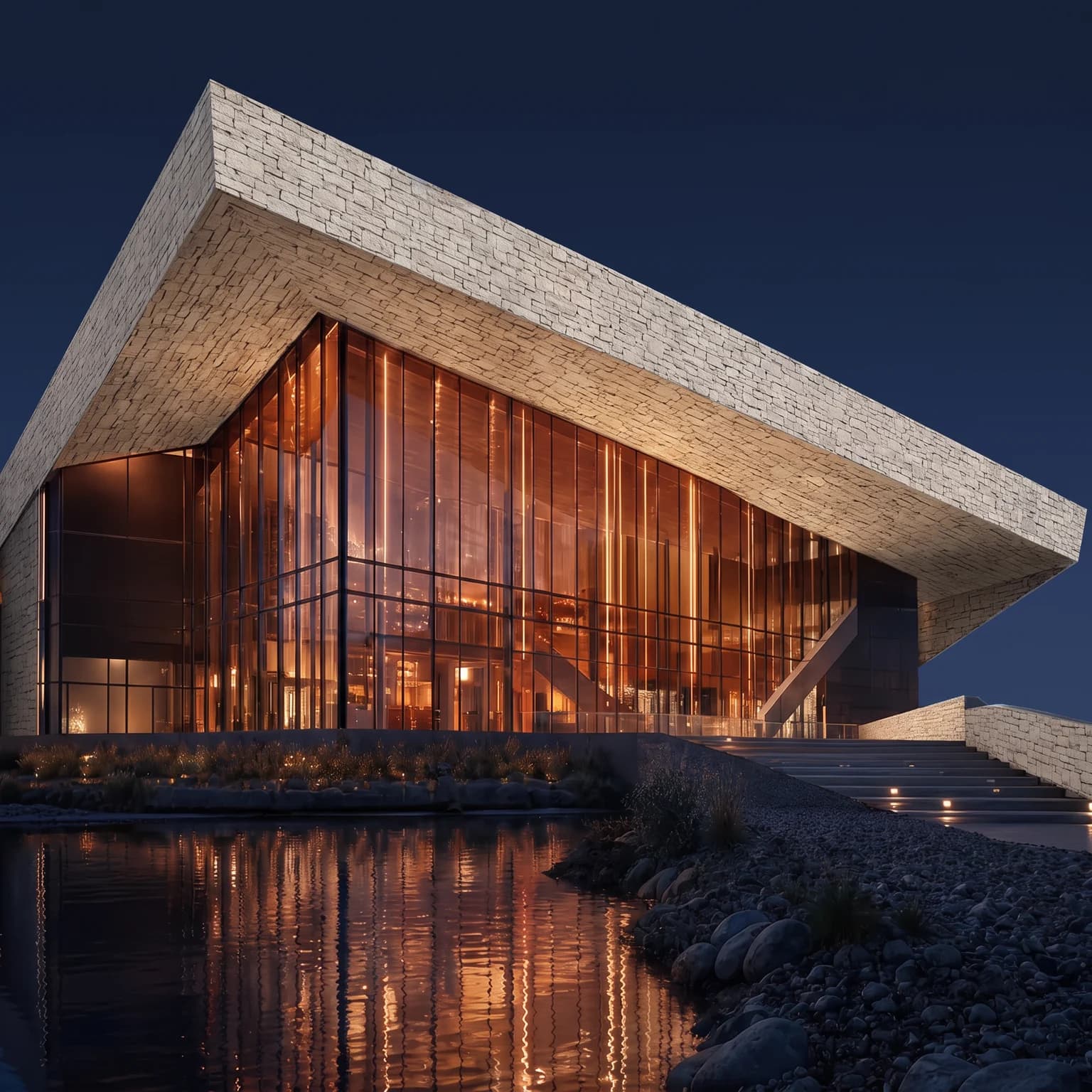
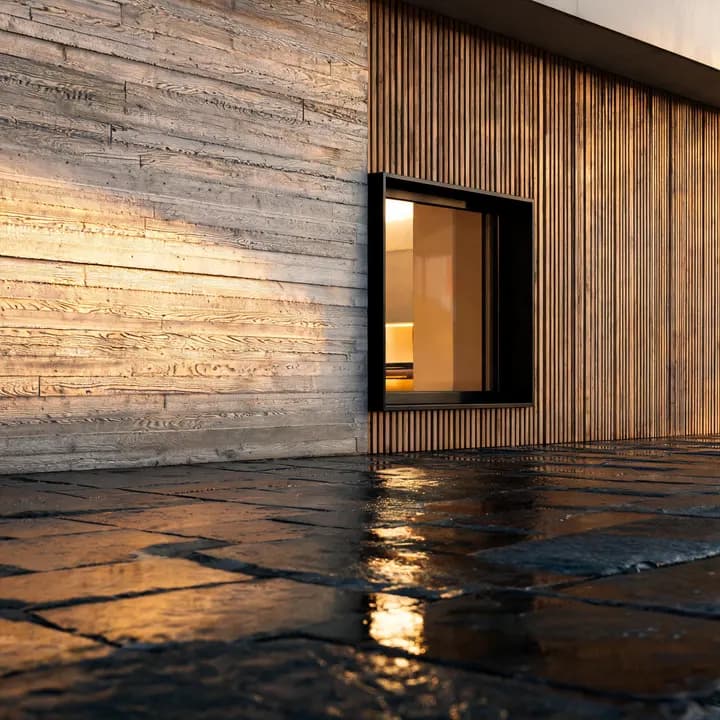
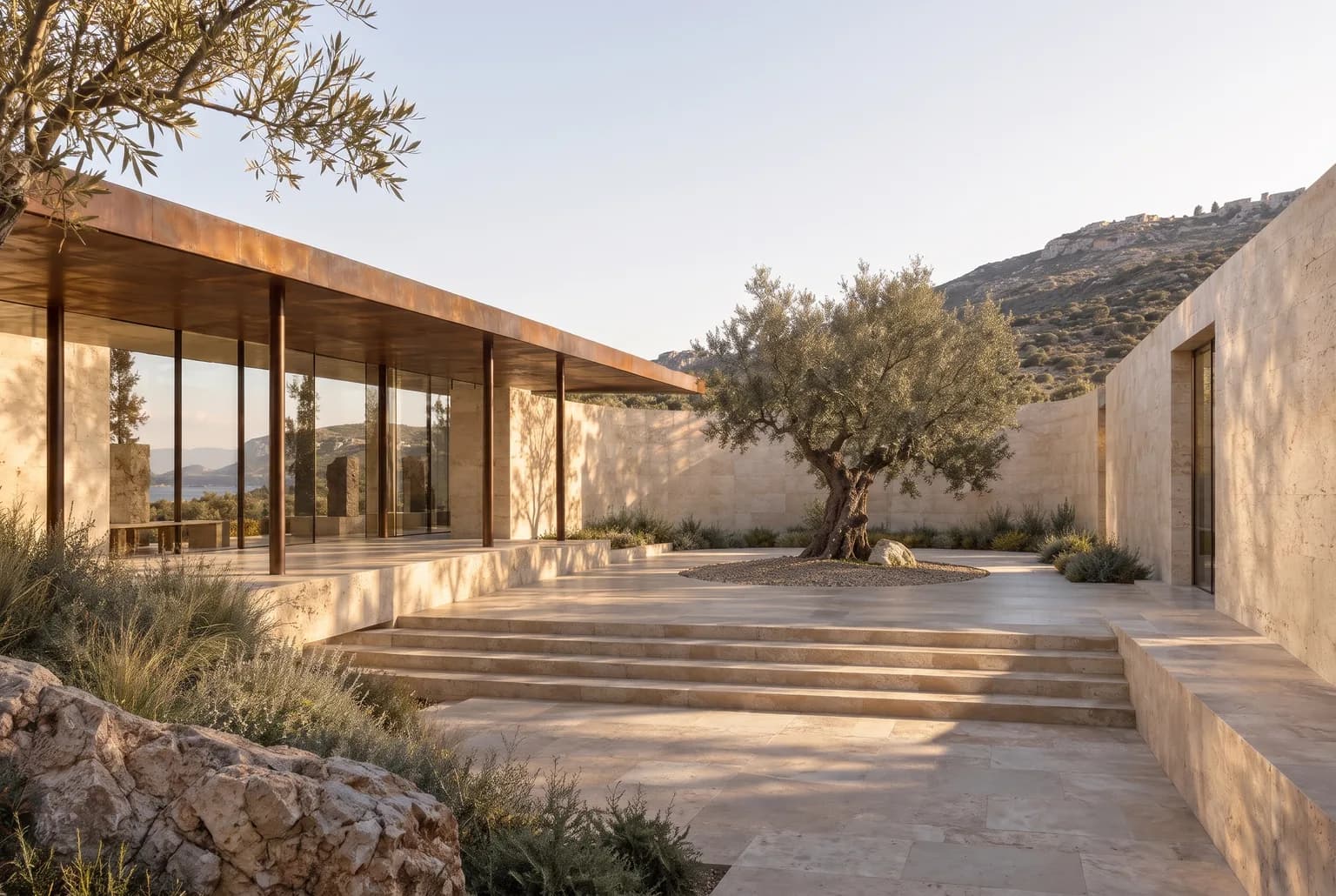
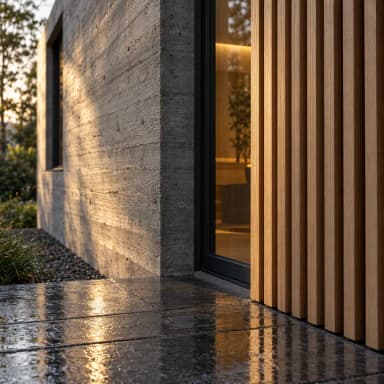
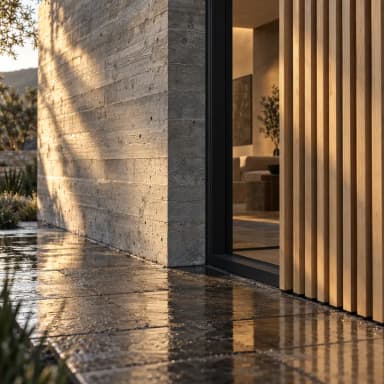
Materials come first. Light tells their story.

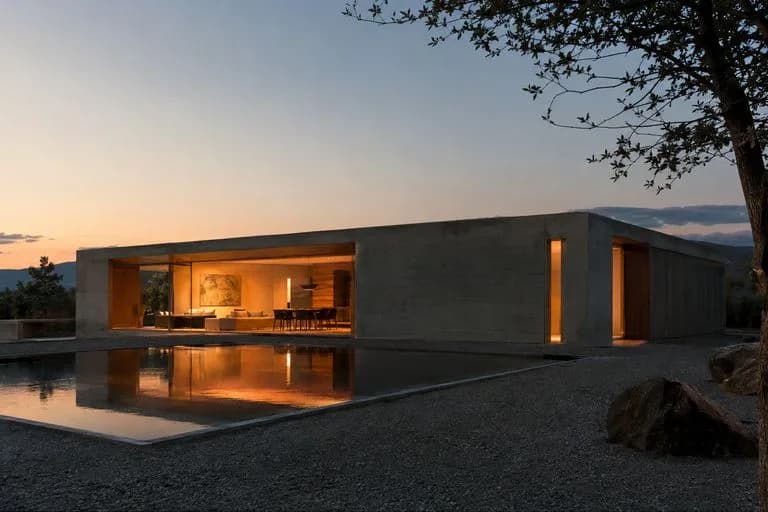
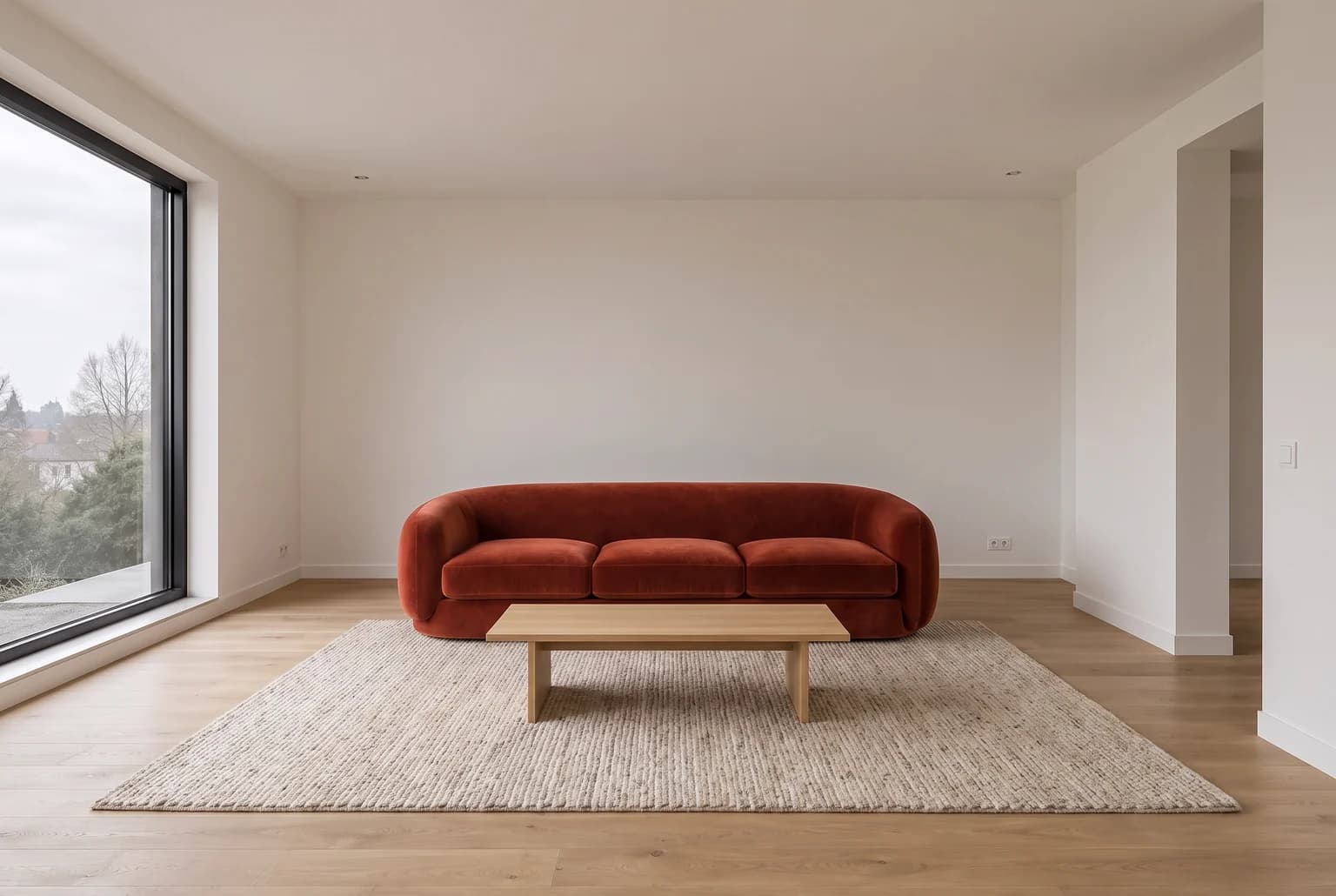
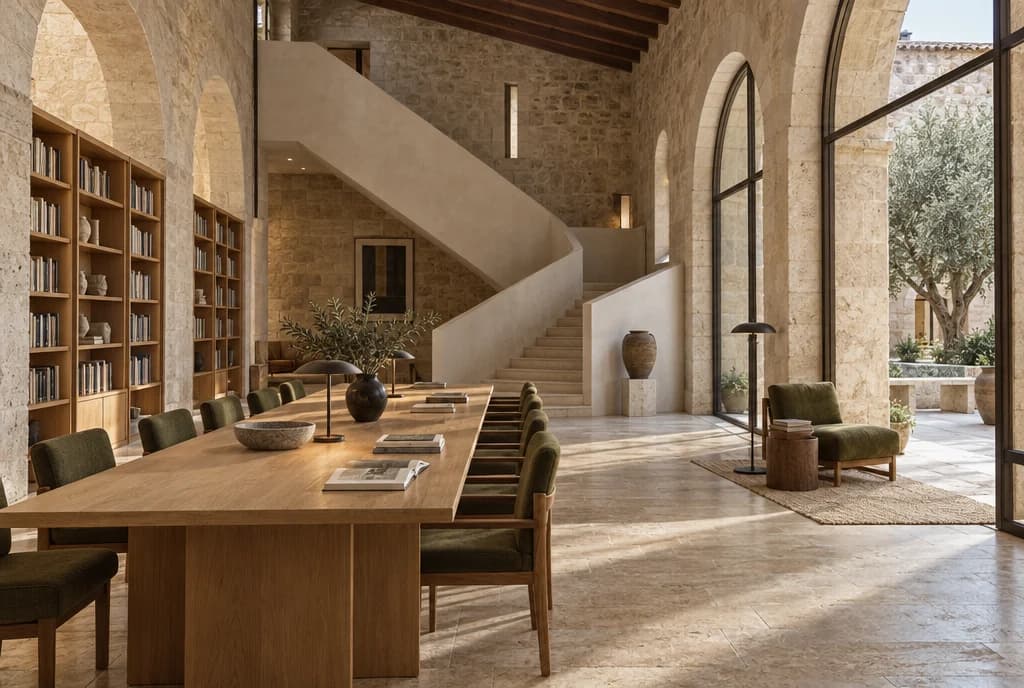
Made in the Studio. One prompt, zero retouching.

05

From napkin to client-ready

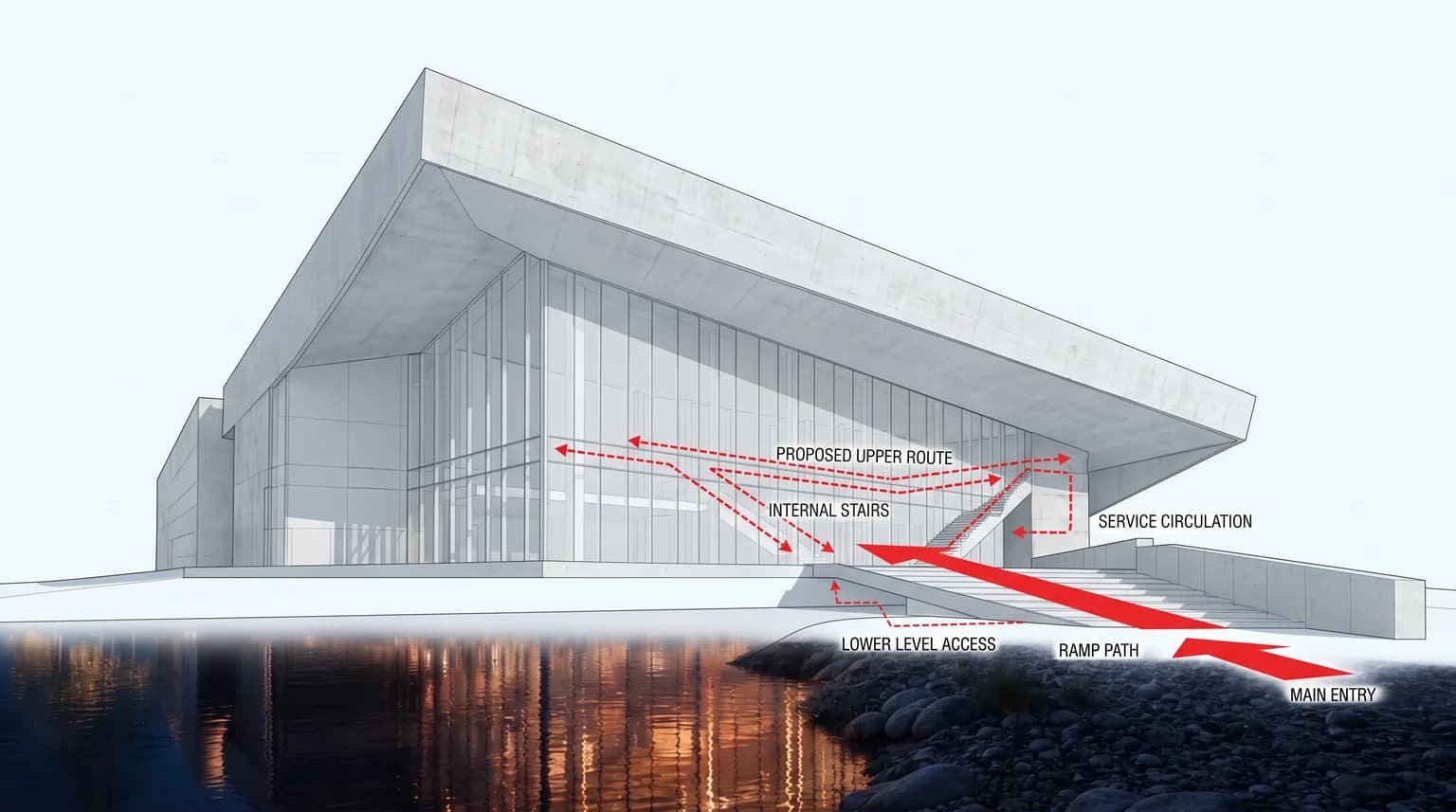
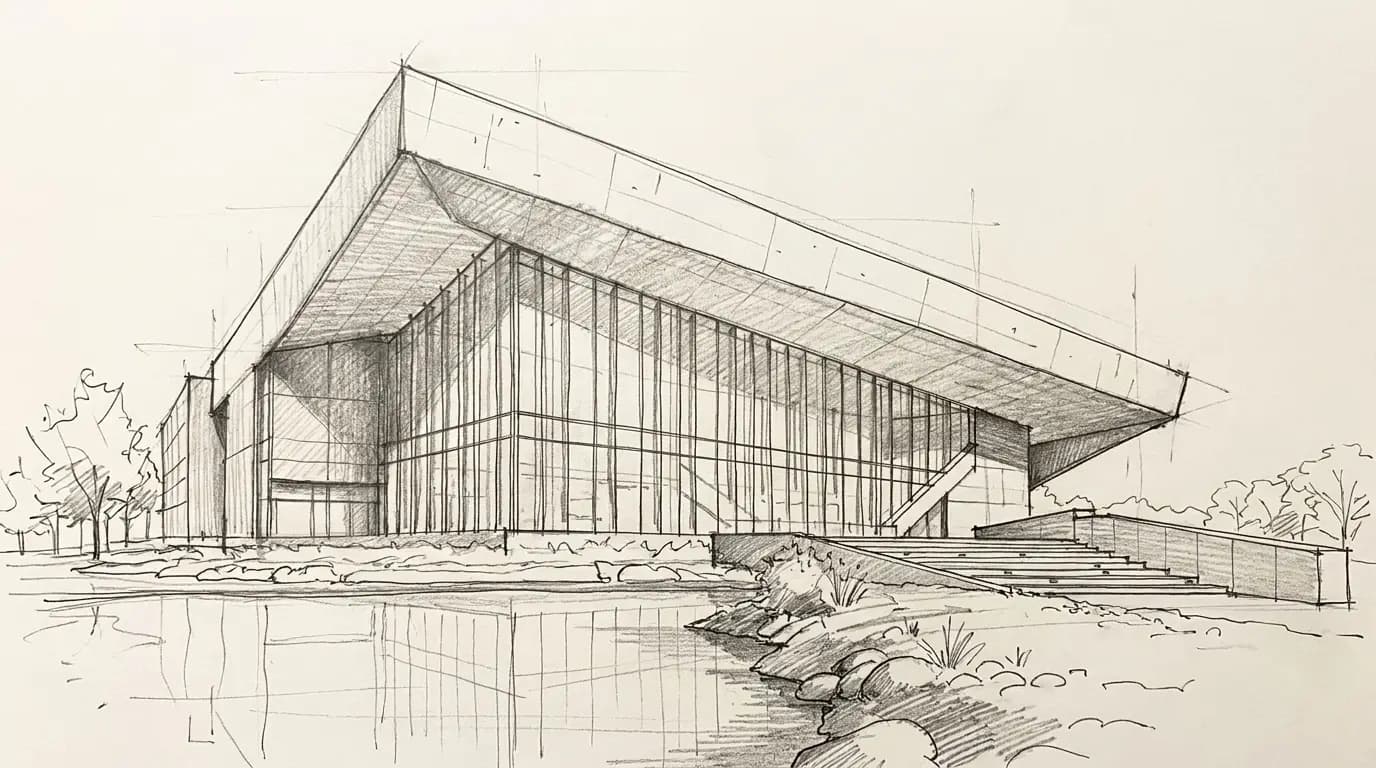
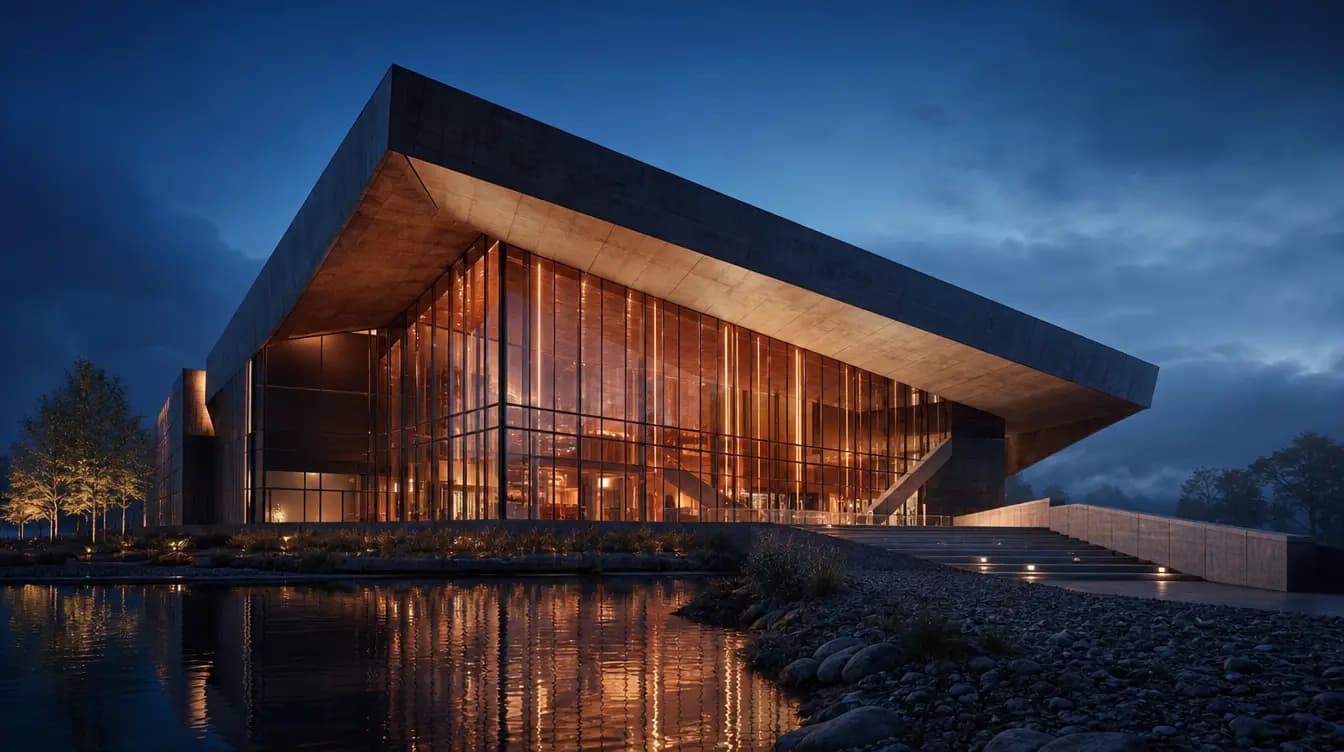
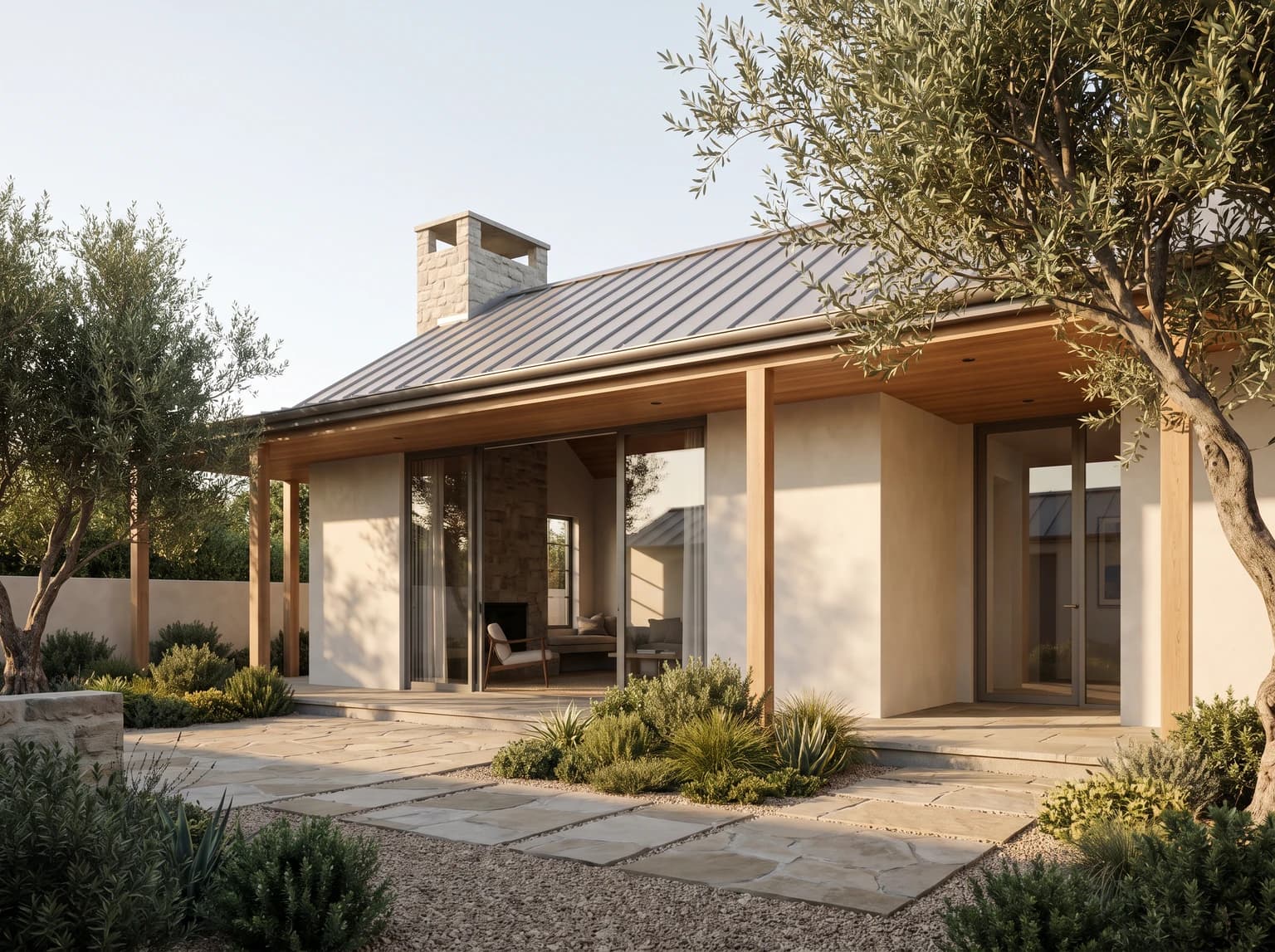
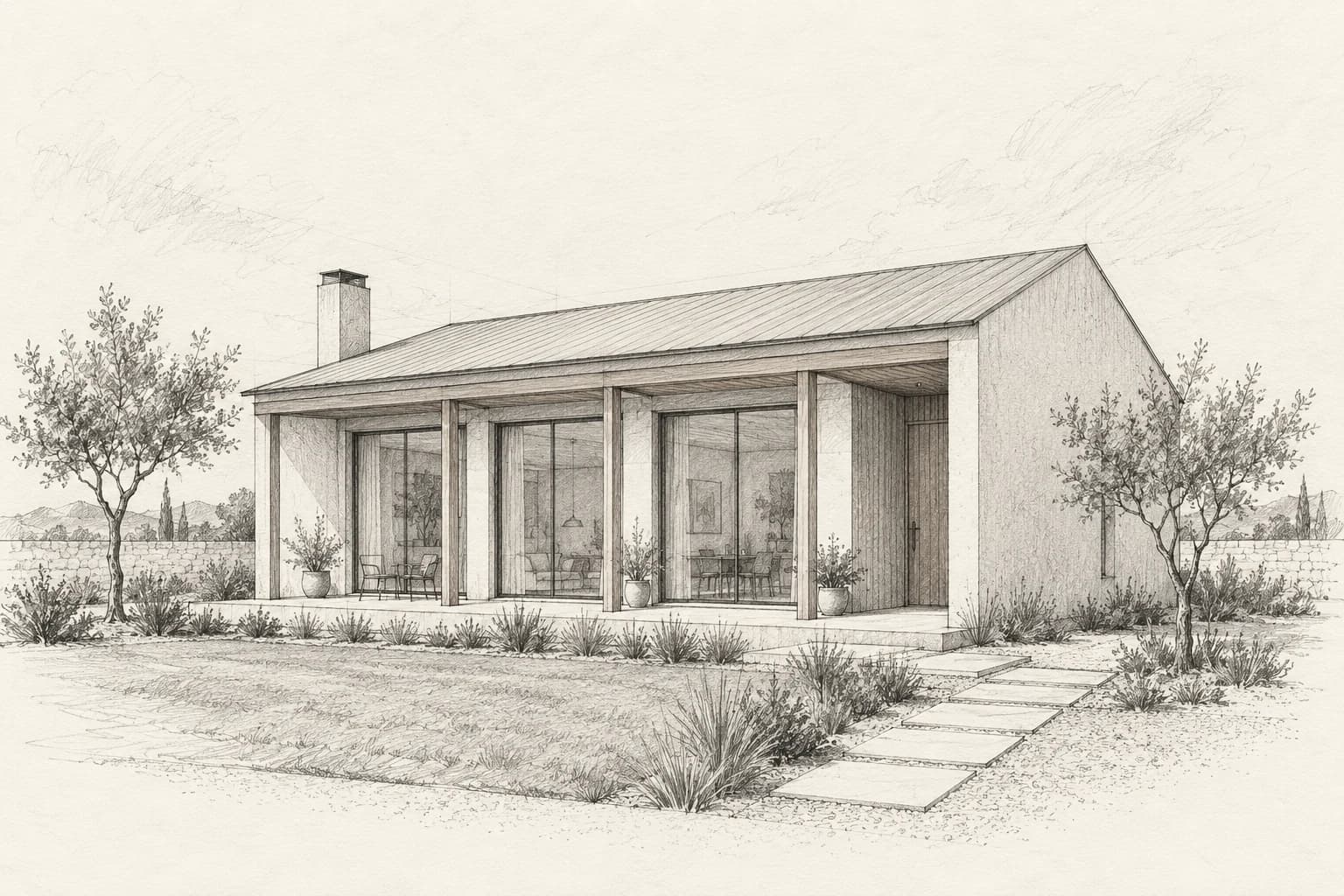
Drag the handle to compare the source and render, then review massing, openings and viewpoint.

RenderRender
SketchSketch

Iterate like a design review

Ask the assistant for five design directions based on your sketch. Review and refine its prompts before rendering.

Masked edits

Paint the area you want to edit and choose a compatible engine. Review the result against the source before accepting the change.

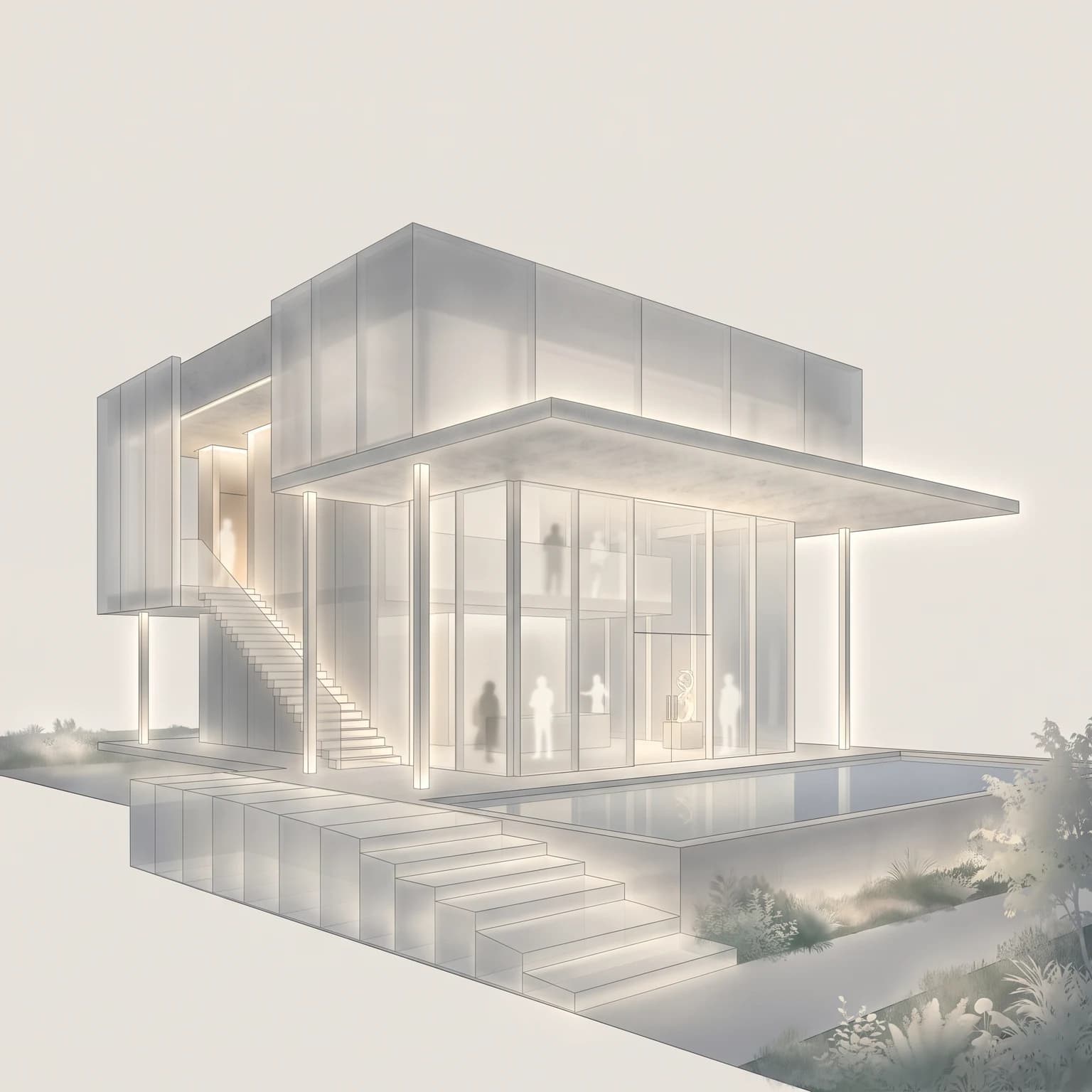
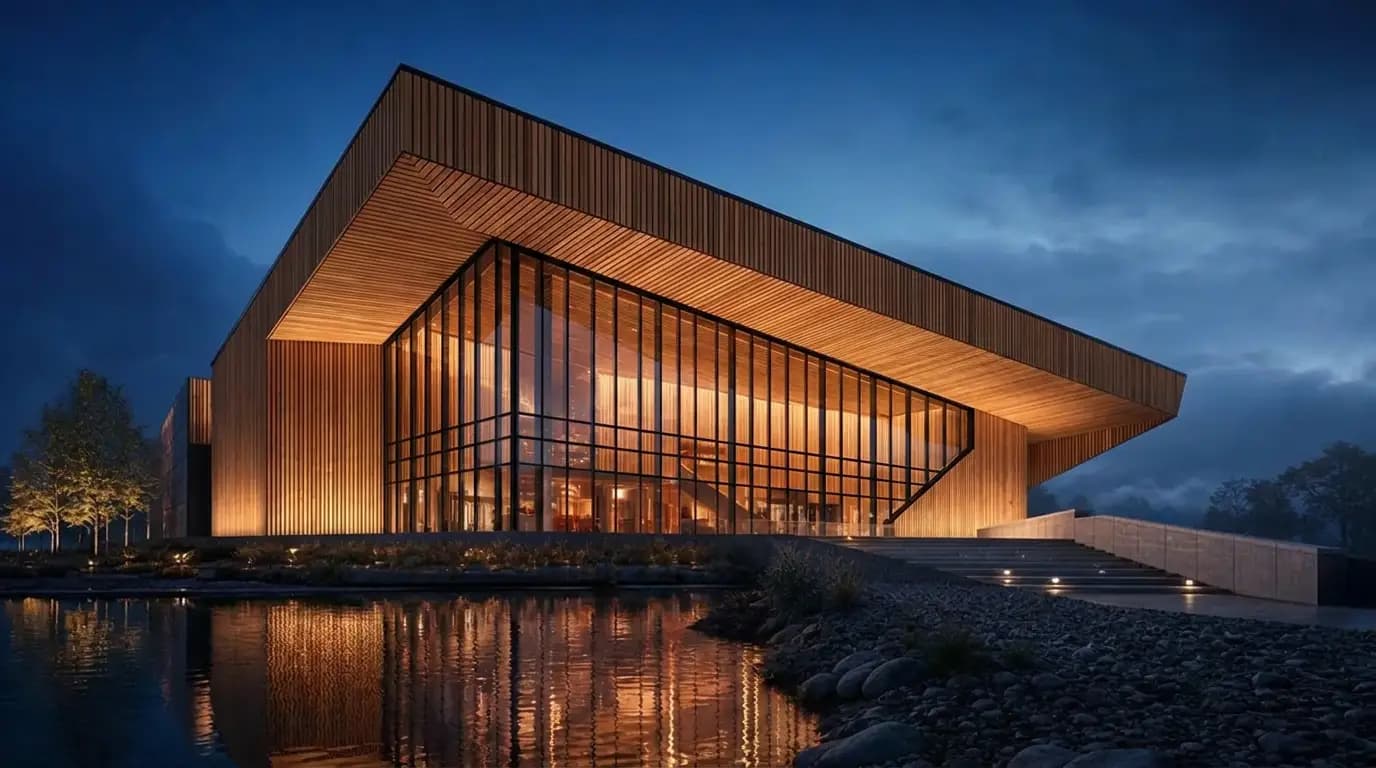
One base image, five representations

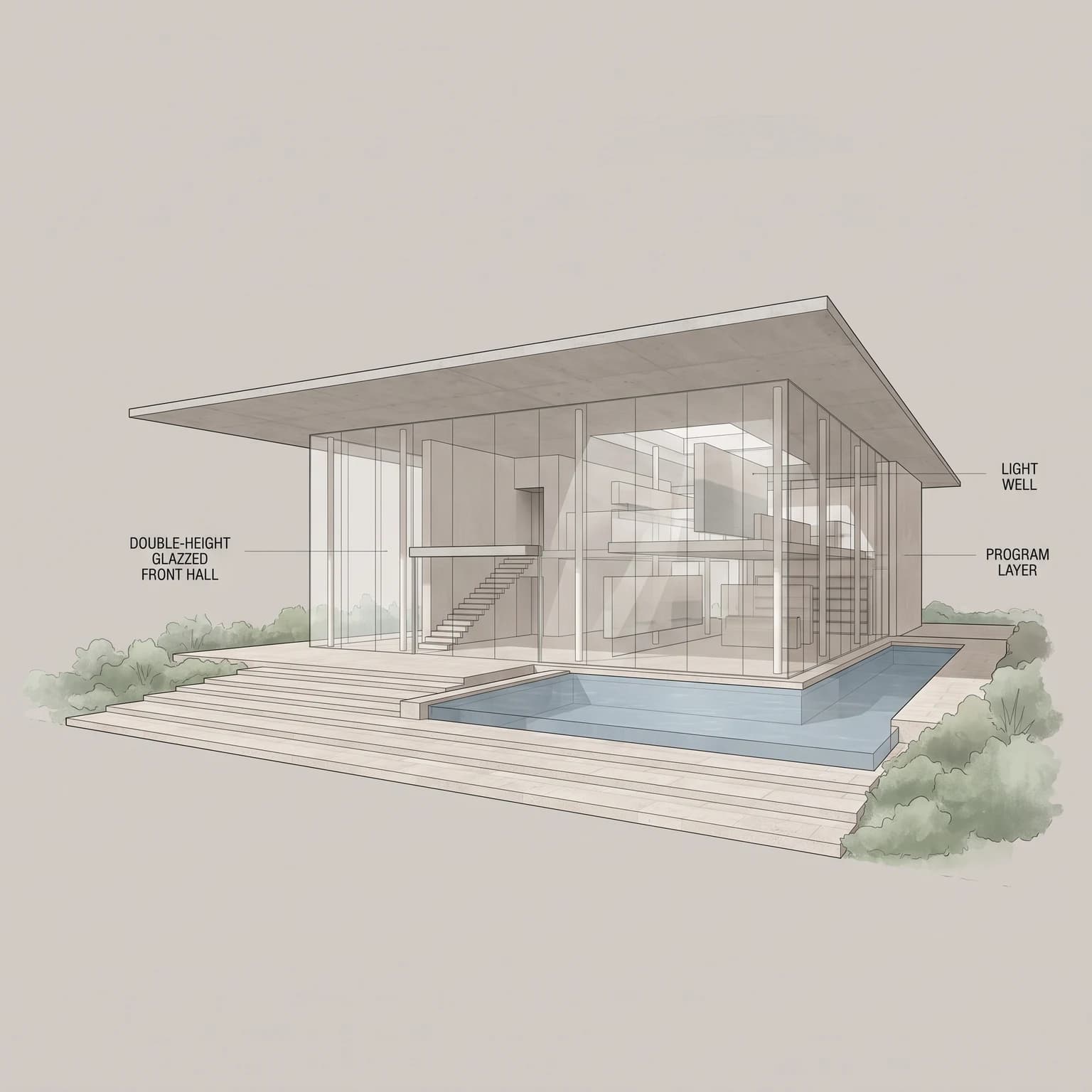
Representation presets live on every image node: sketch, marker, watercolor, model, diagram.

Engines on tap

Smart routing picks; you can override06
EngineJobOutput
GPT Image 2Text-to-image generation with GPT Image 2image
Nano Banana ProText-to-image generation at 2Kimage
FLUX.2 ProText-to-image renderingimage
Flux SchnellDefaultDefault text-to-image engine for draft qualityimage
Flux DevDefaultBalanced speed and detail: what final quality runs unless you pickimage
Nano Banana Pro EditDefaultInstruction edits: what runs once an image is wired inimage
GPT Image 2 EditPrecise, targeted editsimage
Nano Banana 2Fast reasoning-guided generation and editsimage
FLUX.2 Pro EditMulti-reference editing, up to 9 imagesimage
Nano Banana EditFast, cheap editsimage
Nano Banana 2 EditReasoning-guided instruction editsimage
FLUX.2 Turbo EditInstruction edits with up to four input imagesimage
Qwen EditCamera angle and rotation editsimage
FLUX FillDefaultDefault masked editor; mask-capable engines can also be selectedimage
Kling 2.5 TurboDefaultImage-to-video camera moves, 5s or 10svideo
Veo 3.1 FastCinematic 8s walkthroughs, 720pvideo
Seedance 1.0 ProStrong camera control, 720pvideo
Hunyuan v3DefaultImage to textured mesh, fast massingGLB
Hunyuan 3.1 ProHigh-detail meshes, slowerGLB
SeedVR2DefaultRestores detail while upscaling 2x or 4x: what upscaling runs unless you pickimage
Clarity UpscalerCreative upscaling: reimagines fine detailimage

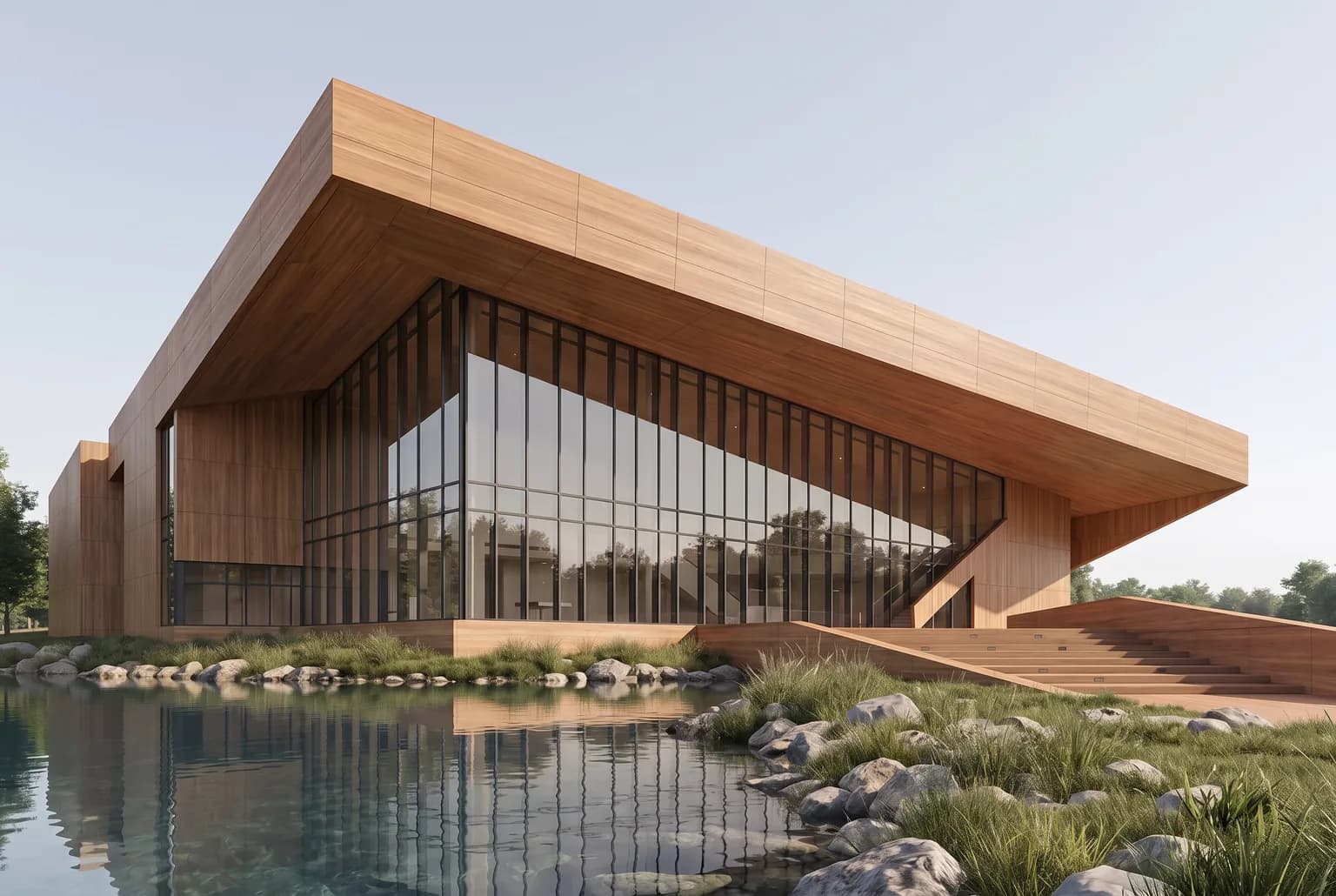
The building is yours. Light, material, camera are one prompt away.

Delivery

Out of the canvas07

Read-only share links

Share a canvas with one link; clients view without signing up.

Gallery and ZIP export

Every output across all spaces lands in one gallery; select what you need and download it as a ZIP.

Delivery-grade upscaling

Faithful mode uses SeedVR2 for upscaling; Enhance uses Clarity to reinterpret fine detail. Compare important architectural details before delivery.

Credits, not seats

Every render, film and mesh has a transparent credit price. Start free; top up when the work is real.

Explore

Free

100 starter credits on sign-up, 500 once you verify your email

Start free

Studio

₺2,390

5,000-credit pack for practices in production

Get Studio

Pro

₺7,190

15,000-credit pack, with headroom for video and 3D

Get Pro

Payments via iyzico · KVKK notice

Questions, answered

The short version

What is Archly?

A node-based AI visualization studio for architects. Bring a sketch, a prompt or a site capture; develop and compare renders, films and 3D meshes on one canvas.

How do credits work?

Every generation has a transparent credit price that depends on the engine and quality tier. Signing up is free and starts you with 100 credits; verifying your email brings the total to 500. Plans and current prices live on the pricing page.

Which engines are inside?

GPT Image 2, Nano Banana Pro, the FLUX family, Qwen Edit, Kling, Veo and Seedance for video, Hunyuan for 3D, SeedVR2 for upscaling. Smart routing picks the right one per node, or you choose the engine yourself.

Does it really keep my building?

A connected reference and the Preserve approach guide edits toward your source. AI can still change geometry or details; compare the result before accepting it. Reinterpret allows broader design changes.

What happens to my data?

Your generations are stored in your account and load from our own storage. Details live in the privacy and KVKK pages; analytics cookies run only with your consent.

Billing, receipts and support?

Payments run through iyzico and every purchase gets an email receipt. The distance sales contract is public on this site; for purchase questions write to hello@archly.ai.