Your first result
Upload an architectural image, describe one change and review the result.
Before you start
A sketch, photograph or render, and a canvas in your project.
Steps
- Choose Upload image or drop your file onto the canvas. Wait until the image finishes uploading.
- Select the image and choose Edit. Check the source in the editor; this opens your next change without generating it.
- Describe one change, such as replacing a facade material. Keep the current engine unless you need a different supported option.
- Review the credit estimate, then use the Generate action. Wait for the result before starting another change.
- Inspect the selected result and compare it with the source used. Keep the result you want, then continue editing or download it.
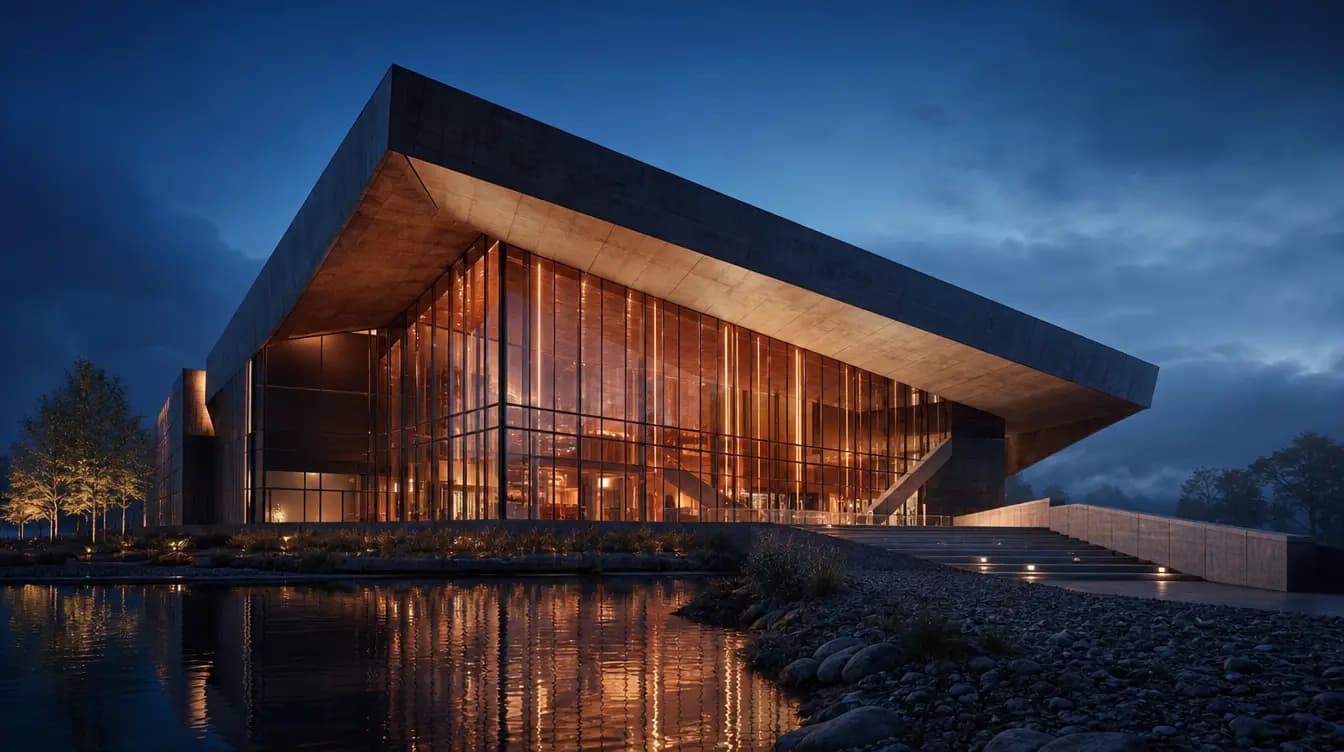
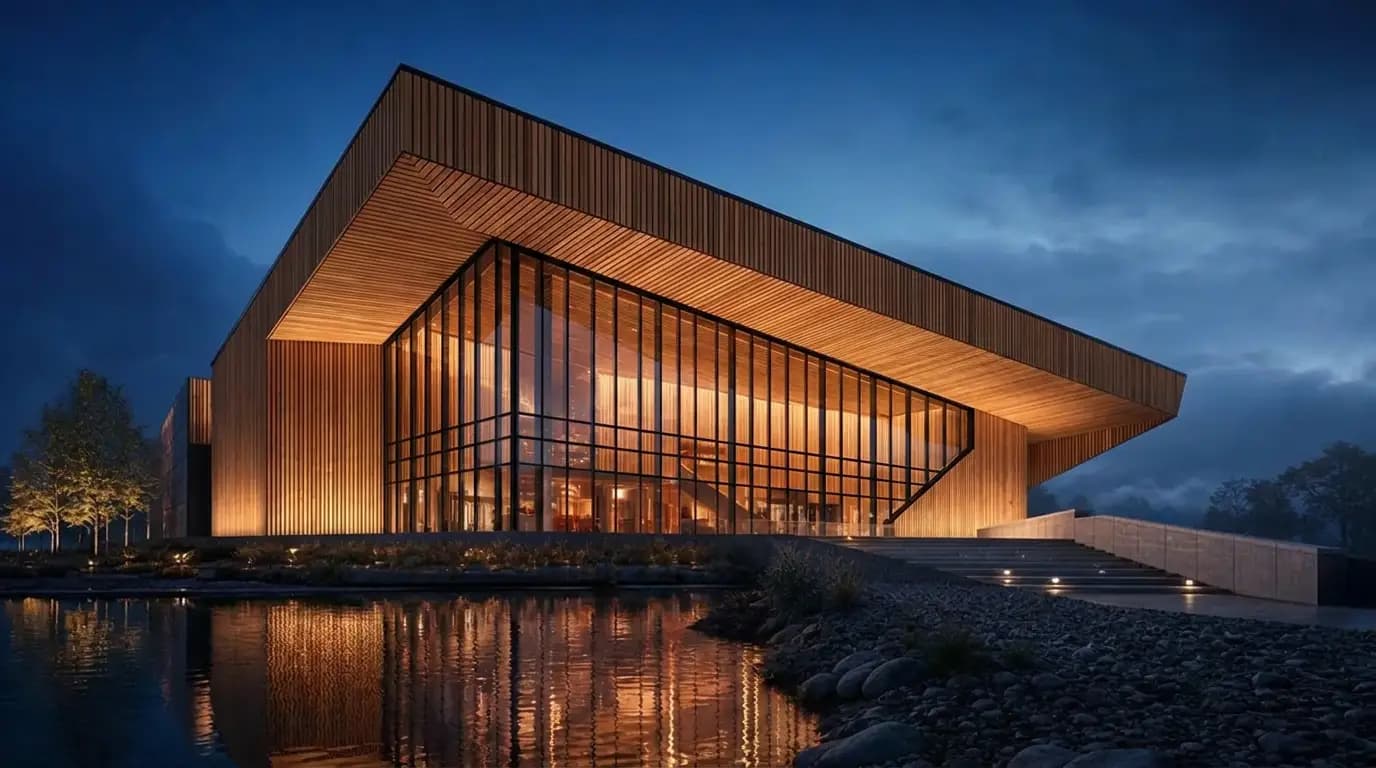
Same house, same view. Swap the facade to weathered red brick.
- What you get
- An edited result you can inspect alongside the source and find again in your project.
- What to keep in mind
- AI may change details you did not request. Inspect openings, edges and proportions; instructions to keep them are not geometry locks. Uploading, opening Edit or reading this guide does not generate an image.
Start with an architectural example
Open an example, then adapt its source and connected Text card. Nothing generates until you choose to run it.
Architectural prompt examples
Anatomy of a strong prompt
Name the subject and geometry, then materials, light and camera. Give each sentence a clear purpose.
Two-storey timber house with a cantilevered upper volume. Warm larch cladding, black window frames. Golden hour, long soft shadows. Eye-level three-quarter view.
Iterate on your building
With an image connected to Edit, describe the change and what should stay. Inspect the result: a preservation instruction is not a guarantee.
Same house, same view. Swap the facade to weathered red brick.
Describe the masked result
Describe what should appear in the painted region, including material and light. Available mask controls depend on the engine.
Floor-to-ceiling glazing with slim bronze mullions
Address image slots
In Edit, image 1 is the source. Image 2 and later are references in the displayed order. Explain each image's role.
Place the building from image 1 into the red-marked area of image 2. Match perspective and scale.
Separate design and representation
A design style describes the architecture; watercolor or marker describes its representation. State which should change.
Describe film movement
Use camera verbs: orbit, push-in, rise and reveal. Choose an available duration. For 3D, use a clear view and inspect inferred surfaces.
Slow cinematic orbit around the building, dusk light
Populate with intent
Describe who uses the space, how busy it feels, and the light the figures should match.
A lively number of people: families with children, two cyclists. Late afternoon light.