Sketch and model to render
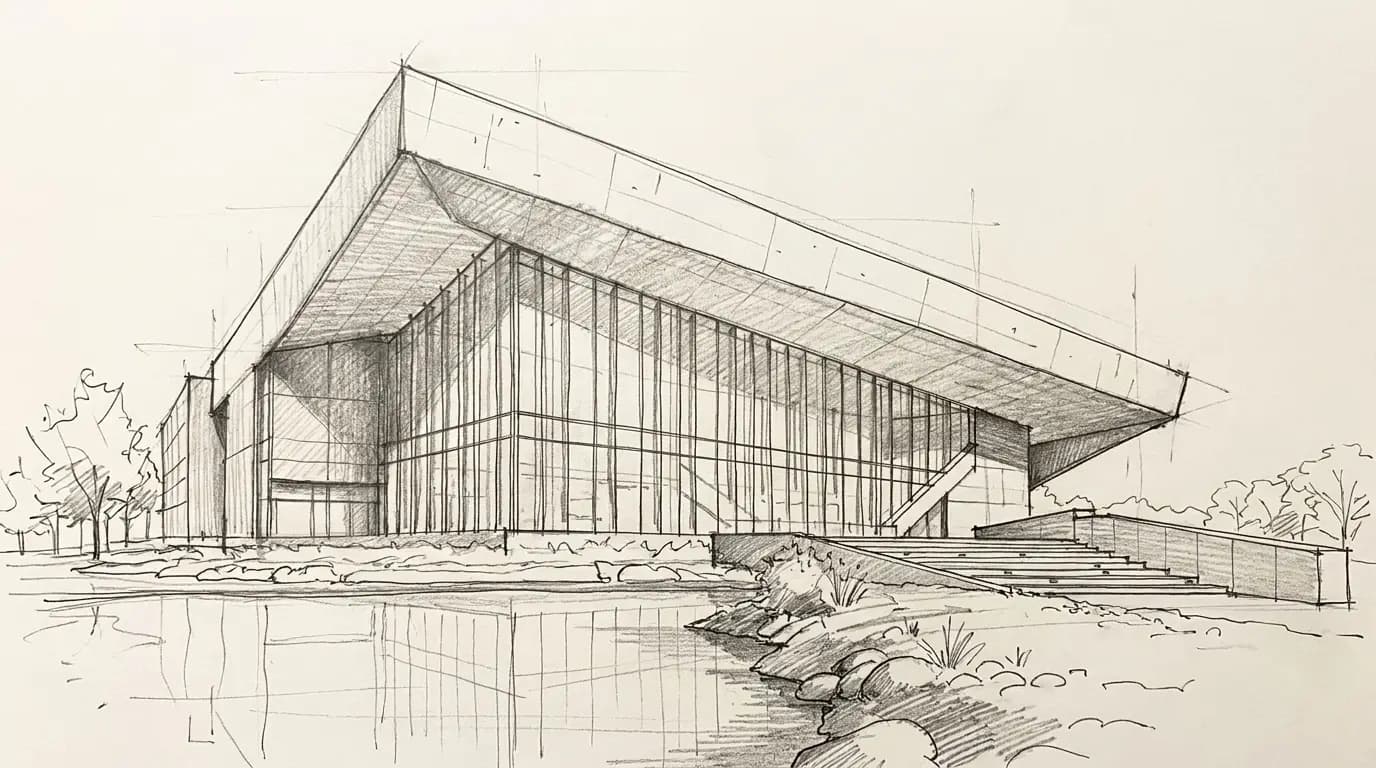
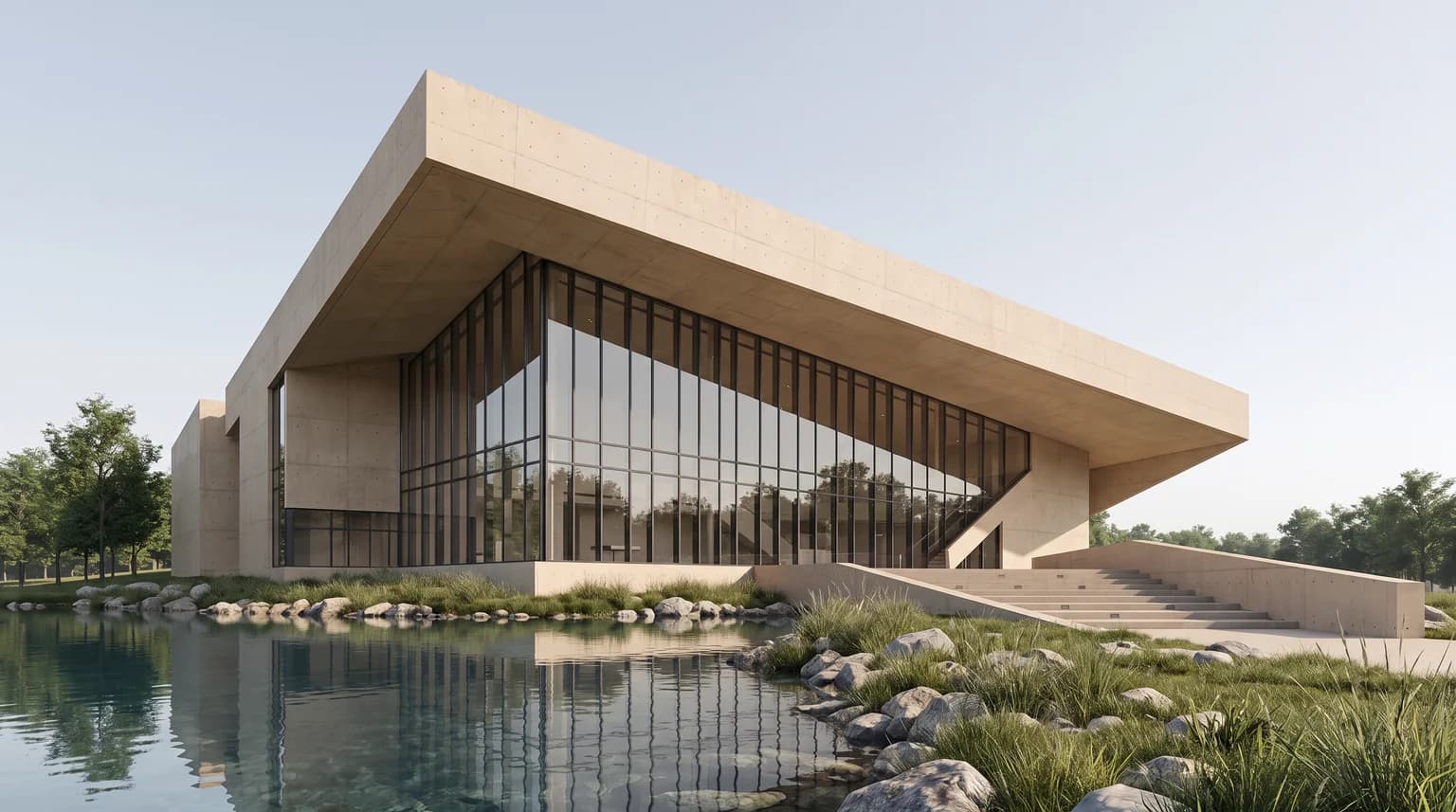
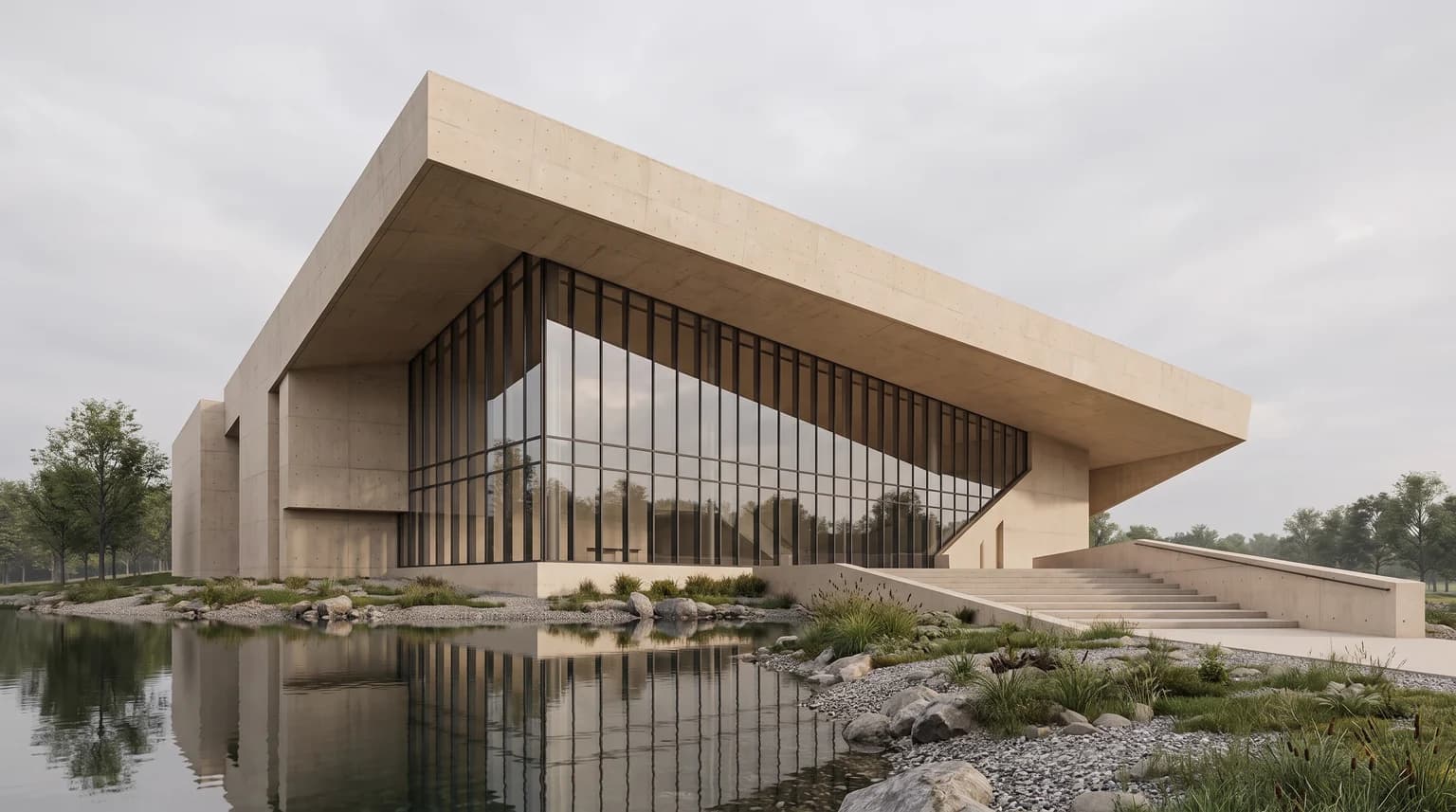
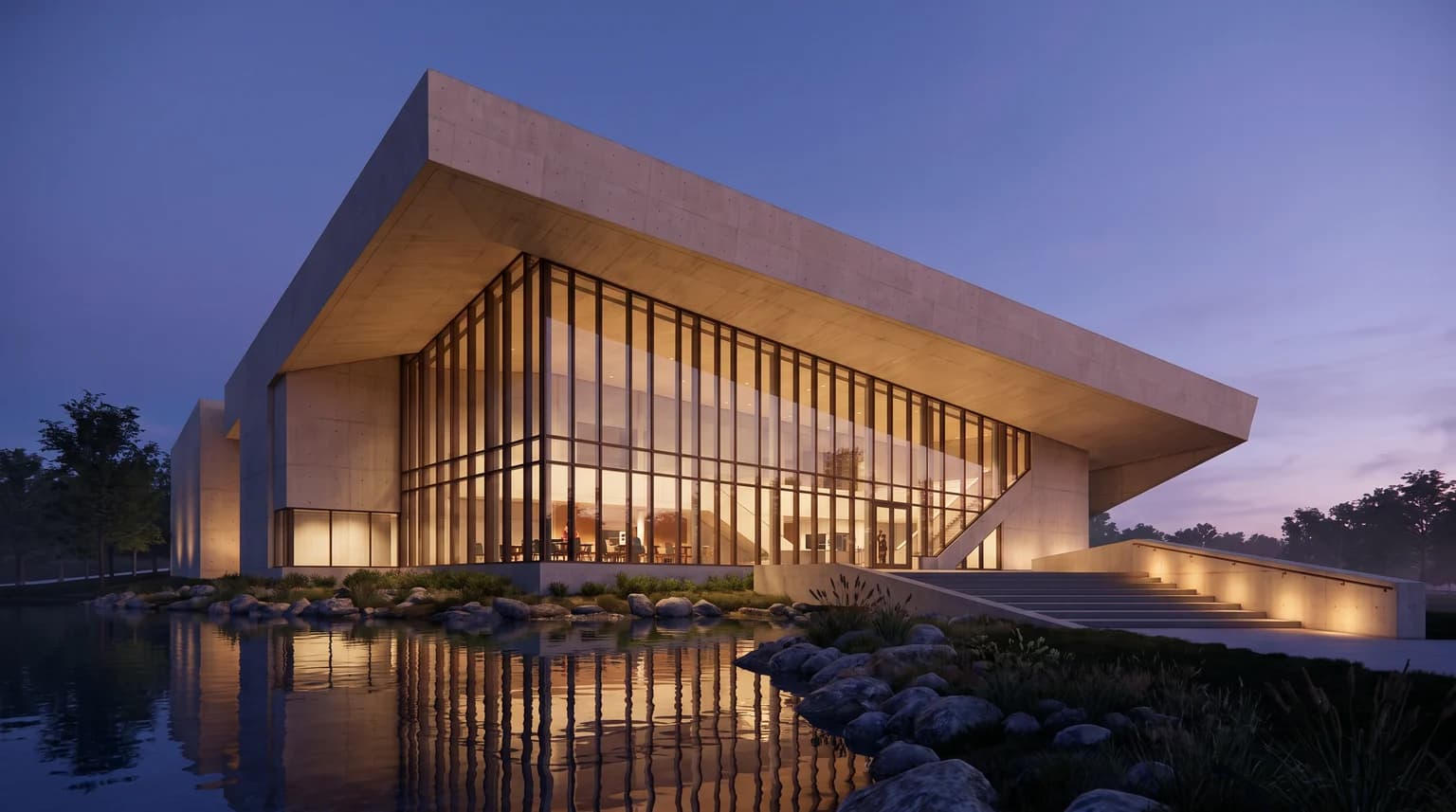
Start from a sketch or an image export of your model and get presentation renders in several lights. The massing and camera stay recognizable.
Try this workflowA real run
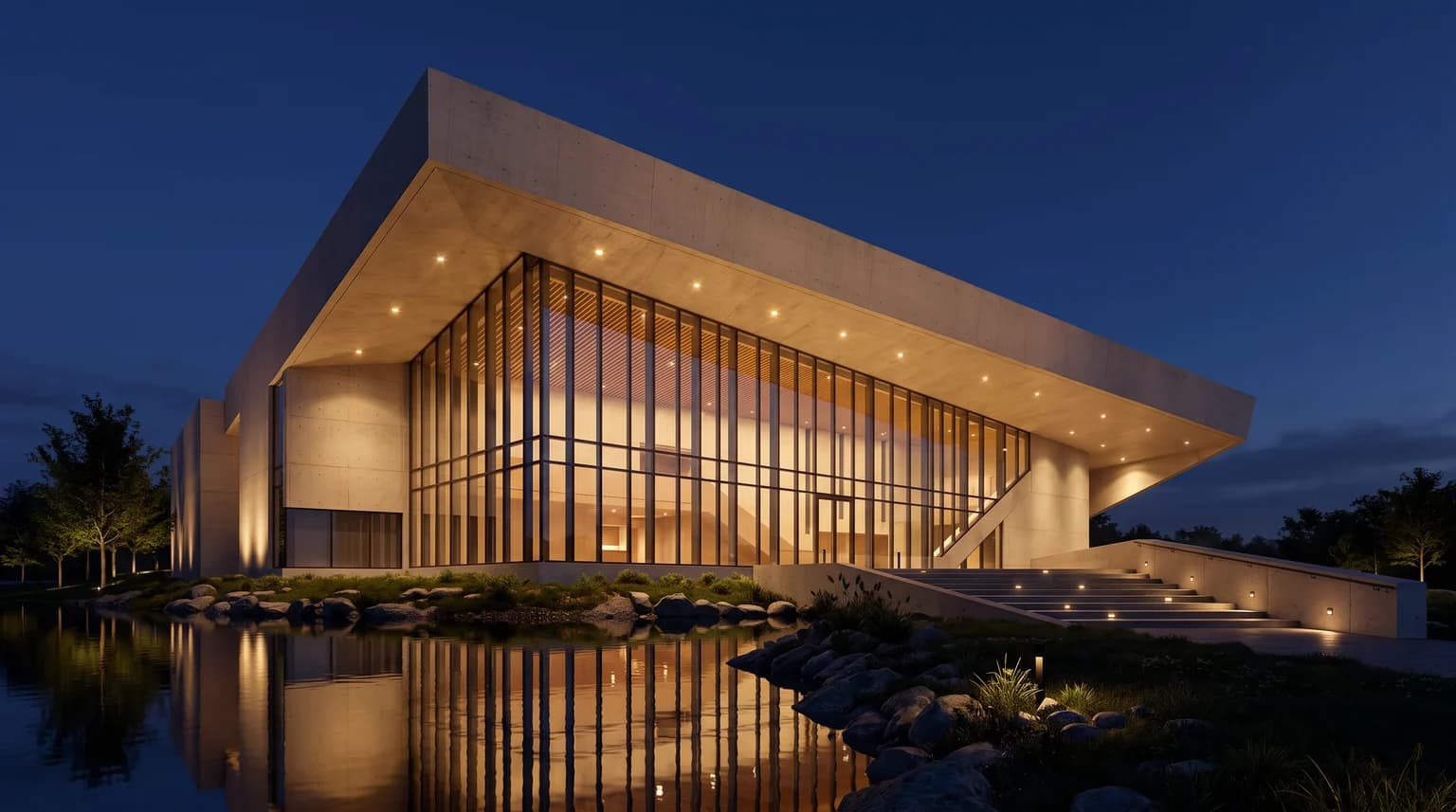
Four independent lighting studies from the same sketch. The main massing and camera remain recognizable; detail and landscape are interpreted by the model. Model: Nano Banana Pro.
How it works
- 1Add your sketch or a view exported from SketchUp, Rhino or Revit.
- 2Run the workflow and review each lighting study on the canvas.
- 3Keep the view you like and refine it with edits or upscaling.