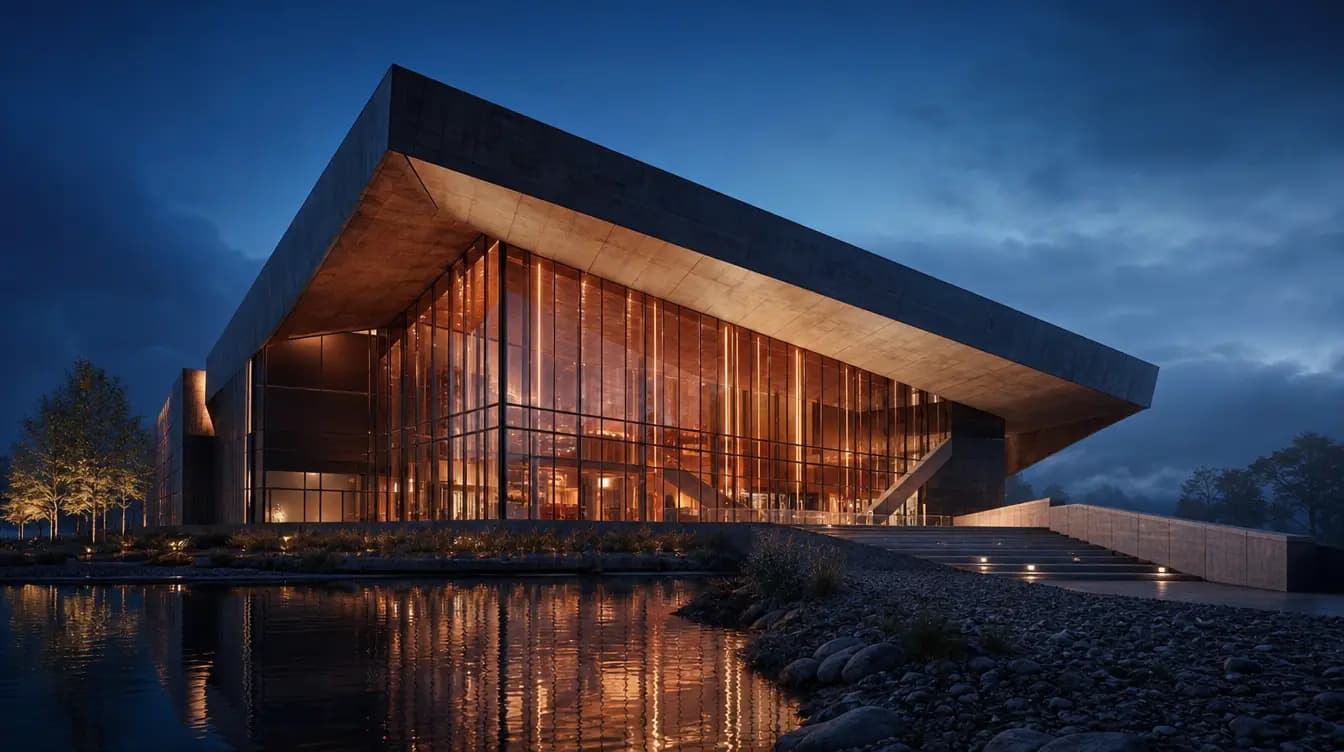
From a sketch or a model view
The image you connect guides the result. The Sketch to render and Model view to render apps keep massing and viewpoint as limits and fill in material and light.
Model view to renderOne card, two jobs: Generate makes new images and Edit changes the image you connect.
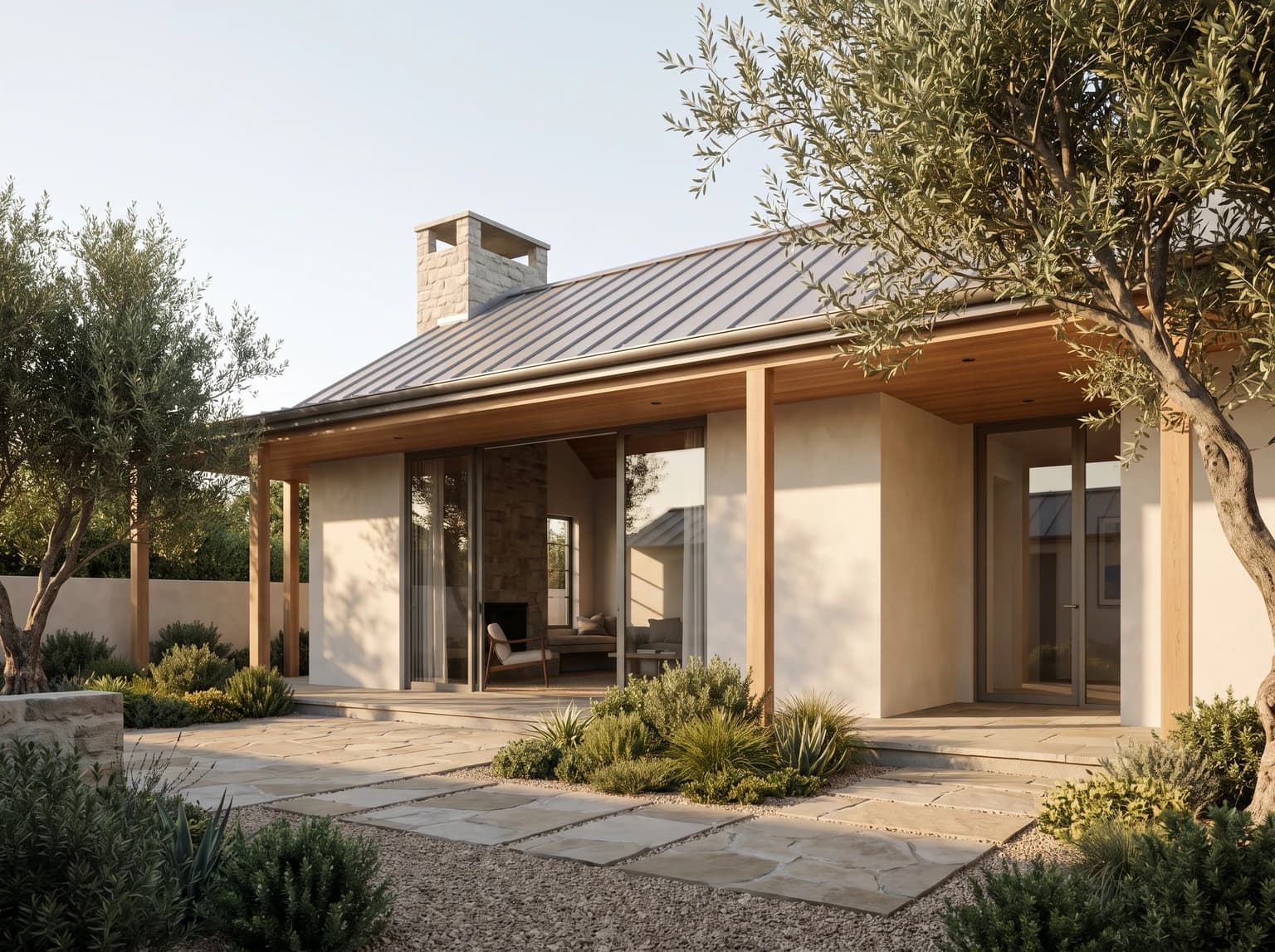
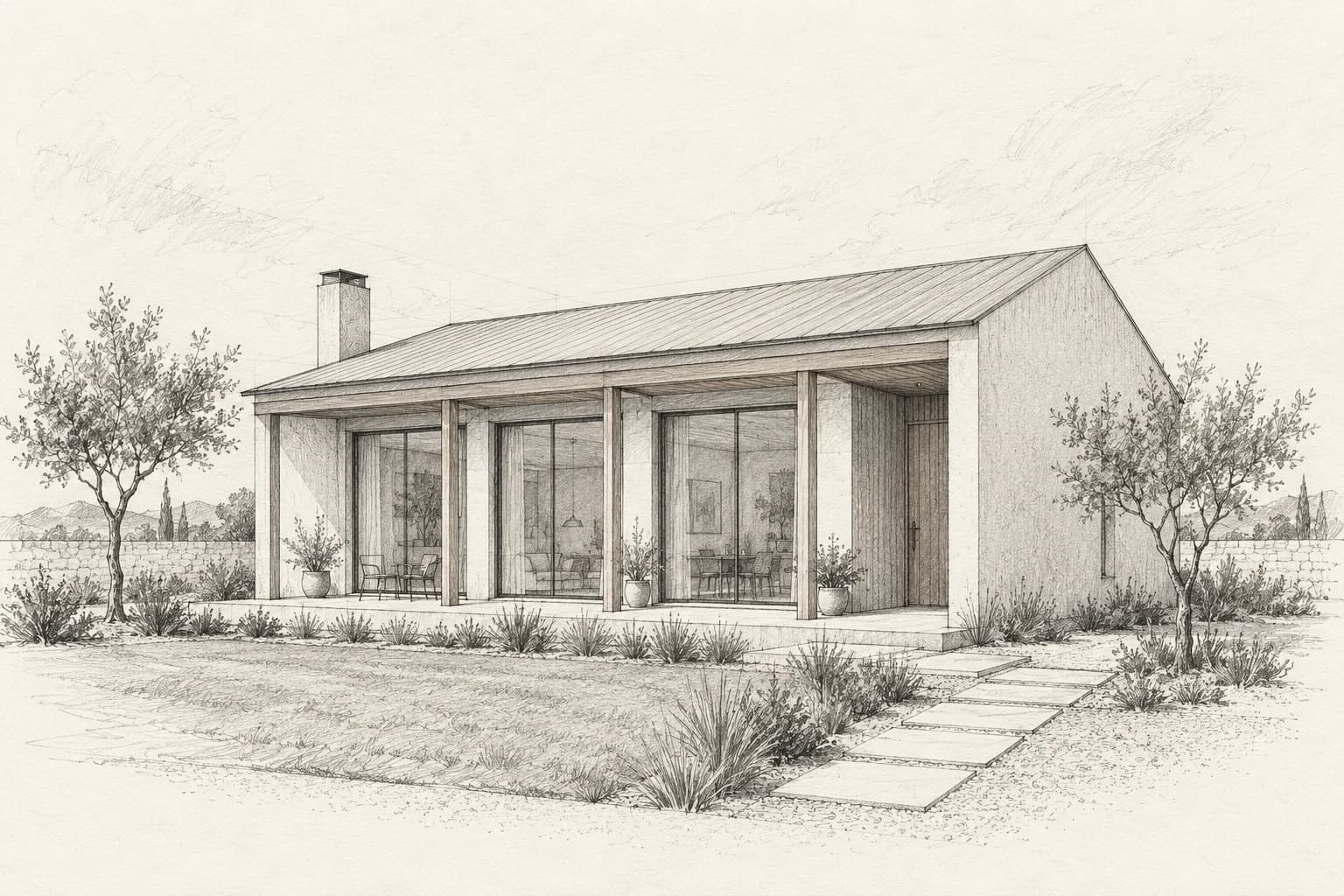
The image you connect guides the result. The Sketch to render and Model view to render apps keep massing and viewpoint as limits and fill in material and light.
Model view to render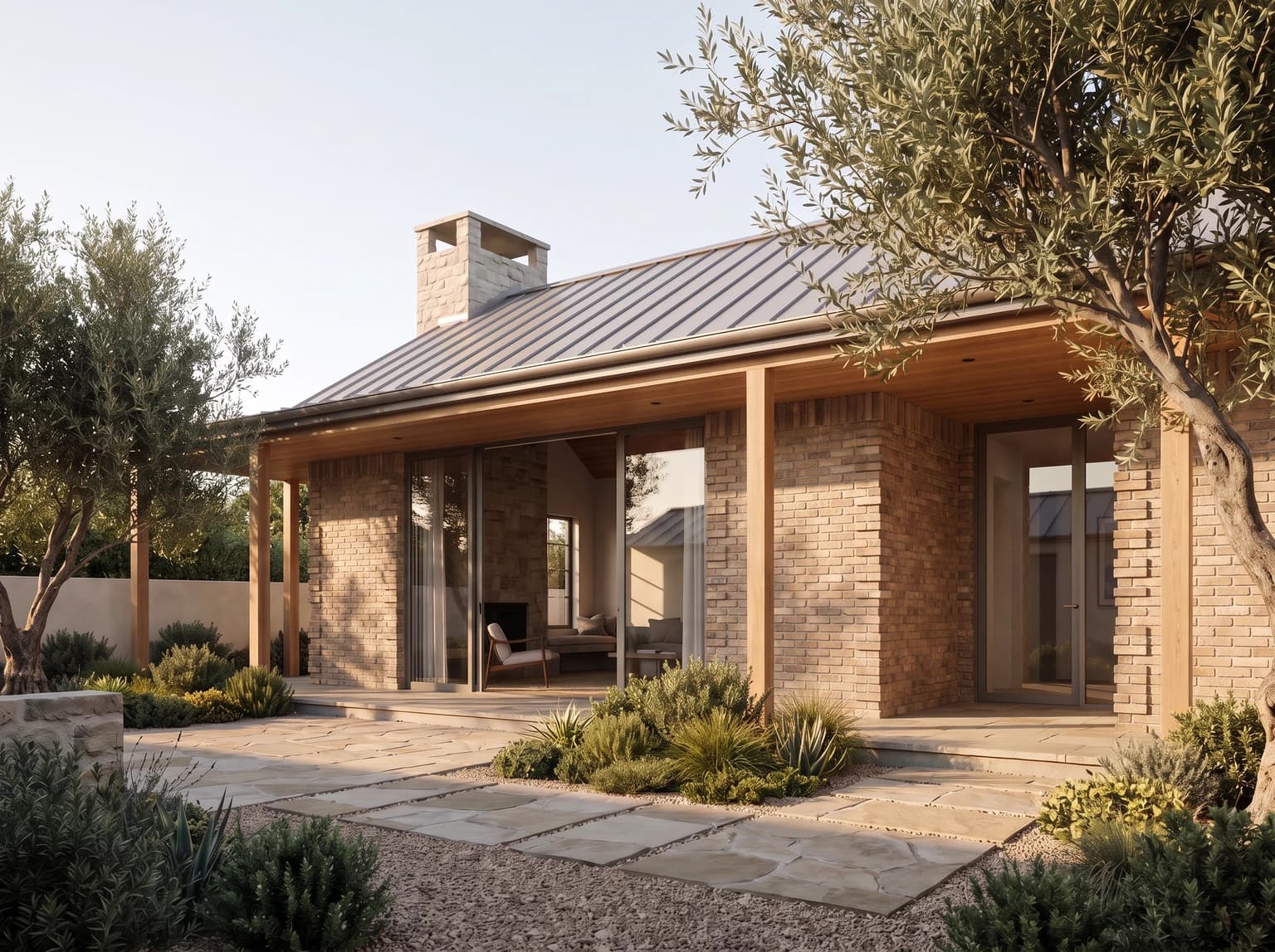
Switch to Edit and write the change and what should stay; add references or paint one area if you like.
Edit with references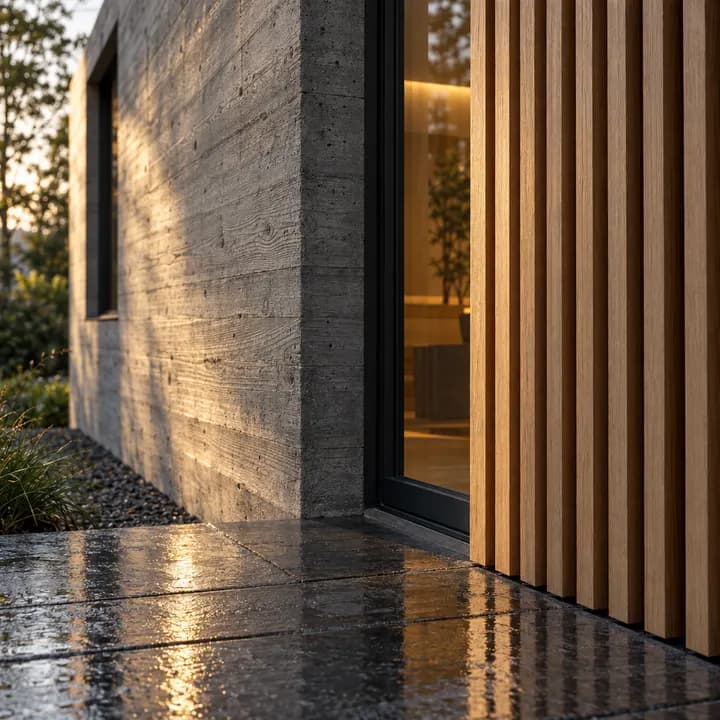
Run the same draft on up to three models at once and approve their total credits in one step.
ModelsThe sketch, render and facade come from a recorded Archly run; the model image is from a comparison recorded in Archly with one prompt.