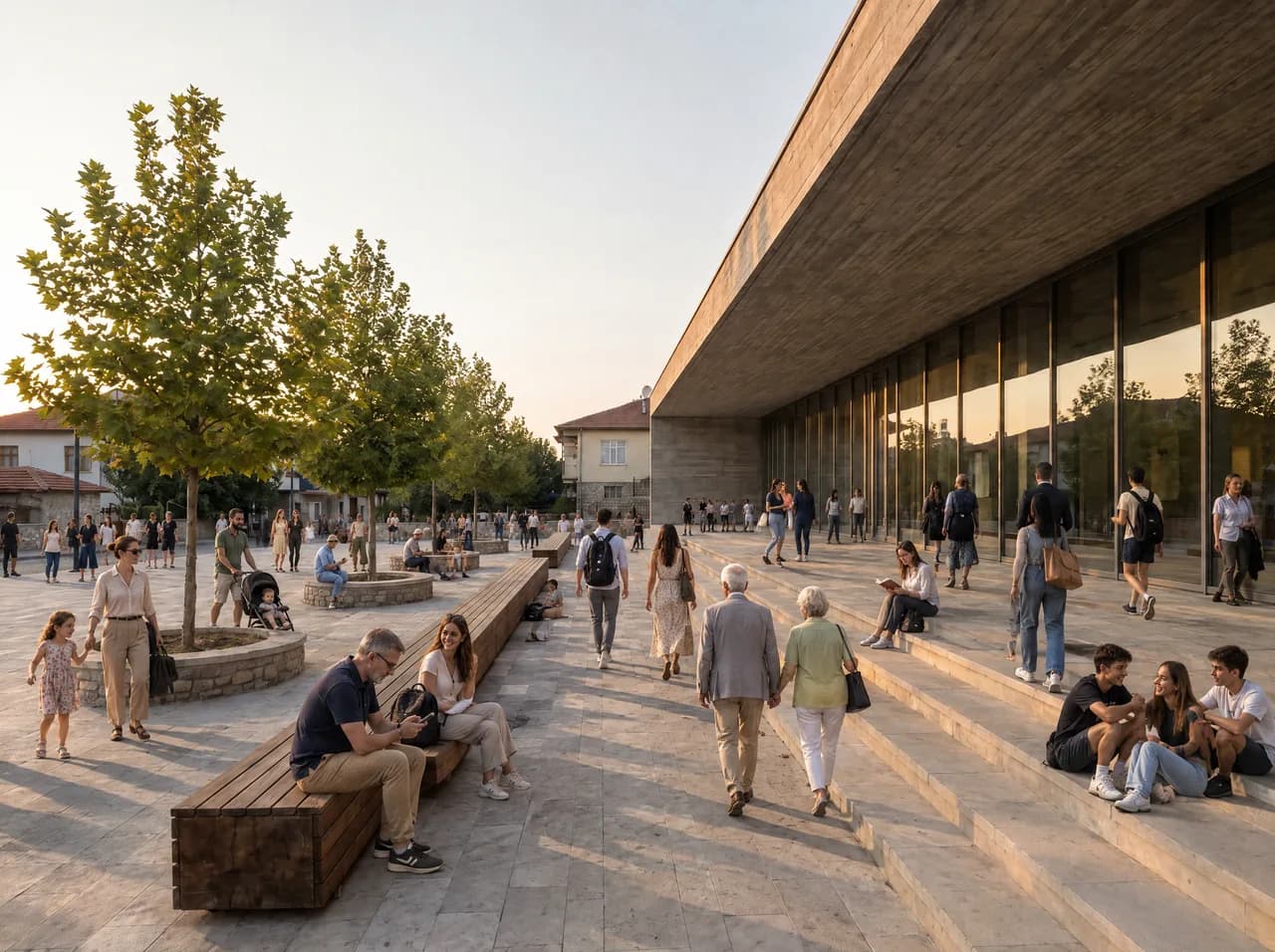
The people who use the square
From a few people to a packed square; young people, families or seniors, walking, sitting or talking, placed in the scene's light.
Add peopleShow an empty square with the people who use it and a quiet street with its traffic, then take the same view into night or rain.
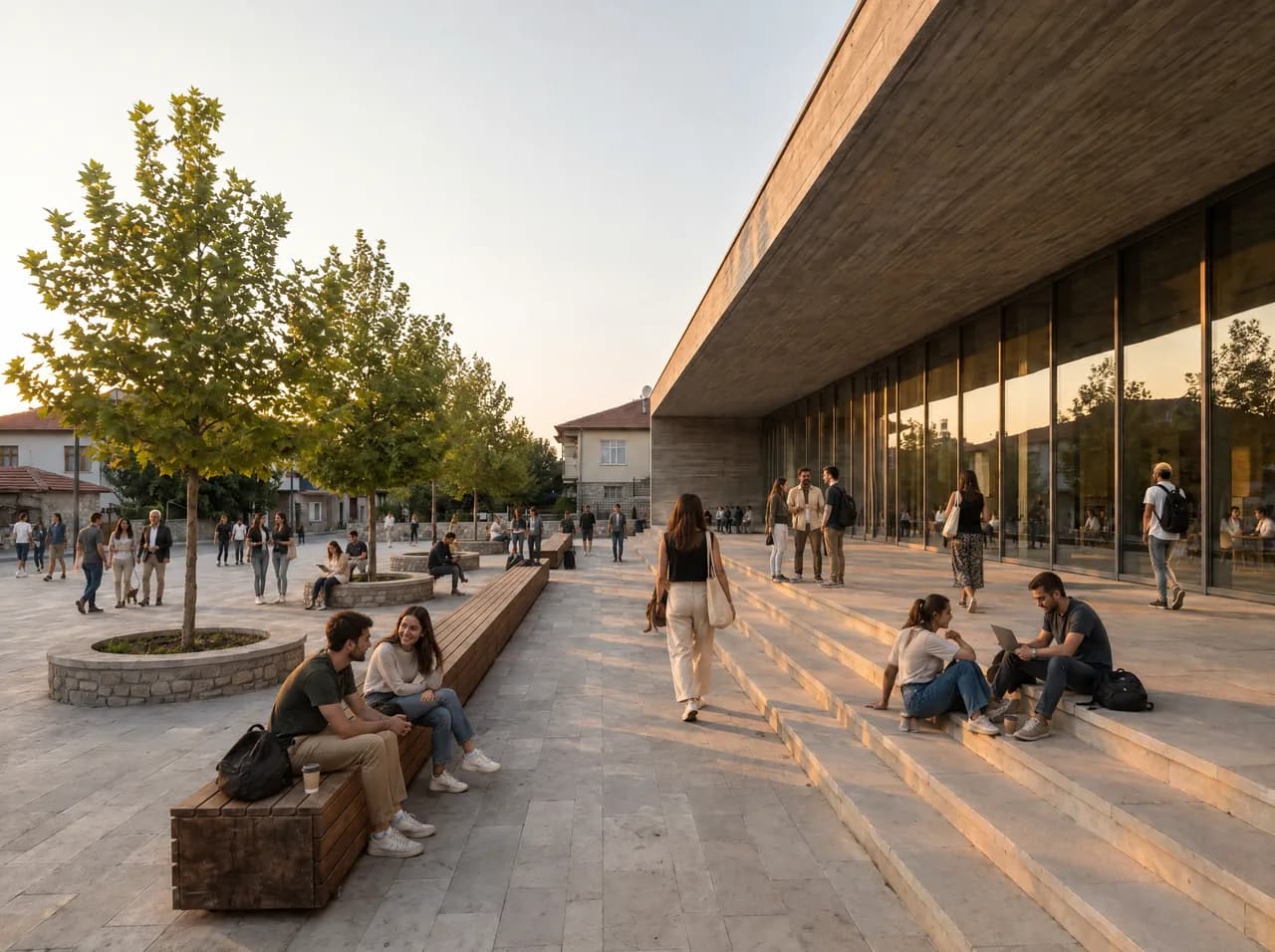
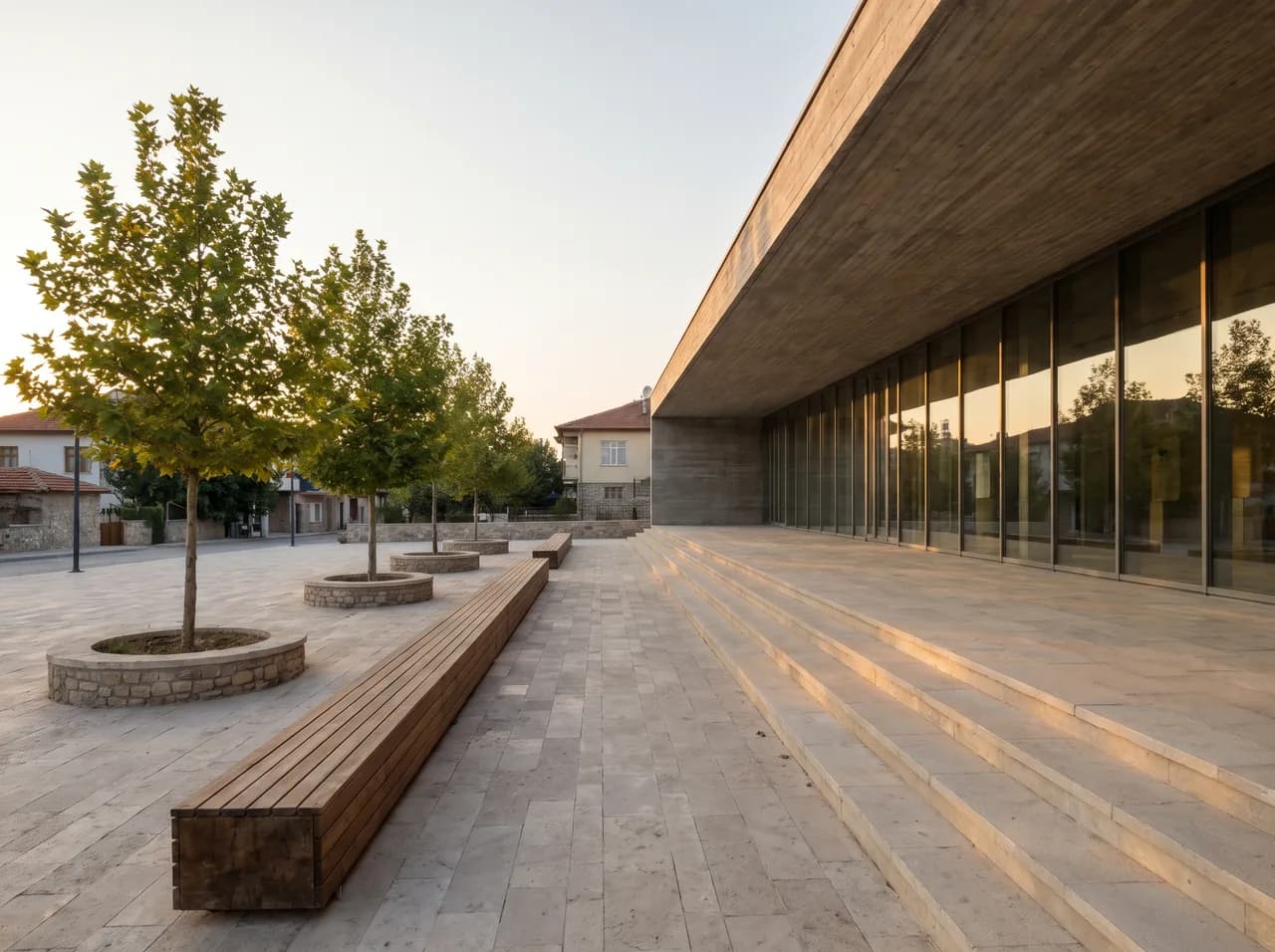
From a few people to a packed square; young people, families or seniors, walking, sitting or talking, placed in the scene's light.
Add people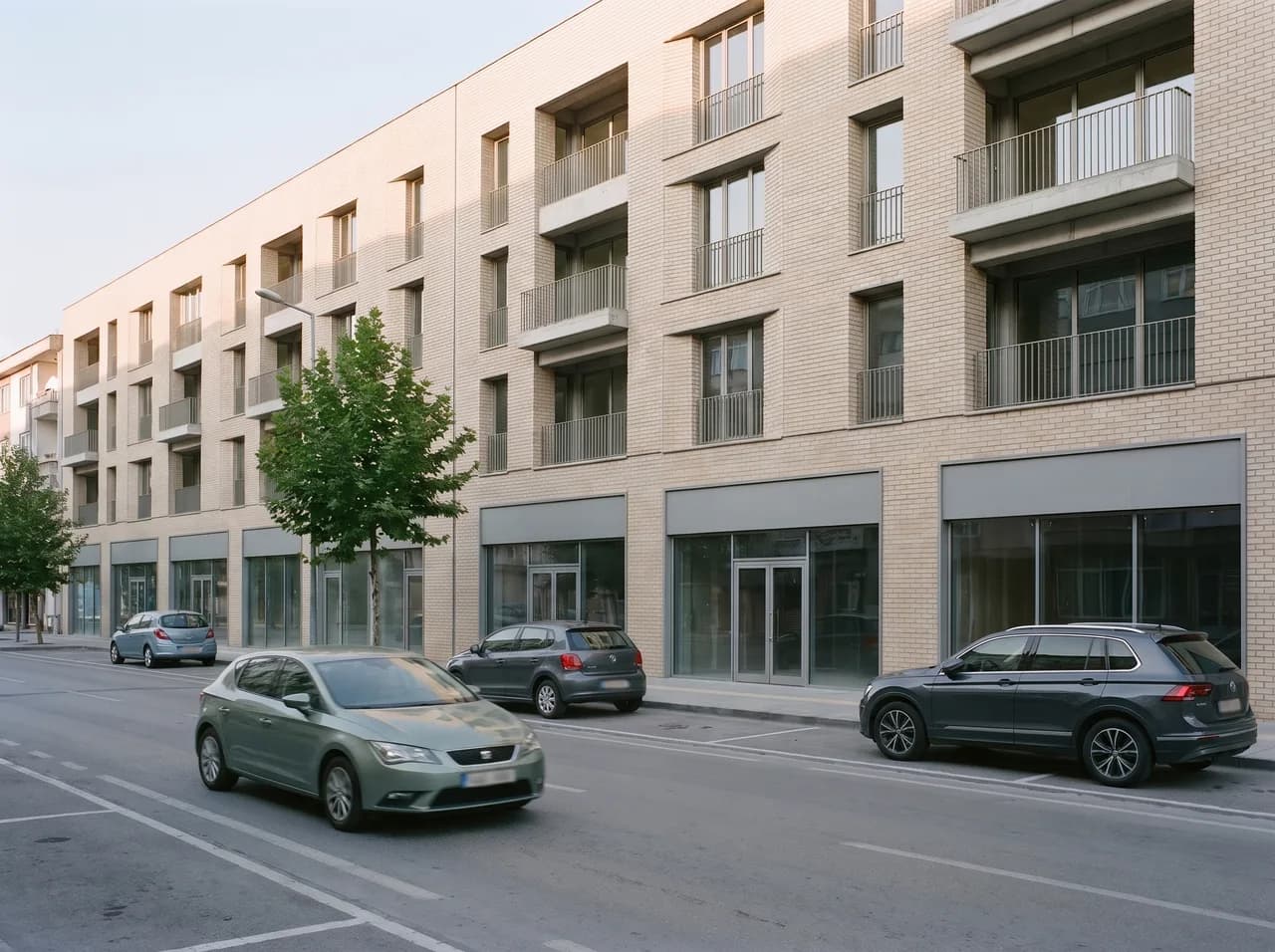
The Add vehicles app puts parked and passing traffic on the road at the right scale: cars, taxis, buses, bicycles or scooters, a few, some or many.
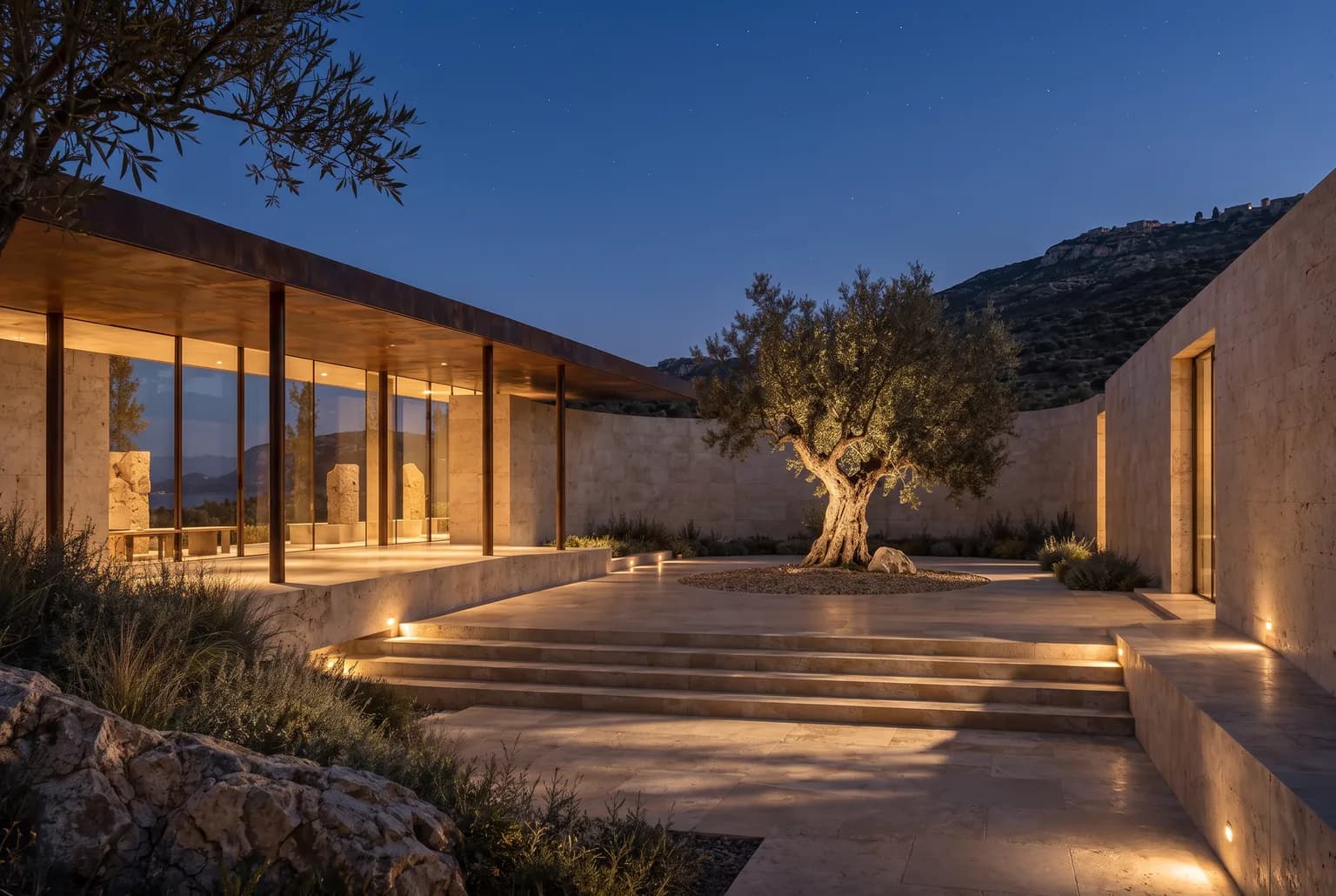
Move the same view from morning to night and choose the season and weather: rain, snow or fog. Buildings and camera aim to stay.
Time of day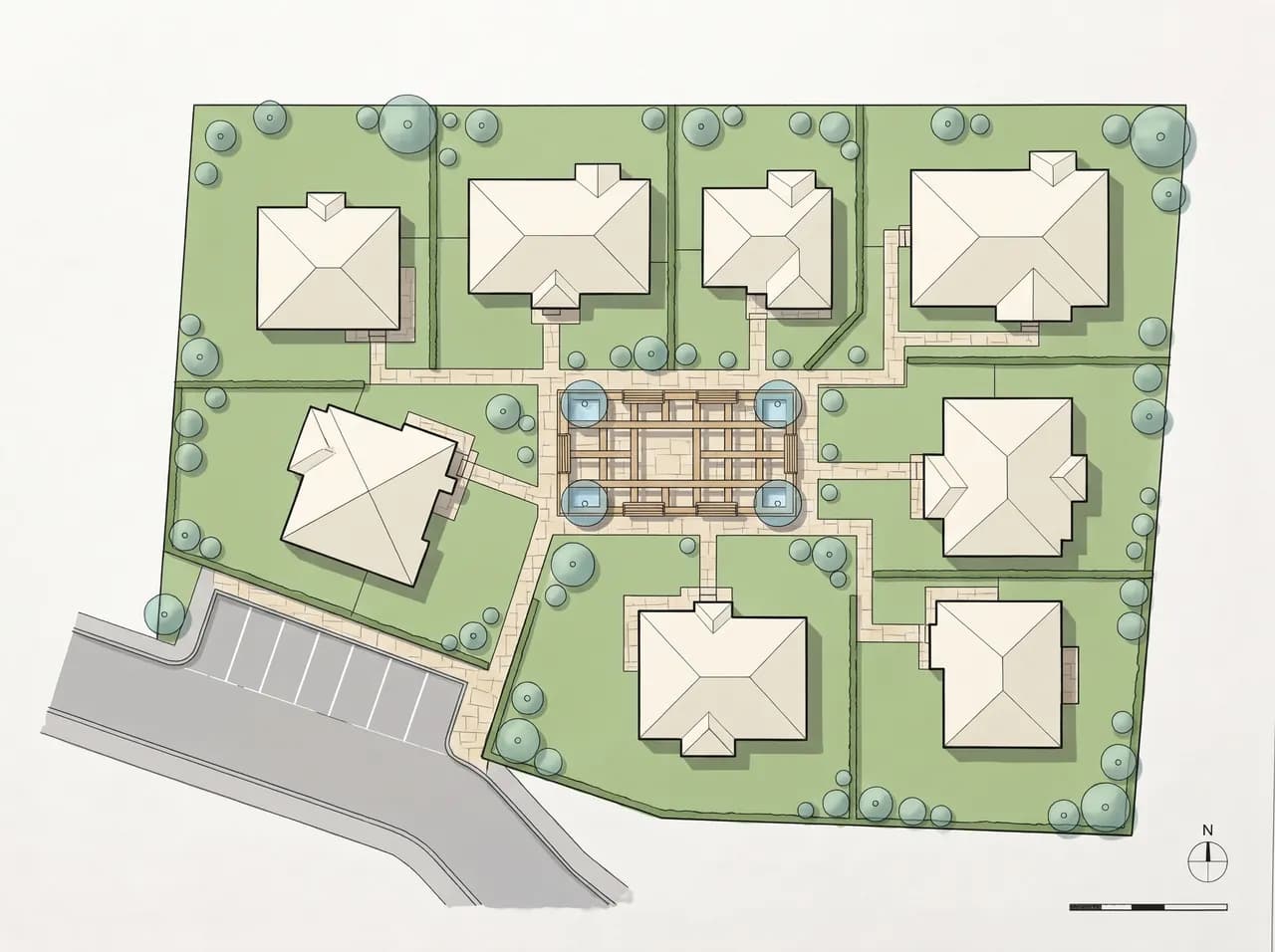
Turn a line site plan into a coloured presentation plan. Camera angle shows the scene from above, and Drone shows it from the air in a short clip.
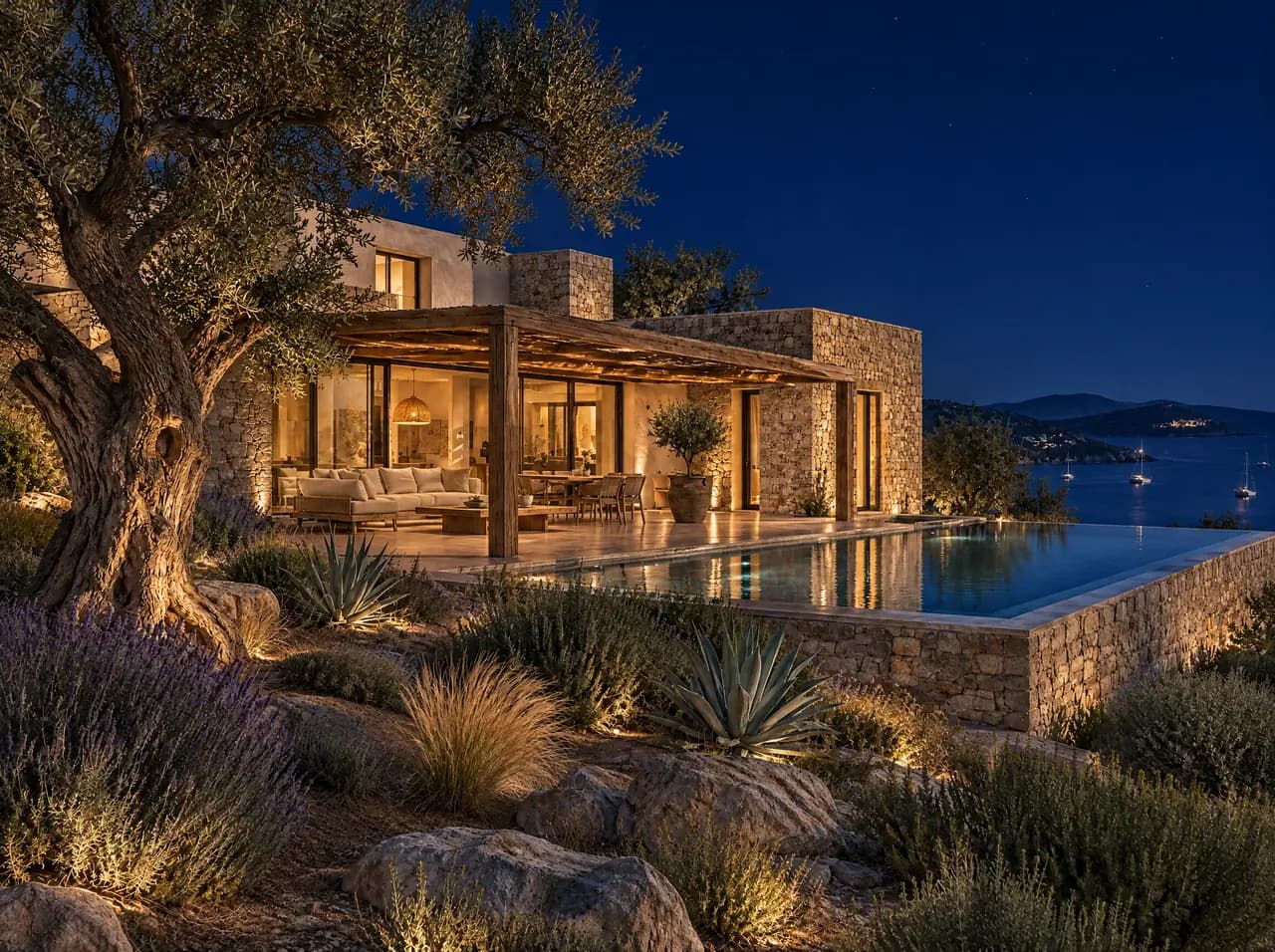
The square, street and plan examples were made on Higgsfield from the apps' own instructions; the night view comes from a recorded Archly run. The images represent a design; they are not a pedestrian or traffic study.