Set up your office
Name your office in Settings, then create an invitation link tied to each teammate's email and send it; only the verified account of that email can accept it.
Your team works together in the office's projects, runs draw on the office wallet and you decide how much each member may spend a month.
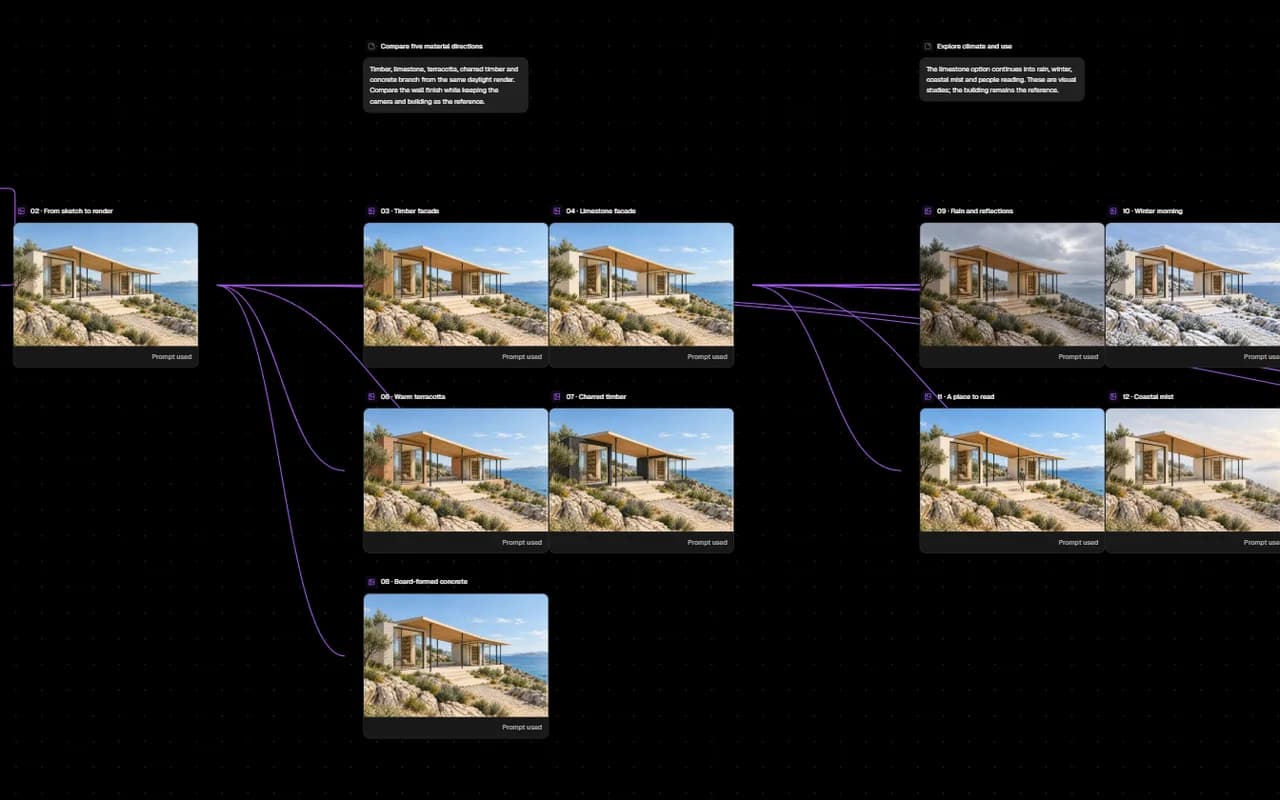
Name your office in Settings, then create an invitation link tied to each teammate's email and send it; only the verified account of that email can accept it.
Projects opened in the office belong to it: the owner, admins and editors open and run them, and a viewer reads and comments. Your personal projects stay personal.
CollaborationRuns in office projects draw on the office wallet. Only the office owner buys credits, from today's packs, in the office's name; the invoice carries the company name, tax number and tax office.
Give each member a monthly credit limit or leave it unlimited. The month follows Istanbul time; last month's spending does not count against the new month.
Show the images you choose on a page that needs no account; your client leaves a comment on each under a name. Add a password if you like.
Runs in office projects draw on the office wallet; runs in personal projects draw on the project owner's own balance.