Tip
Use the note for what the app cannot guess; where to cut, for example: through the stair and the living room.
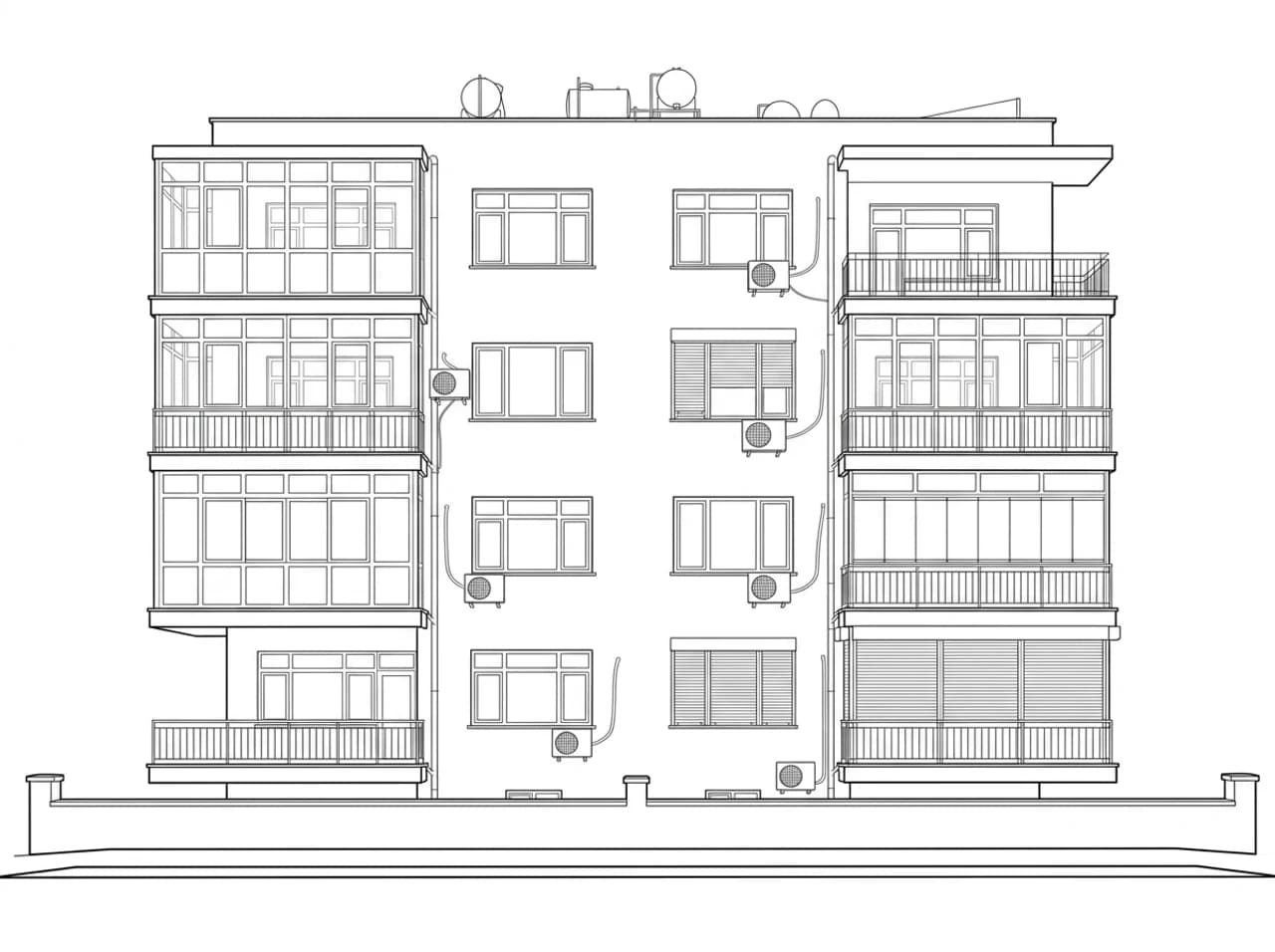
Draw a perspective or orthographic section from a render, a model view or a photo; say in the note where the cut goes. An explanatory drawing, not a measured one.
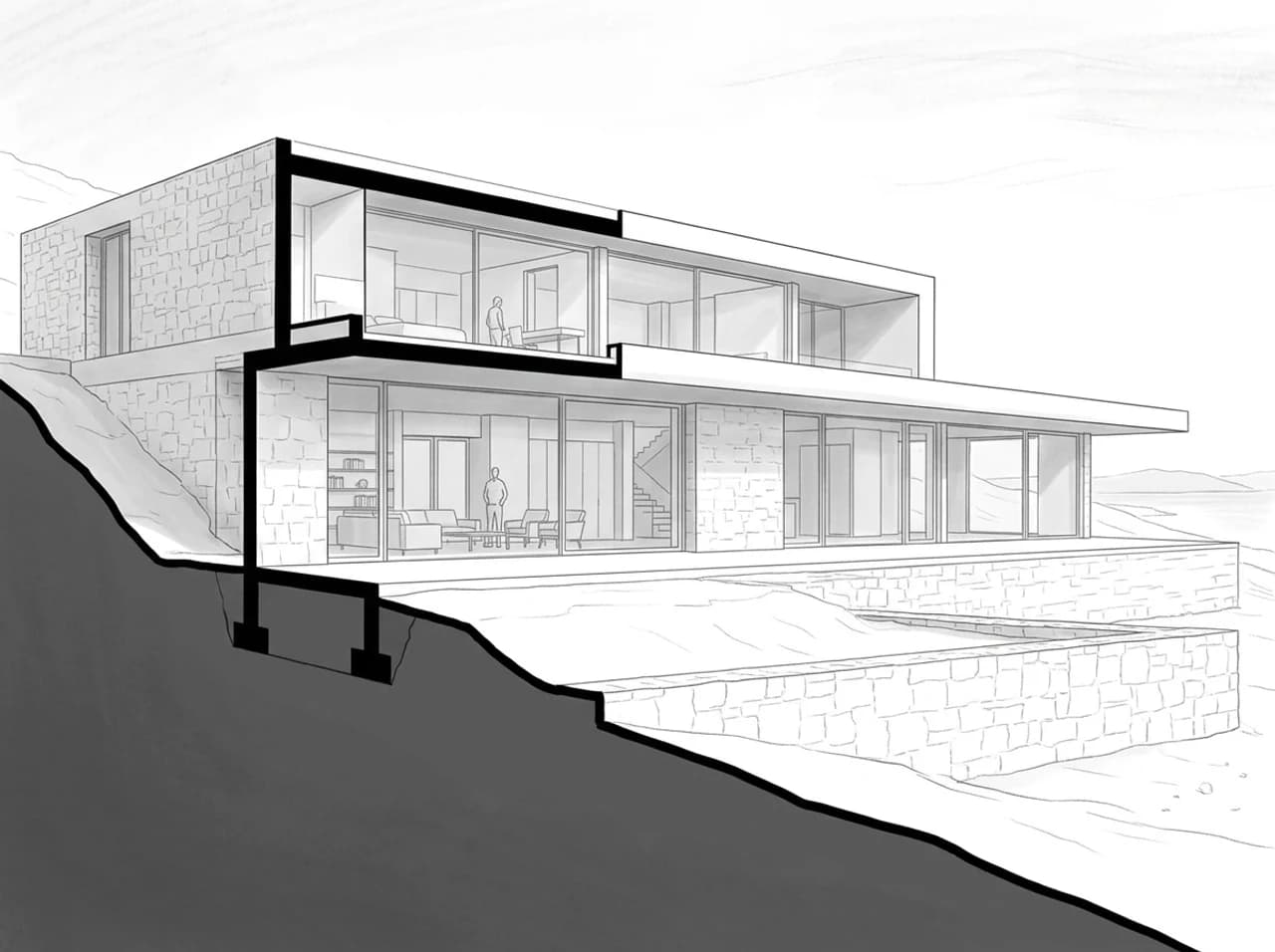
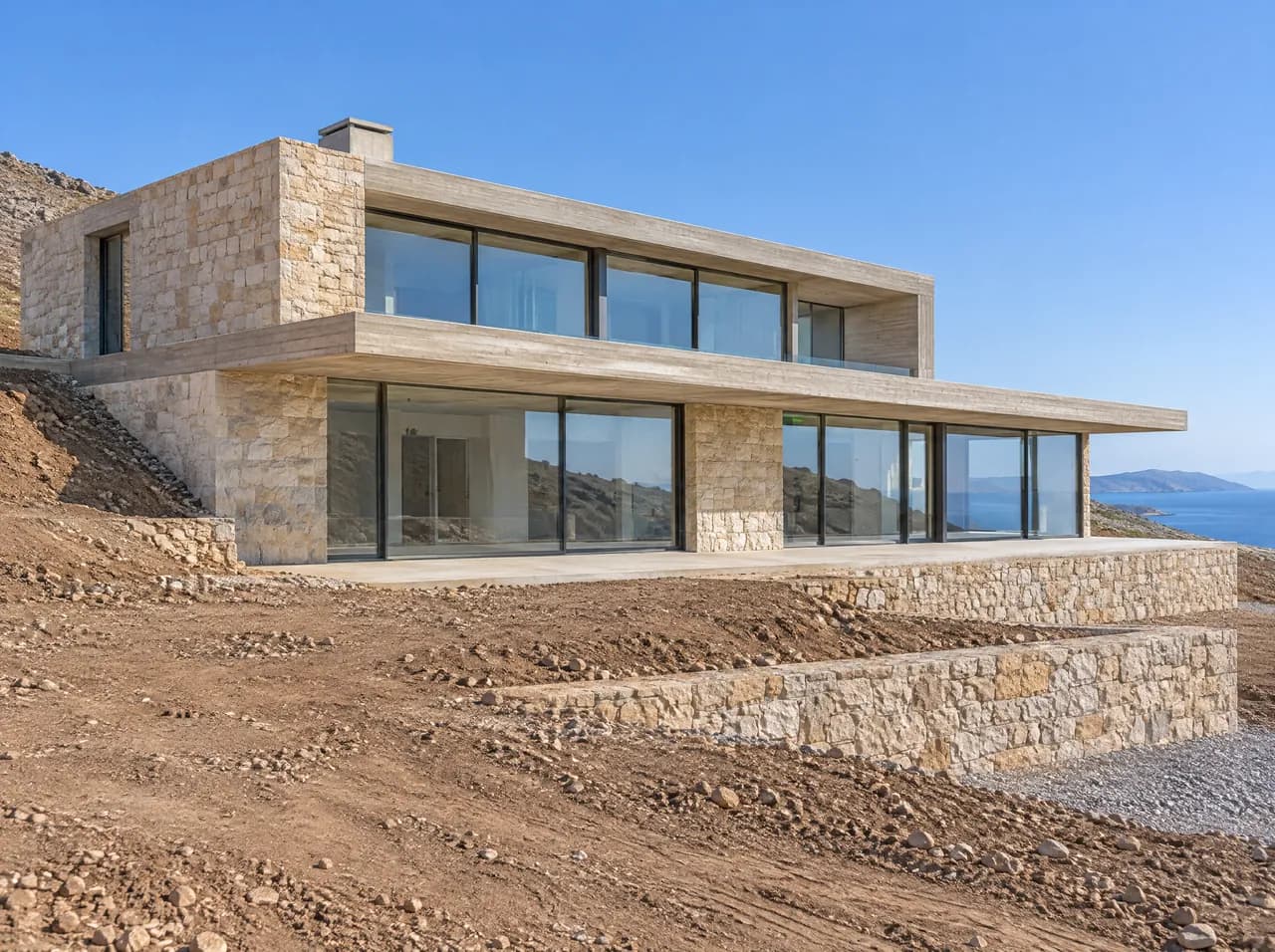
Use the note for what the app cannot guess; where to cut, for example: through the stair and the living room.
What lies behind the walls is estimated from the image. The section contains no measured dimensions.
Starts on Nano Banana 2.1; you can choose another model in Settings, such as Nano Banana Pro for more detail.
What lies behind the walls is estimated from the image. The section contains no measured dimensions. Example result. Results vary with the image.