Skip to content

Sketch

Draw over a photo or a model view, note what each part should be, and render the frame.
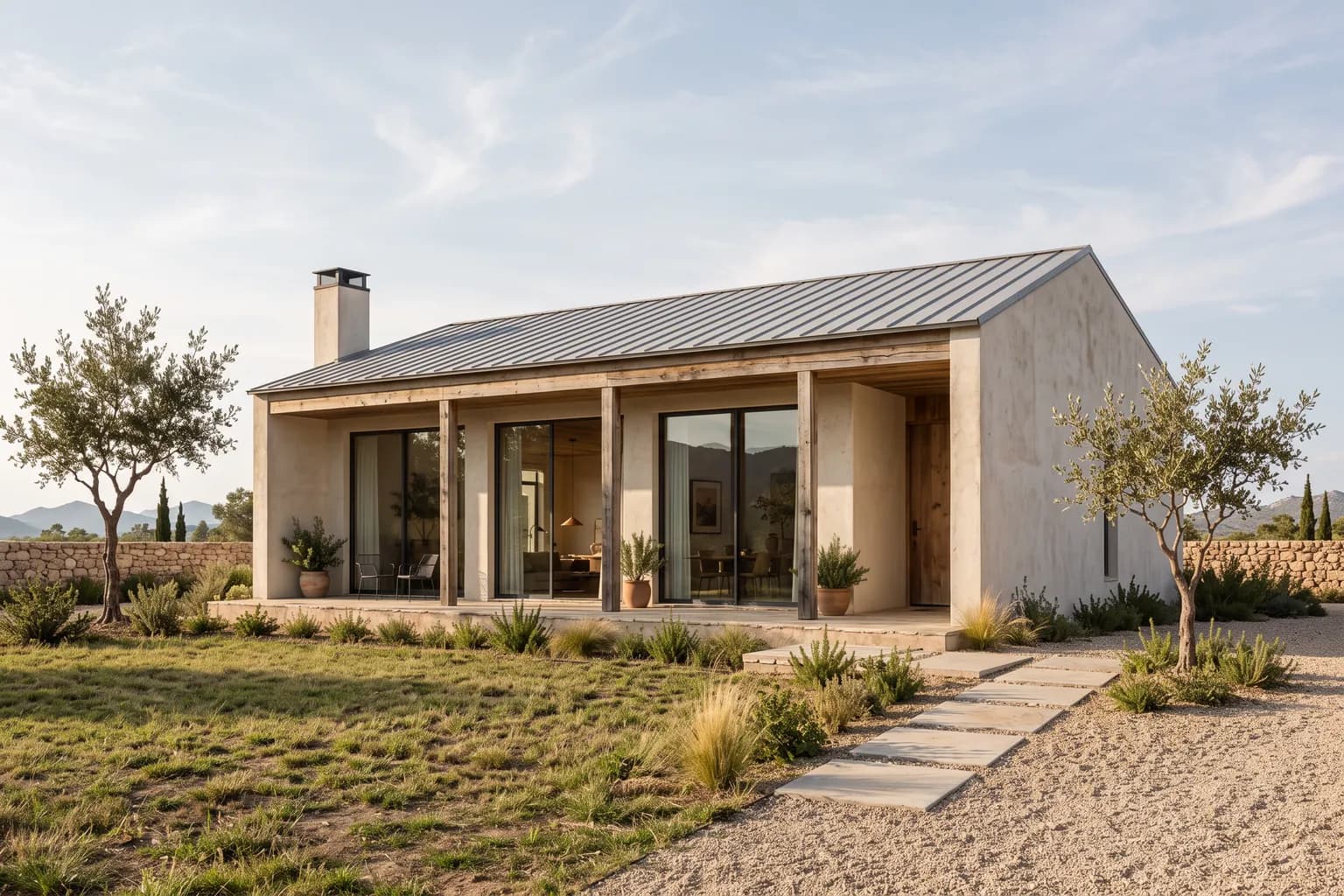
A house rendered from a sketch: pale plaster, timber and a metal roof
Underlay
A blank page, a photo, a 3ds Max view or a DXF
Notes
Up to 9; each can carry a reference picture
Render
On up to four models, one approval
Pack
Open on every account; each model with its own pack

How it works

  1. Open Sketch; start on a blank page or put down a photo, a 3ds Max view or a DXF.
  2. Draw with the pen, shapes, fill and scale figures; pin a note to a line and add a reference picture if you like.
  3. Render this frame: pick the models, check the credits, approve; the result continues in the canvas or in Layers.

Notes stay out of the drawing

Each note reaches the model as a numbered area, so your lines stay clean.

Draw over the render again

Put the result you like under the board, draw what should change and render again.

Sketch to render

The render interprets your drawing; it does not guarantee measurements or geometry.