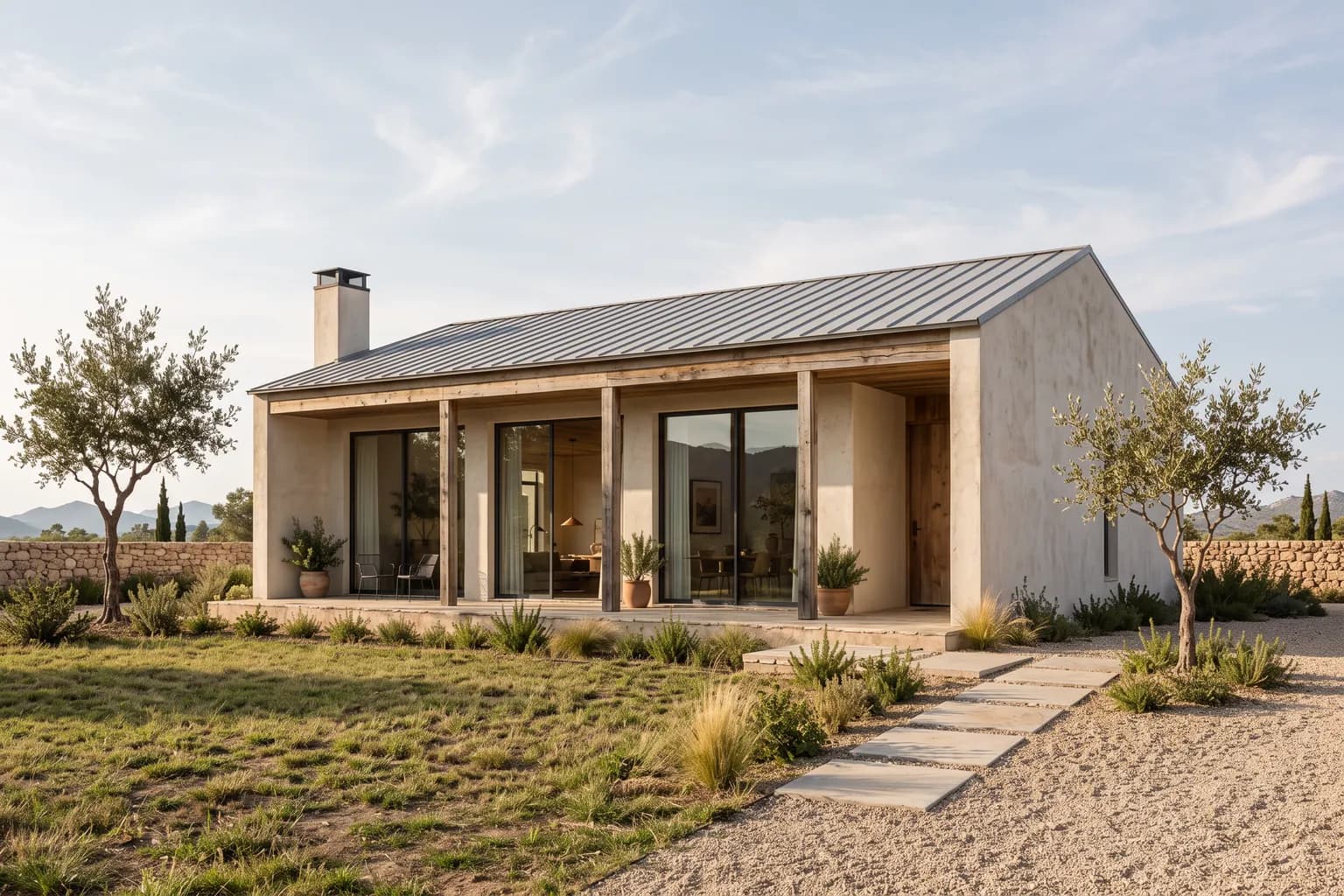
The drawings you can tick
Section axonometric, Elevation, Technical detail, Axonometric, Spatial structure, Floor plan, Sketch, Night, Design board, Physical model, Exploded axonometric
Pick one image, tick the drawings you want, and they all arrive in one run.
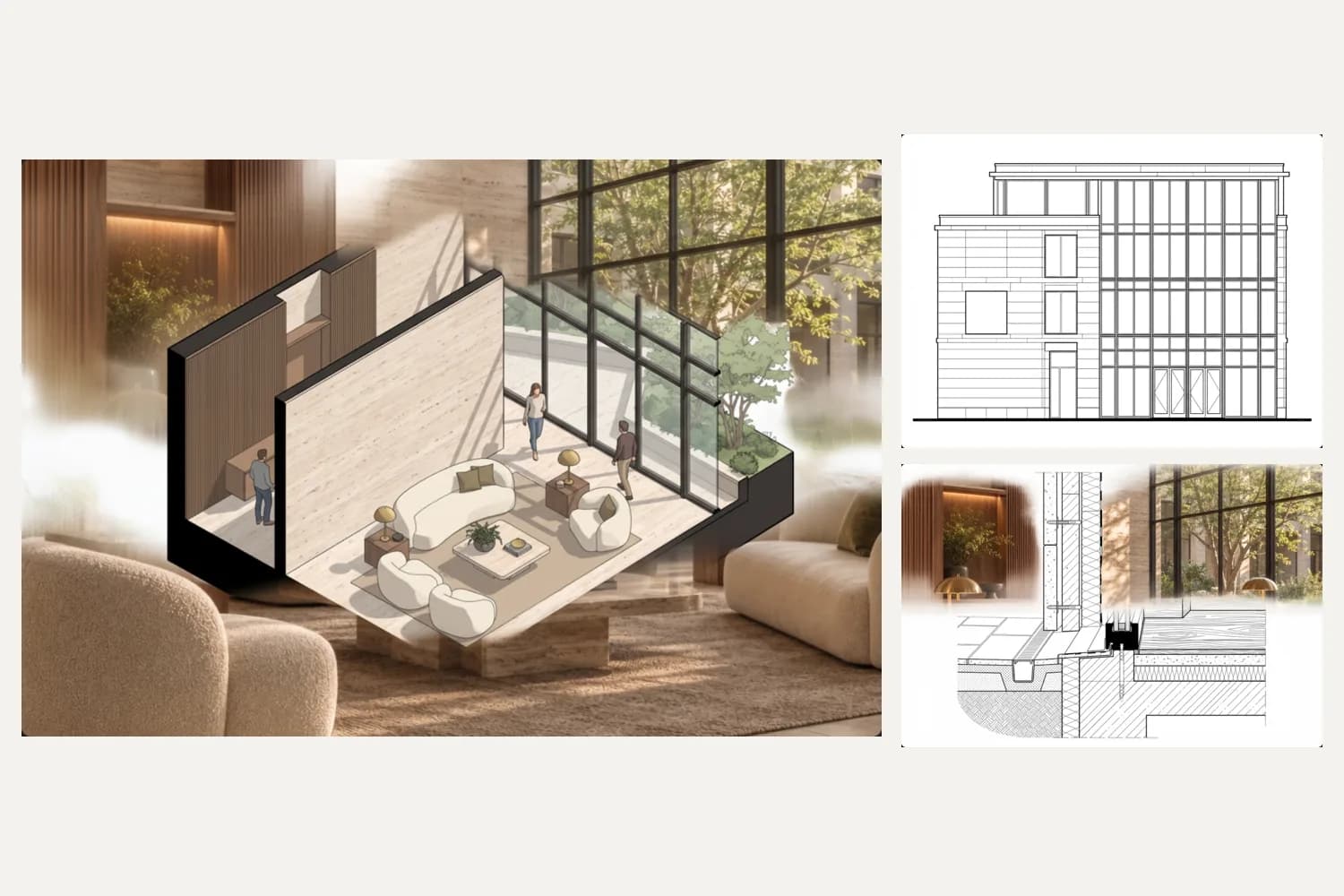
Section axonometric, Elevation, Technical detail, Axonometric, Spatial structure, Floor plan, Sketch, Night, Design board, Physical model, Exploded axonometric
Turn a drawing into SVG; the DXF comes from the same vectors, one layer per colour.
Hidden parts and build-ups are estimated from the image. The drawings contain no measured dimensions.