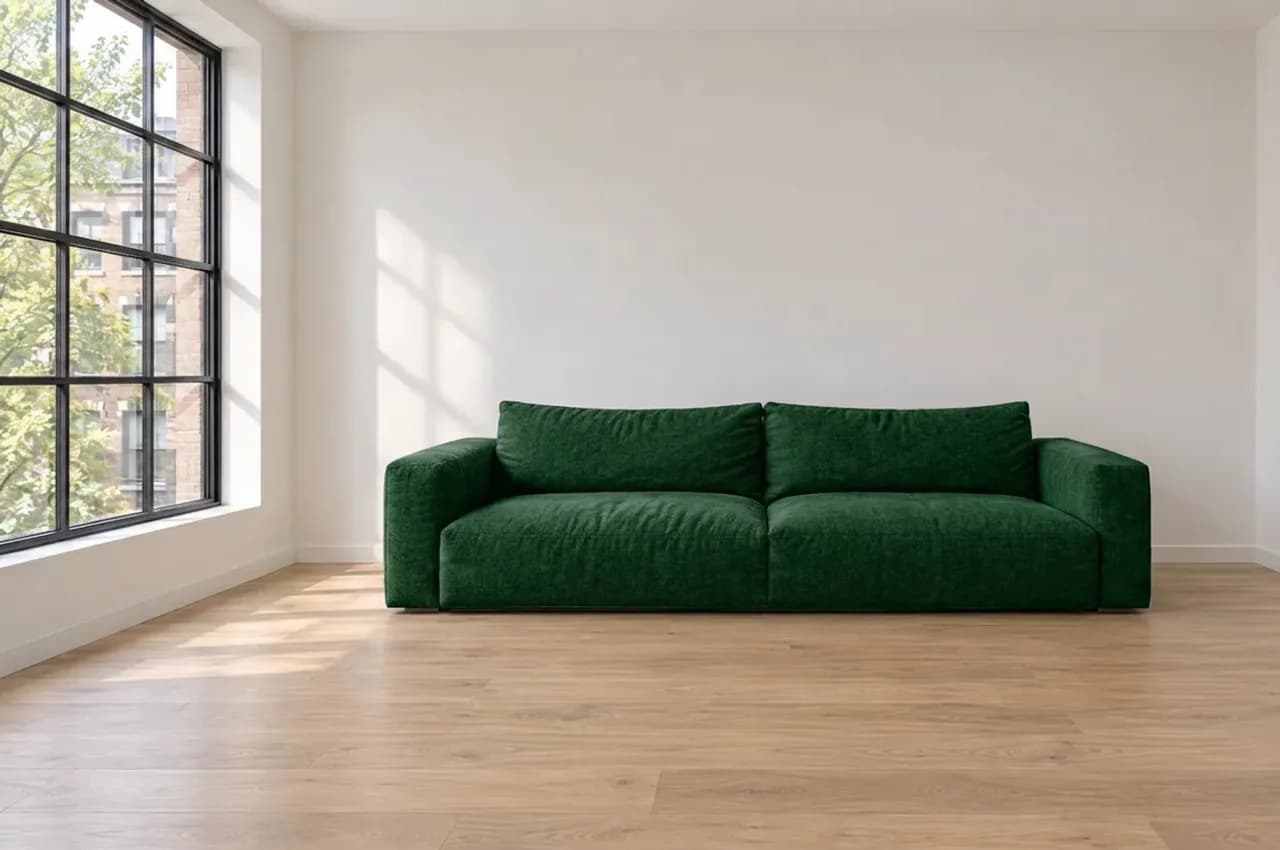
What stays
When you name a target, Archly finds it on the picture; after the run every pixel outside it is copied back from your picture, so that part stays exactly as it was. On the canvas, Show difference marks what changed.
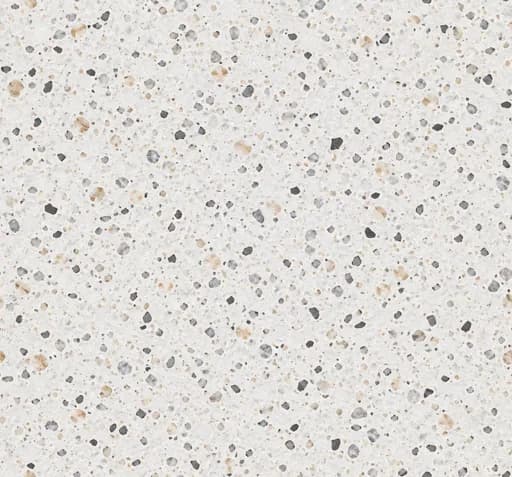
Four floor swatches suggested, your office's own first; target one room's floor if you like.
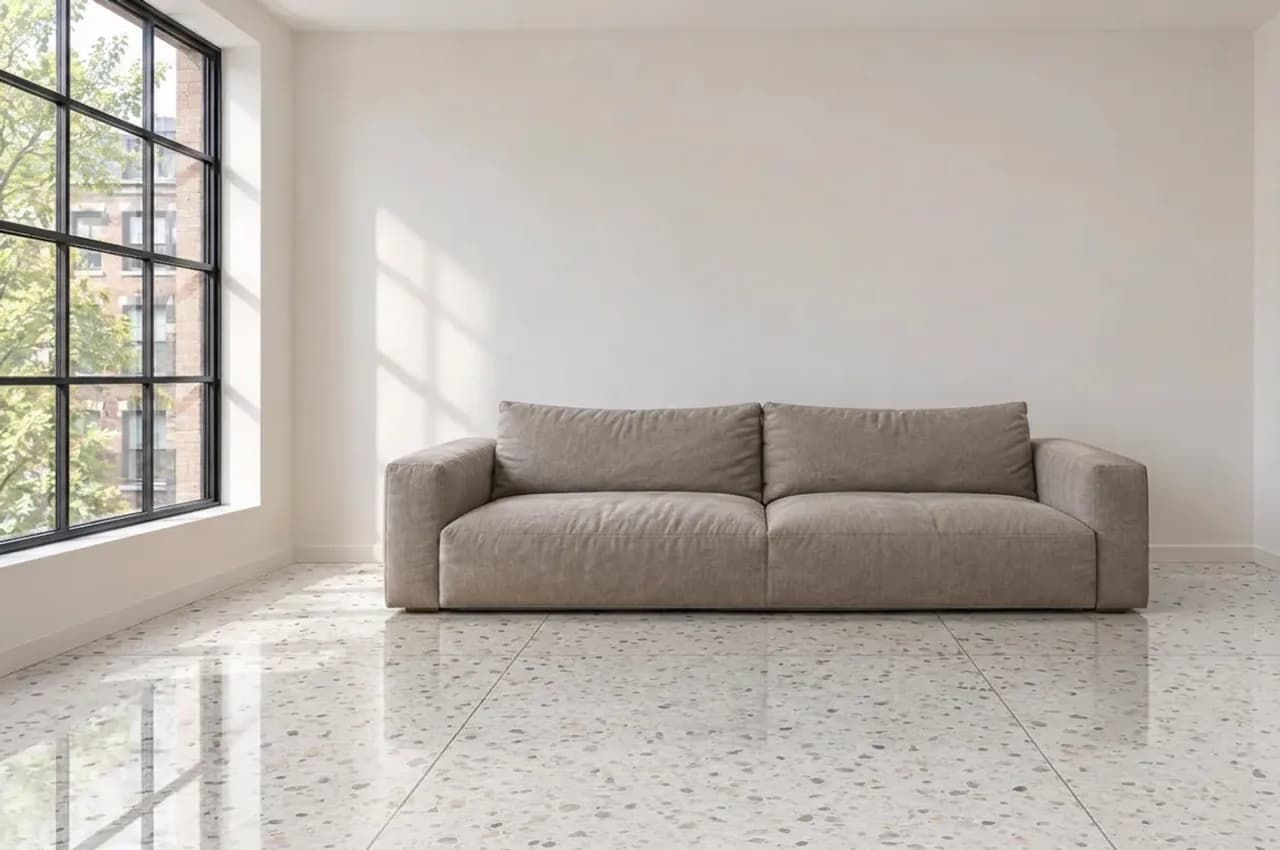
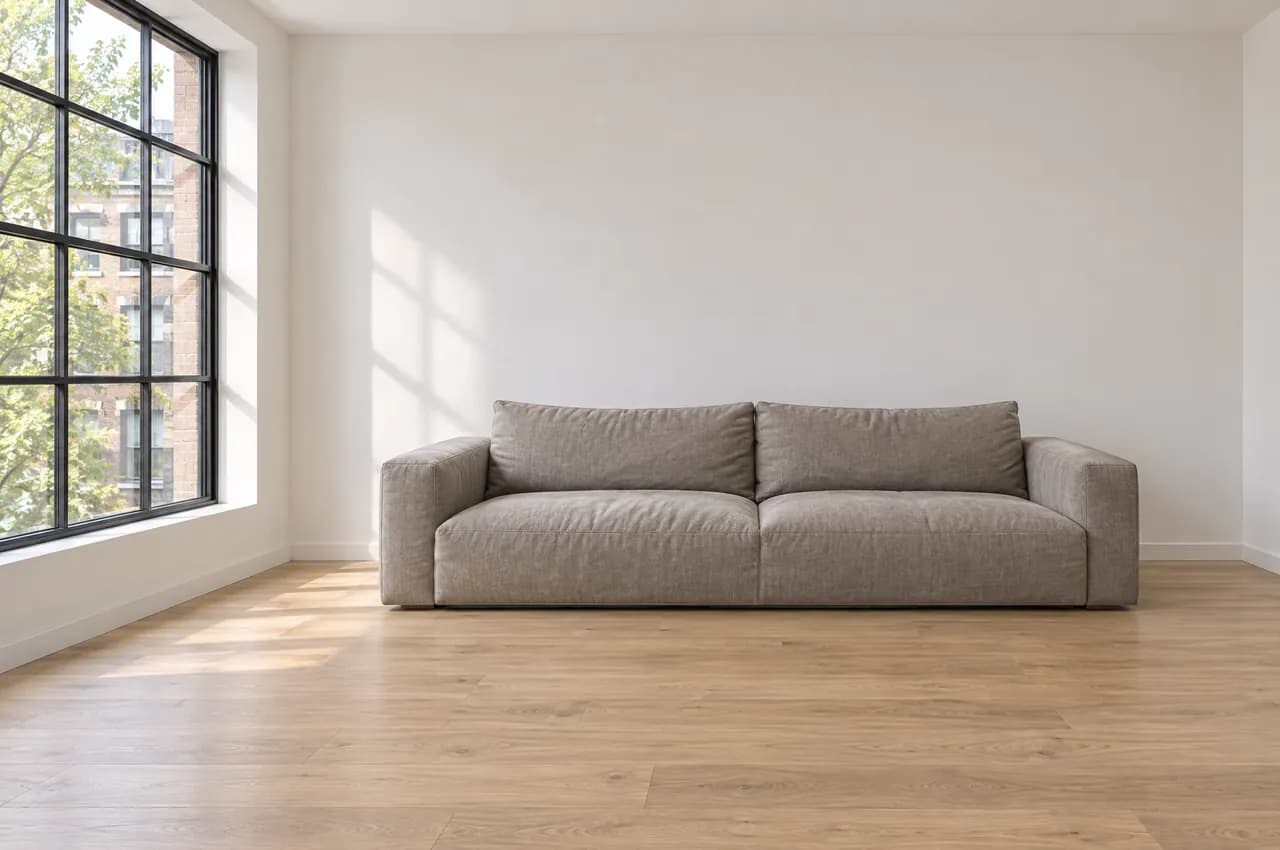
When you name a target, Archly finds it on the picture; after the run every pixel outside it is copied back from your picture, so that part stays exactly as it was. On the canvas, Show difference marks what changed.
Name the target as you would point at it (The whole floor, or: the wooden floor in the foreground); say which one when there are several of a kind.
Reflective surfaces and very fine material differences may need a second run; the result is not an exact product guarantee.
Starts on Nano Banana 2.1; you can choose another model in Settings, such as Nano Banana Pro for more detail.
Recorded example result. Results vary with the image.