- Input
- Sketch or render
- Decision
- Choose one of three facades
- Final step
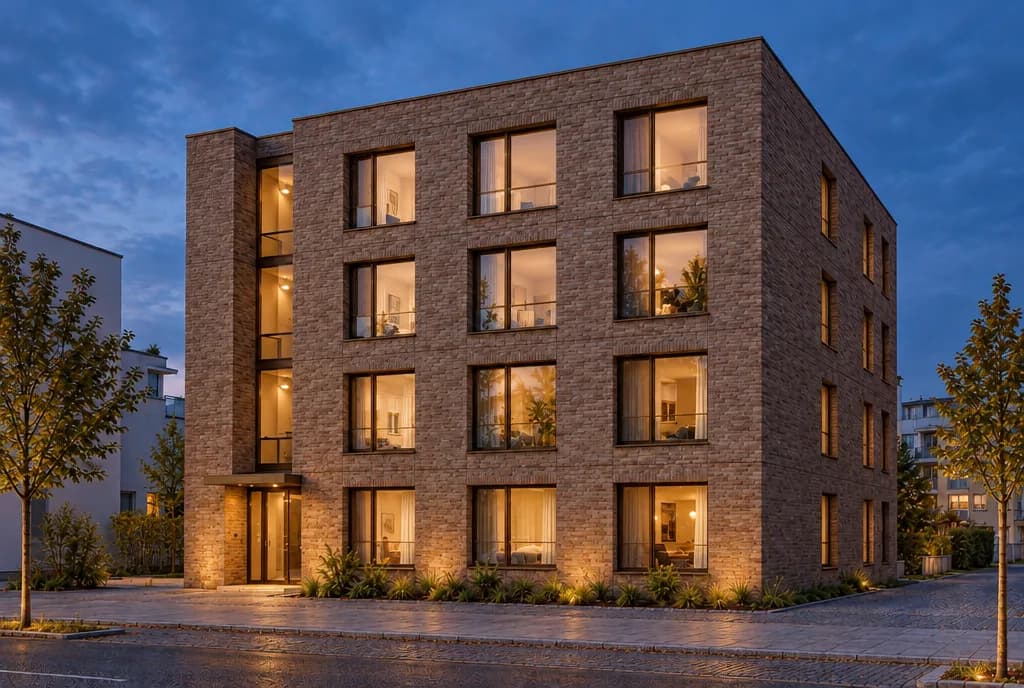
- Night view
How it works
- Add a sketch or render of the building.
- Approve the credit estimate; compare timber, brick and stone facades.
- Choose a facade. Approve the next estimate before continuing to the night view.
The cover is the recorded night result of the brick facade option. Review the building details interpreted by the model.