Tip
Use the note for what the app cannot guess; for example: cut through the stair, detail the roof edge.
Pick one image and tick the drawings you want; section axonometric, elevation, technical detail, plan and more run with one approval. Explanatory drawings, not measured ones.
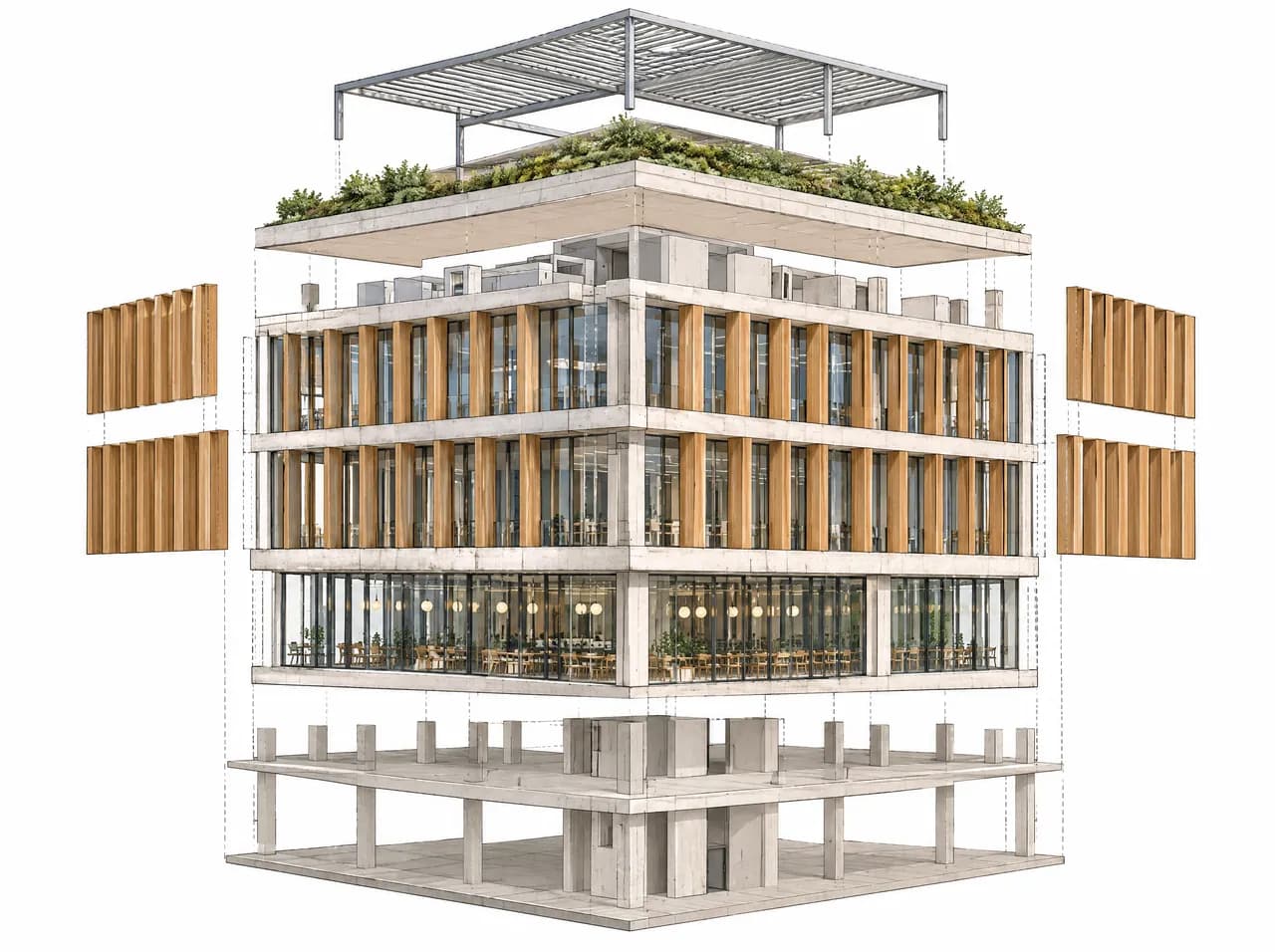
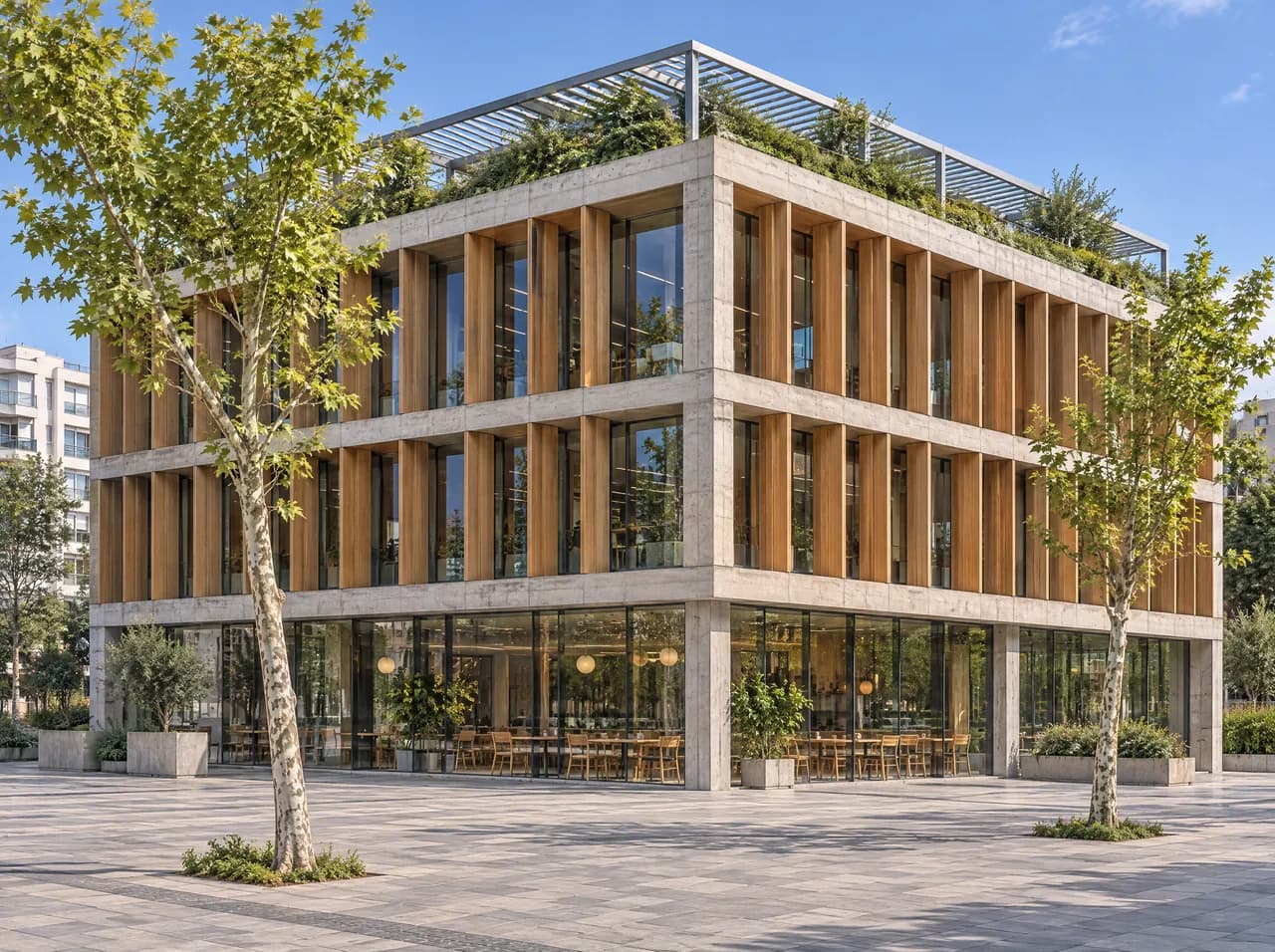
Use the note for what the app cannot guess; for example: cut through the stair, detail the roof edge.
Hidden parts and build-ups are estimated from the image. The drawings contain no measured dimensions.
Starts on Nano Banana Pro; you can choose another model in Settings.
Hidden parts and build-ups are estimated from the image. The drawings contain no measured dimensions. Example result. Results vary with the image.

