Skip to content

Blender

Send your Blender scene to Archly as it looks on screen and see the direction without waiting for Cycles.

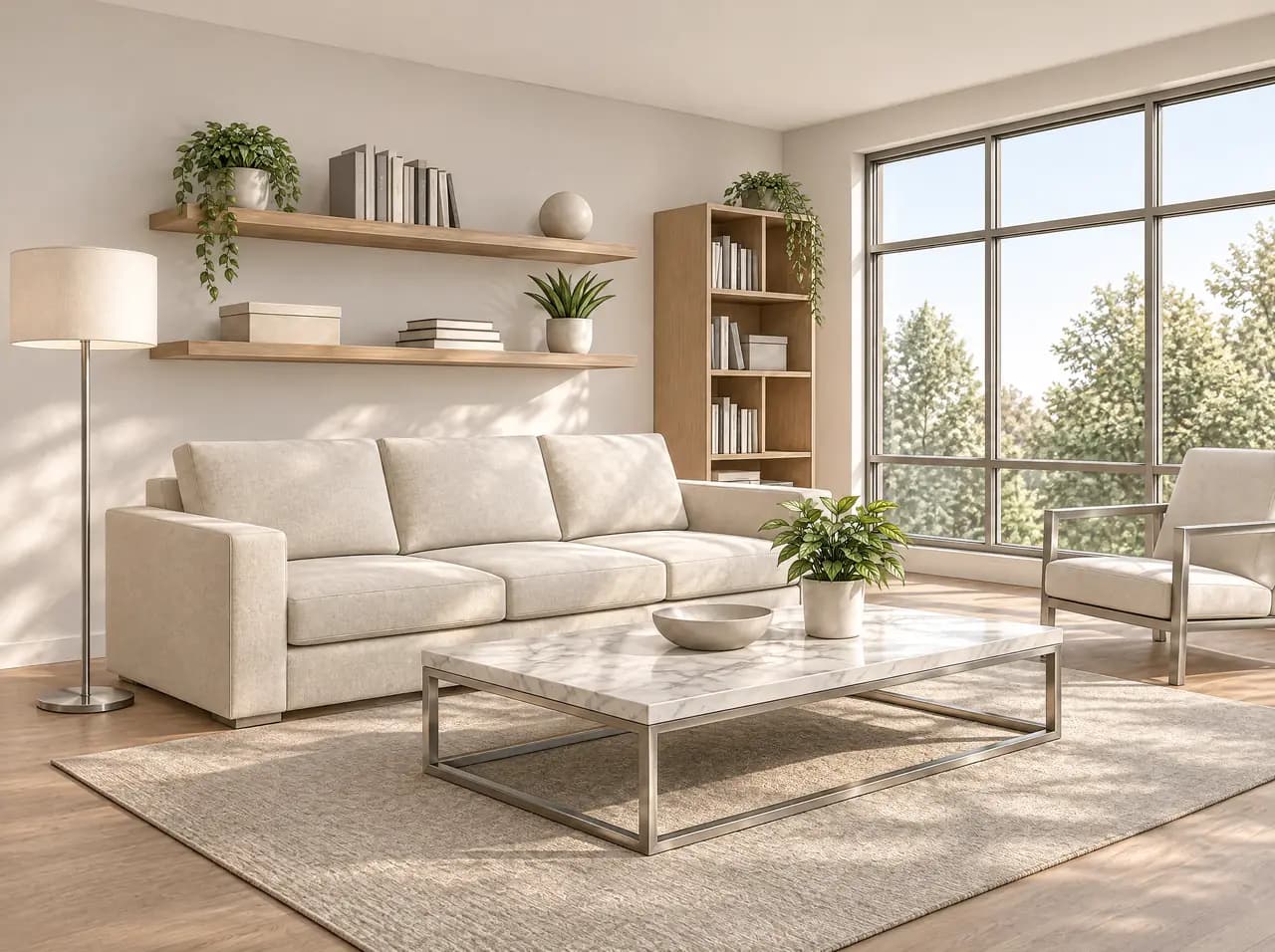
The same living room rendered with material and light
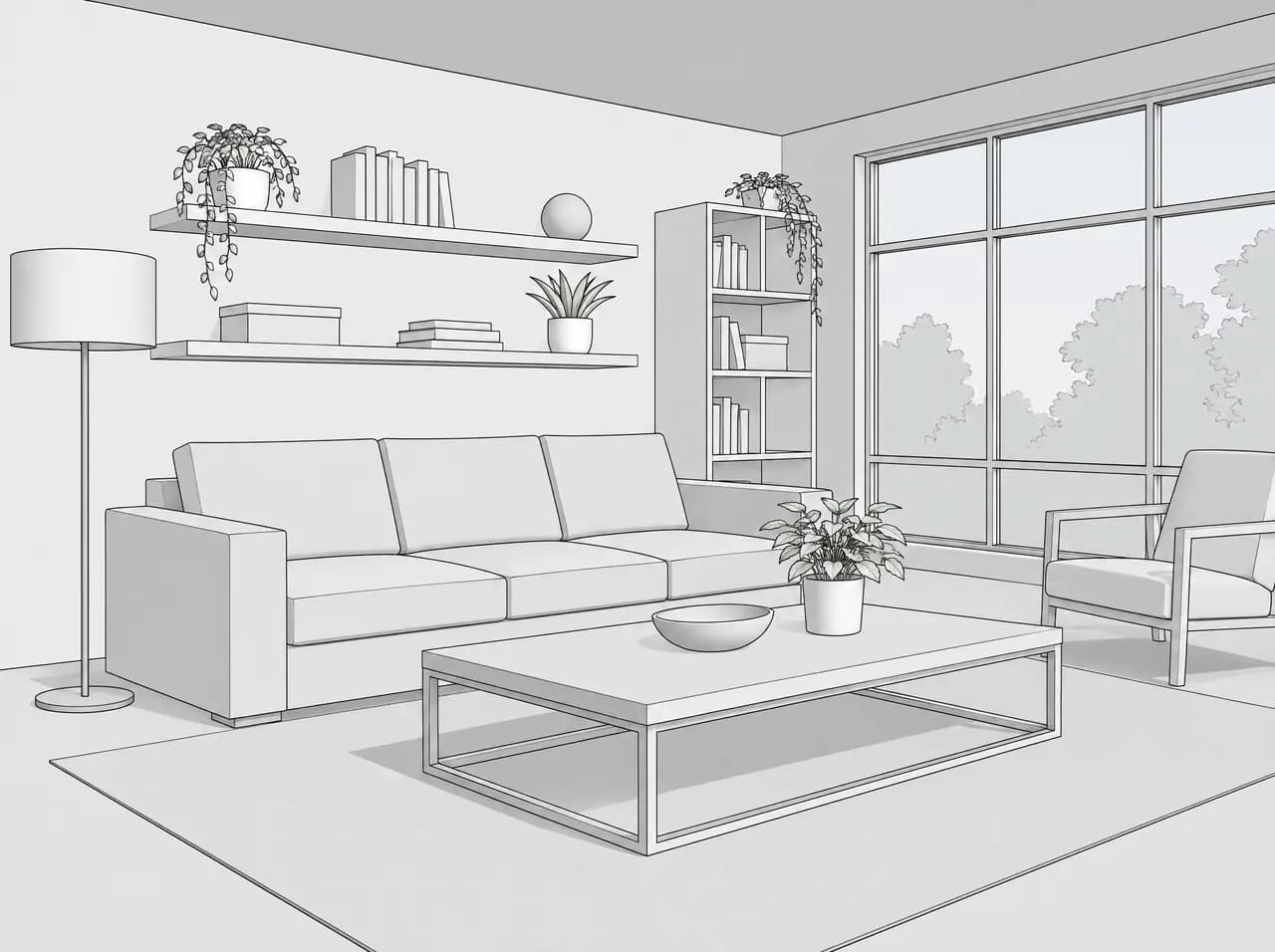
Plain model-view line drawing of a living room
Model viewRender
Software
Blender 4.2 or later
Sends
Active 3D viewport
Install
.zip extension file
Pack
Pro and up

How it works

  1. In Archly, open Settings > Connections > 3D plugins, choose your project and create a plugin key; install the plugin and enter the key in Blender once.
  2. Set the 3D viewport to the angle you want or look through the camera; its shading goes with the image.
  3. In the Archly tab of the sidebar, add a short note if you like and press Send view or Send with objects; the view uploads to your project and the project opens in your browser.
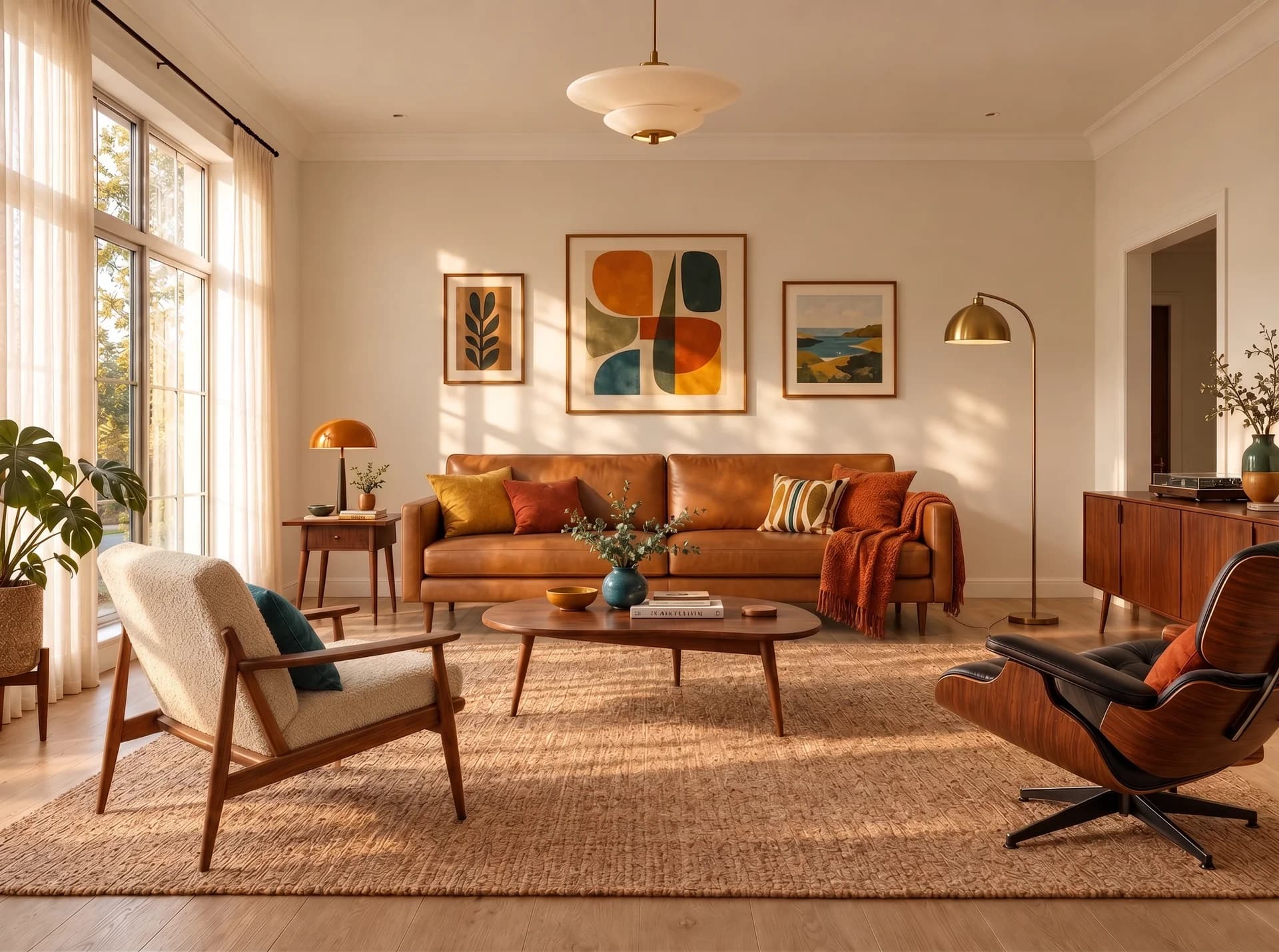
The same room with a cognac leather sofa and a cream bouclé armchair, the rest unchanged
Applied

A view that brings its objects

Send with objects lets one click in Layers select an object, its collection or its material.

Layers