Tip
Try two options on the same picture and compare them side by side.
Show a building image in spring, summer, autumn or winter; the camera and the building stay the same.
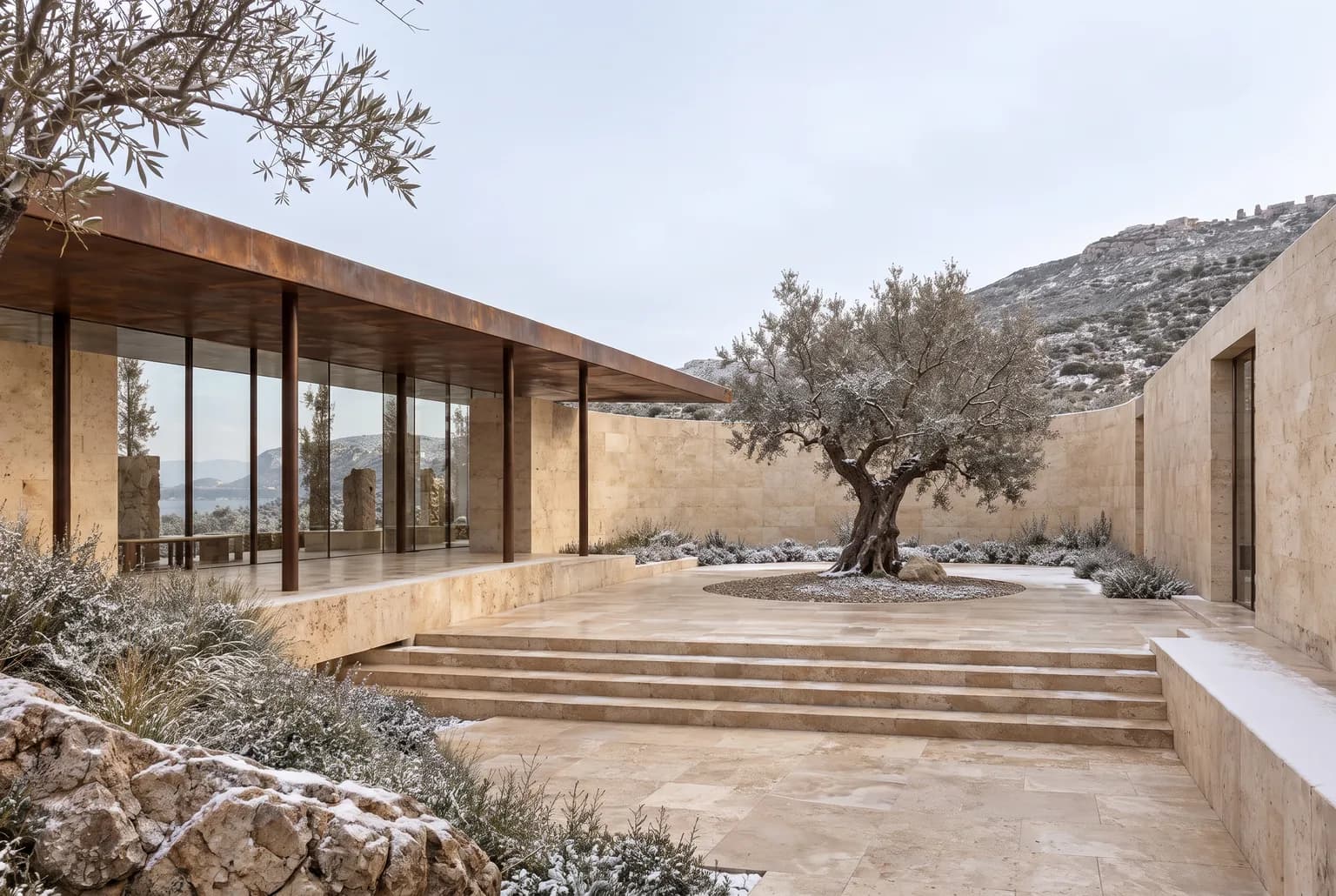
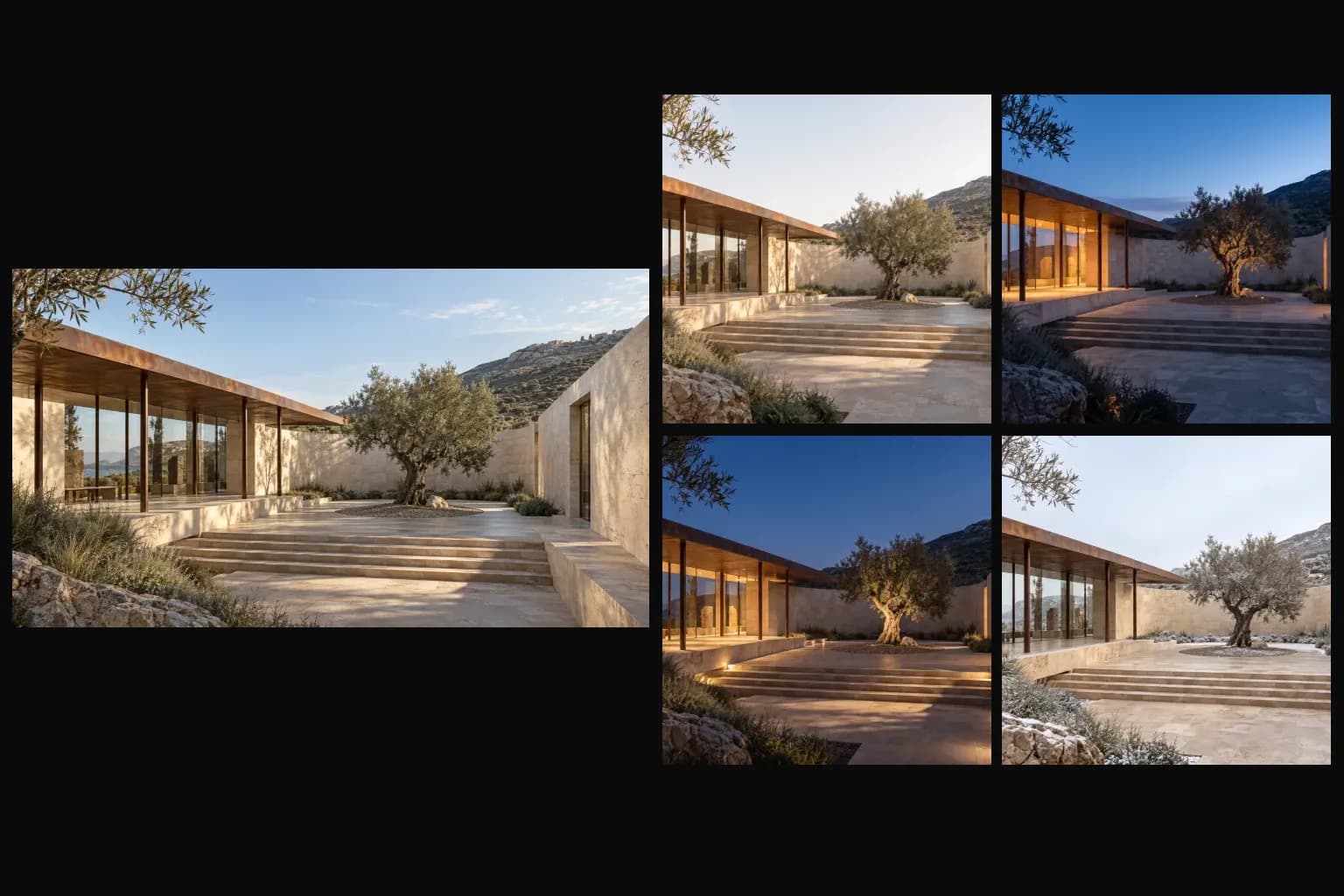
Try two options on the same picture and compare them side by side.
Results vary with the picture; compare with your source before you share it.
The example comes from Archly's own templates and showcase images.


