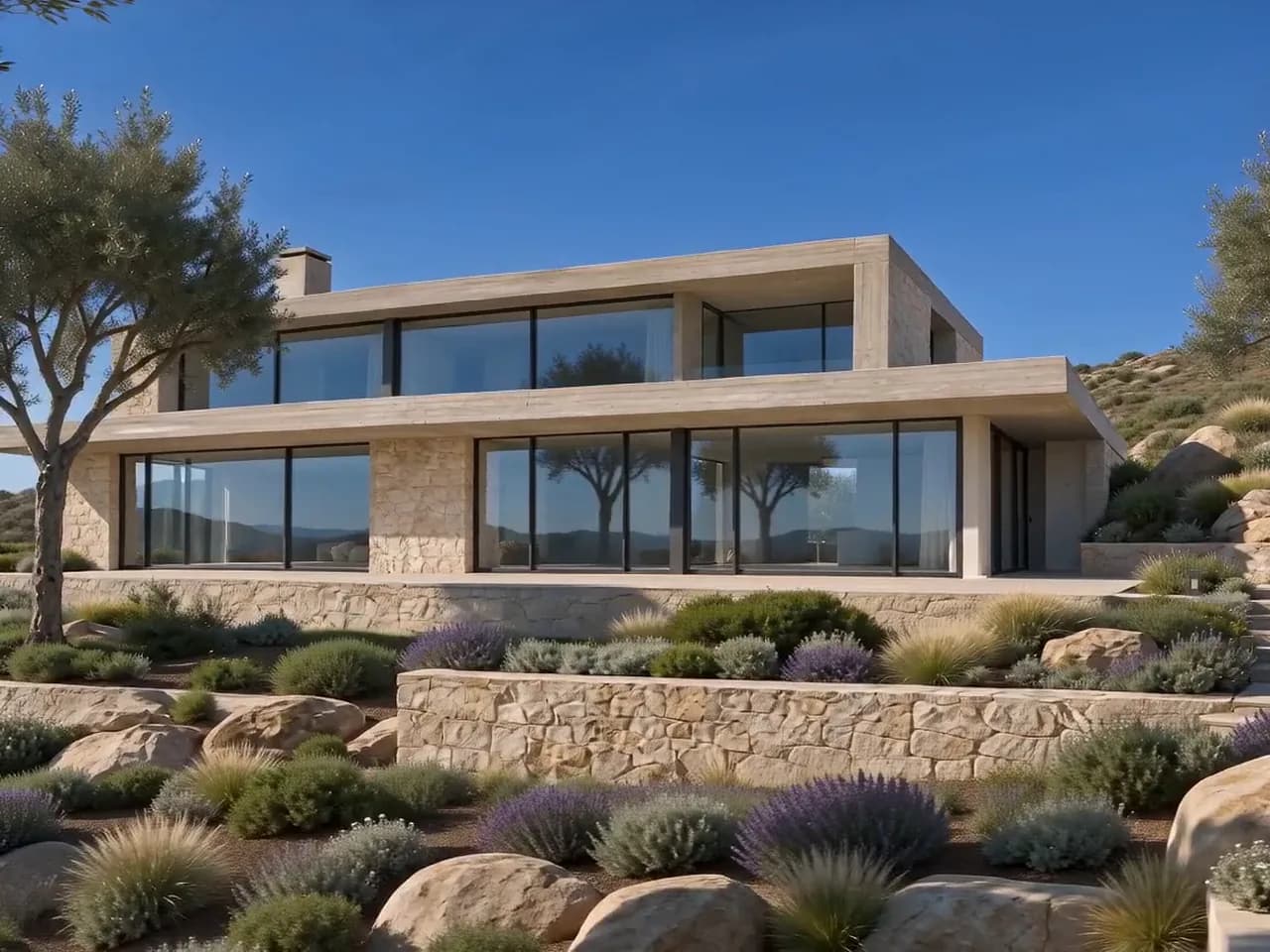
Tip
Use the note for what the app cannot guess; for example: slow steps, end at the window.
Put two to six of your renders in order and the clip walks from one to the next. Try it as a draft first, then make the final.
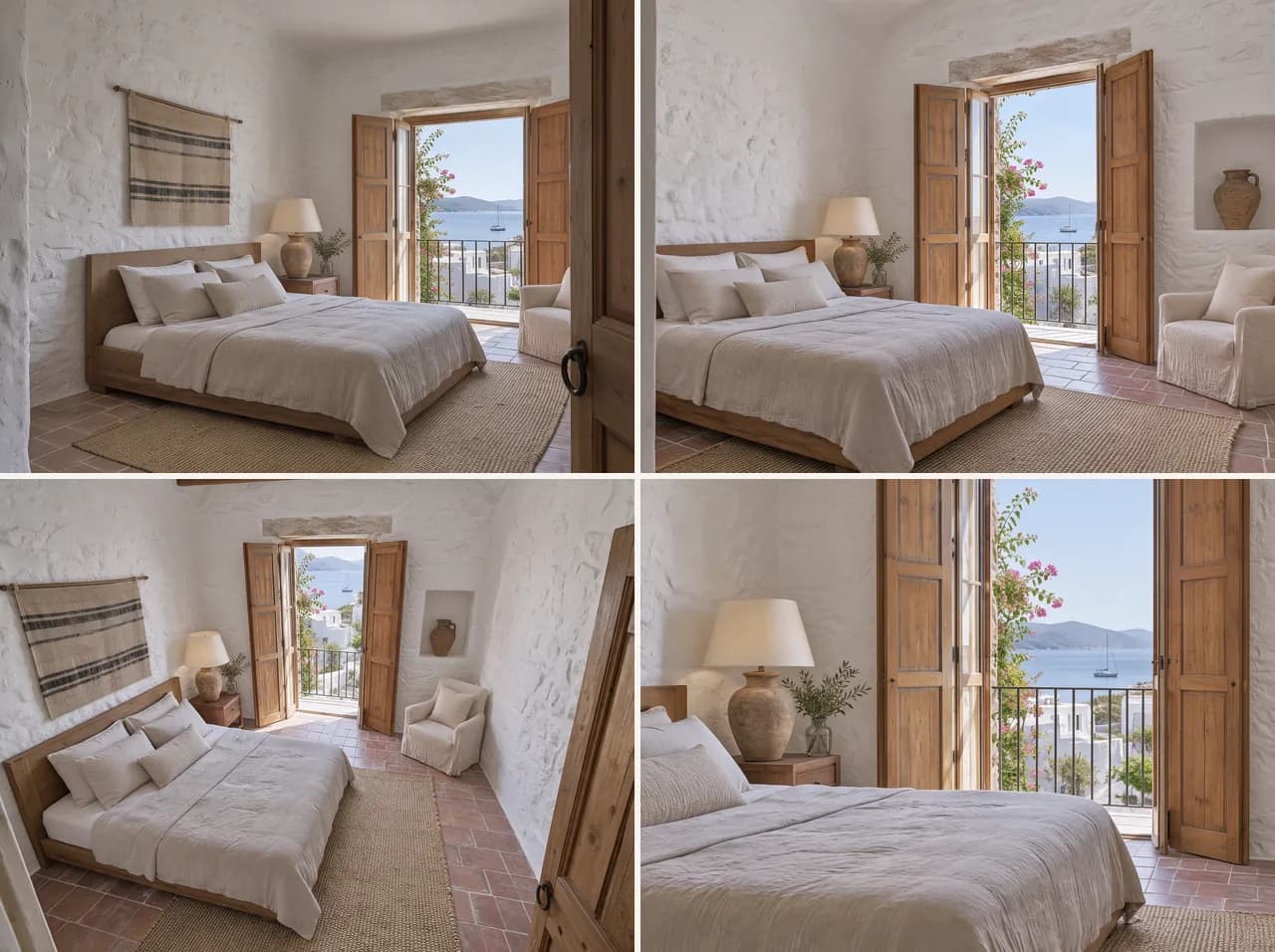
Use the note for what the app cannot guess; for example: slow steps, end at the window.
It makes a short clip; motion and small details can drift.
Example result. Results vary with the image.