Features
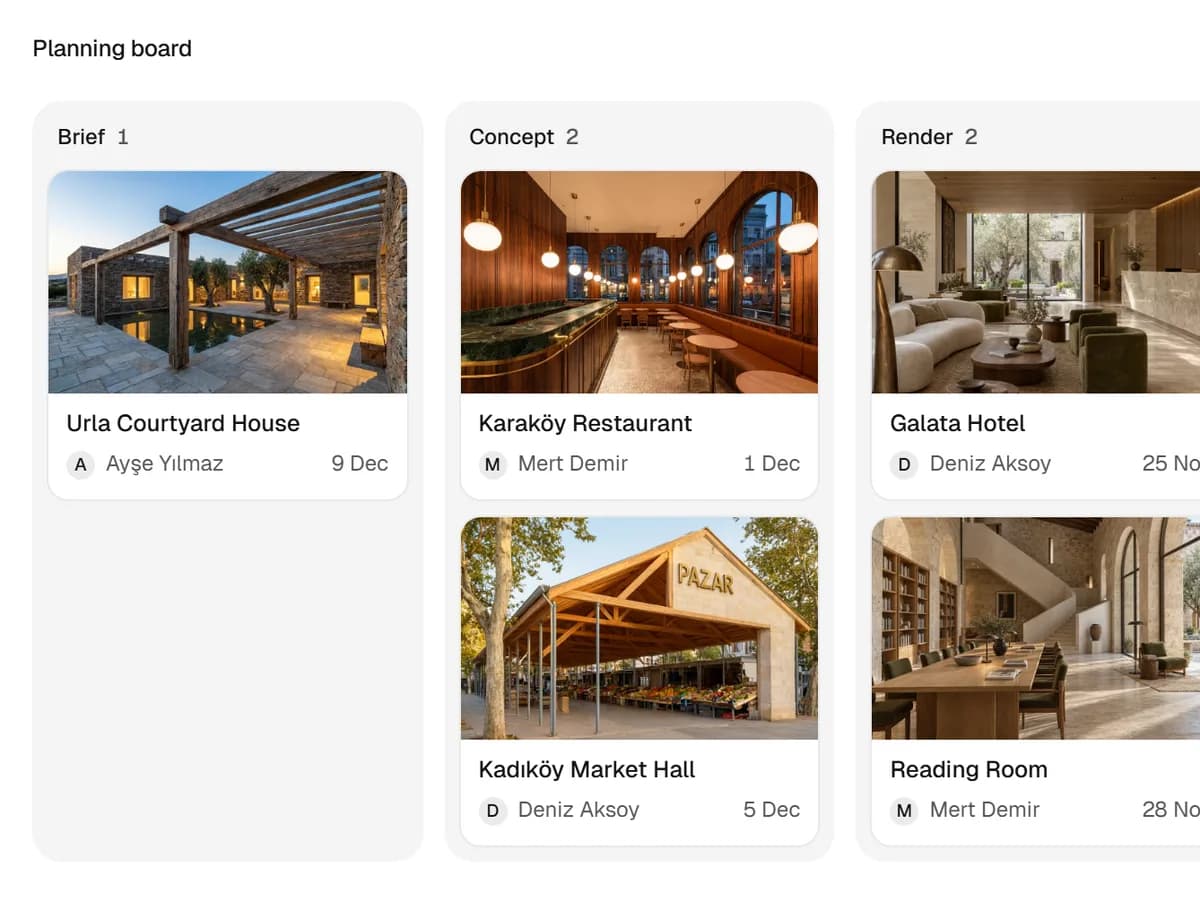
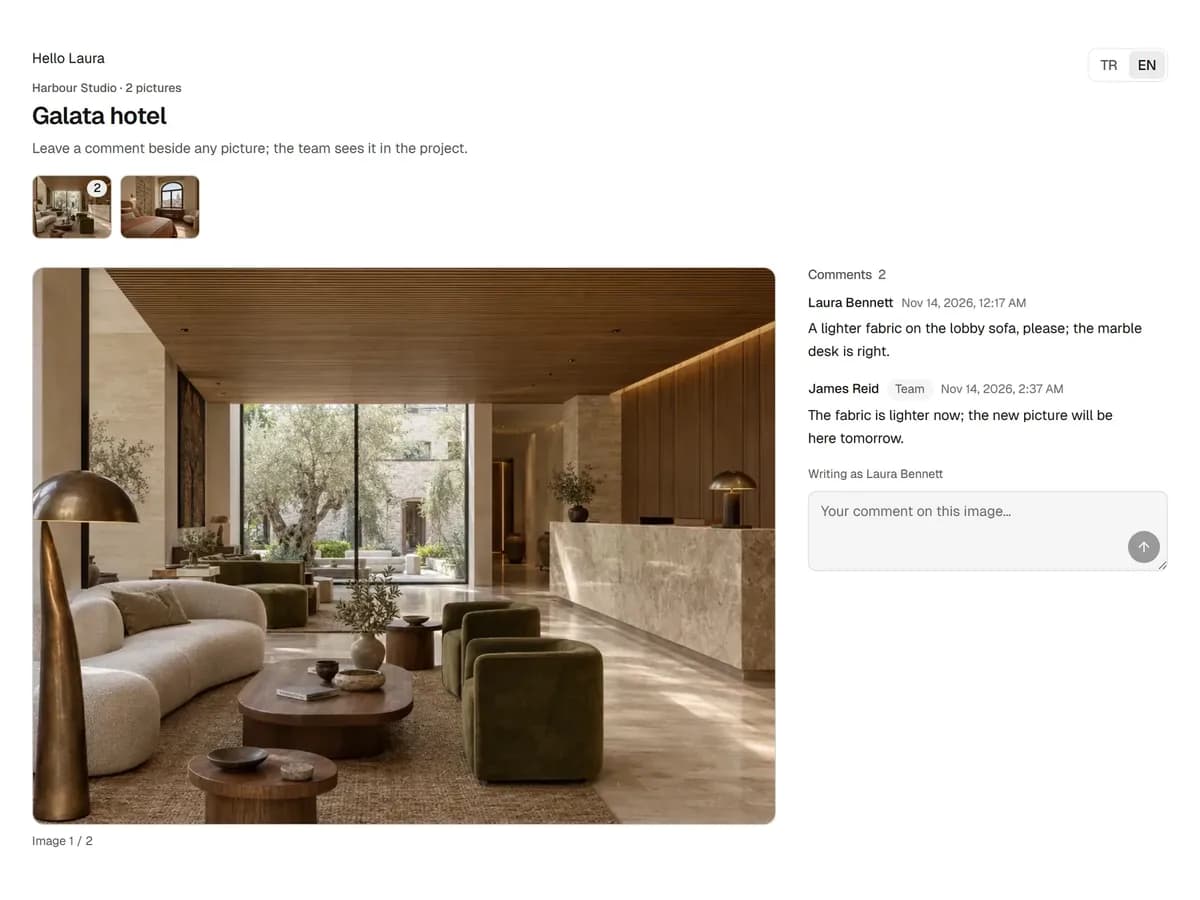
Every Archly tool on one page. They all work in the same project: one tool's result is the next one's input.
The tools connect
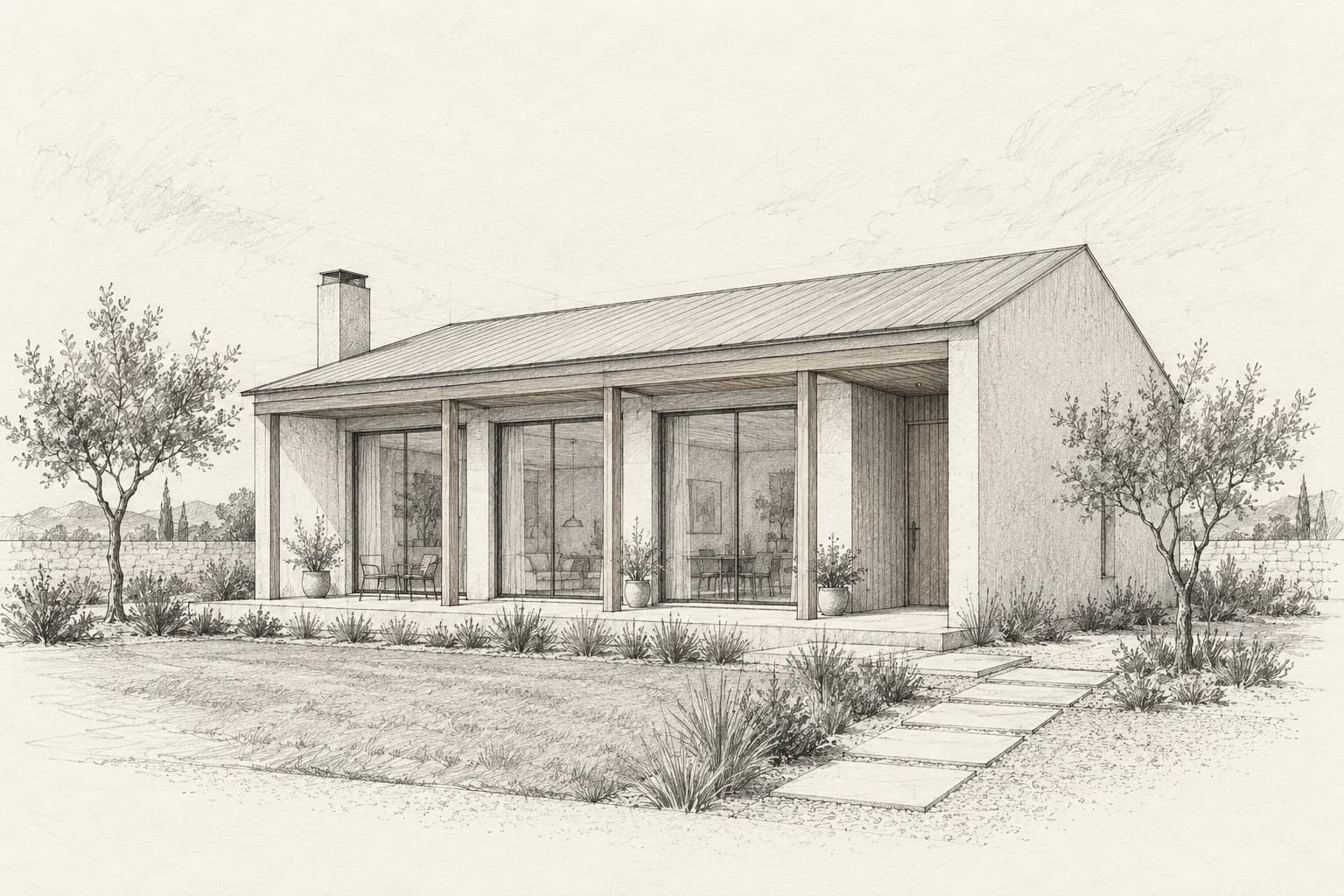
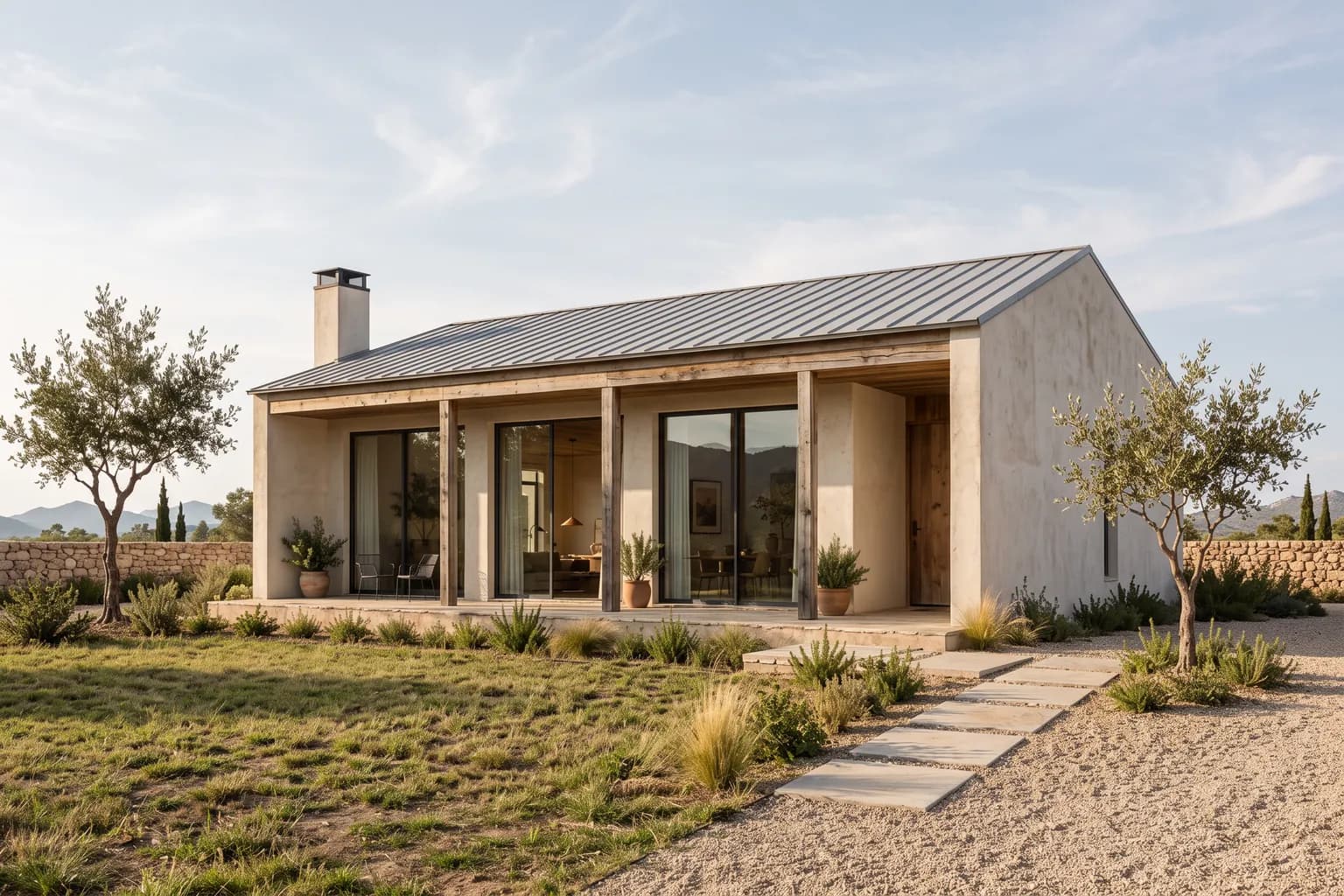
Each tool is a step and passes its result on, from a sketch on paper to a model in Rhino.
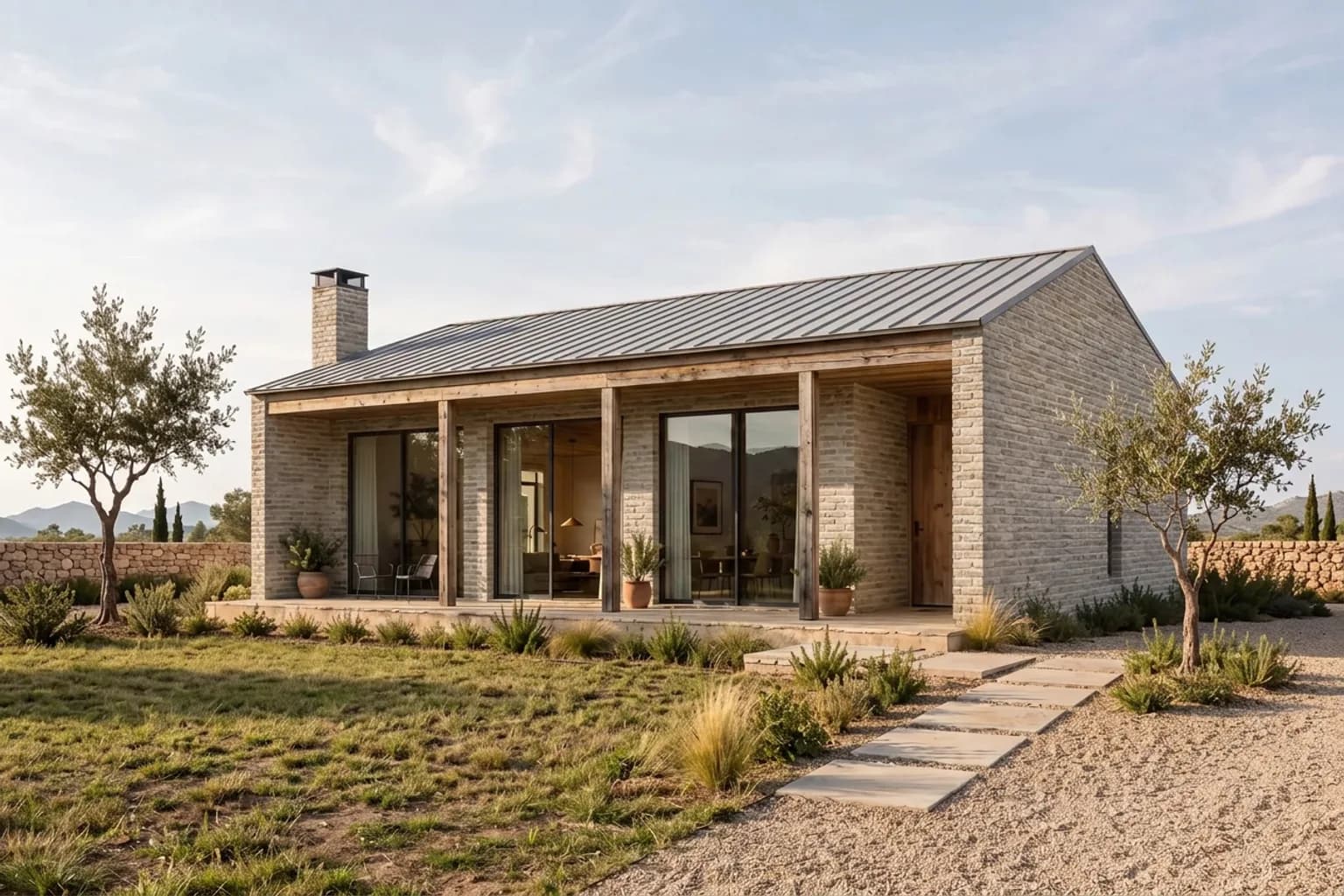
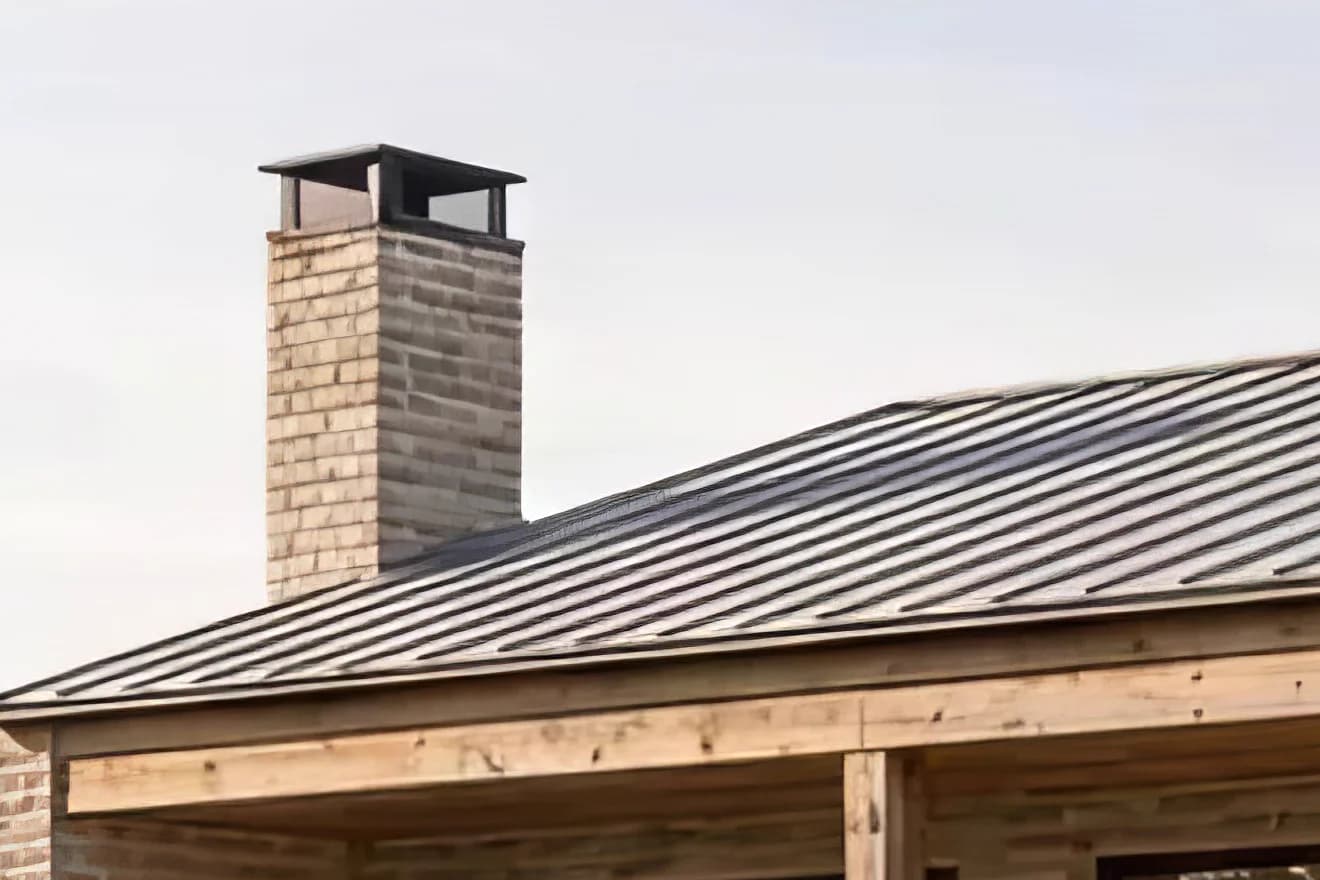
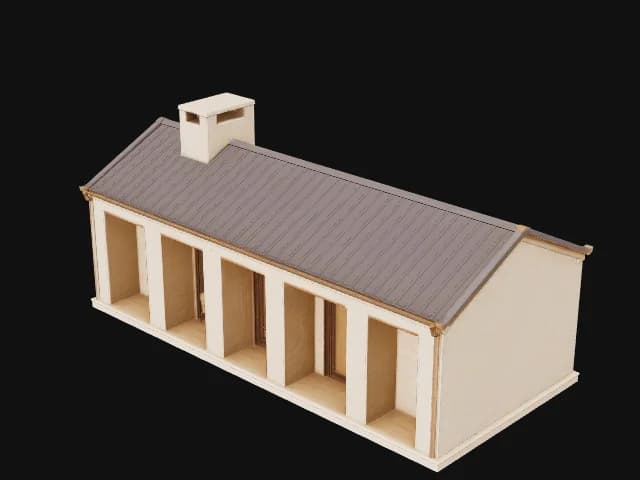

Create
New images, video and models from words, a sketch or a photo.
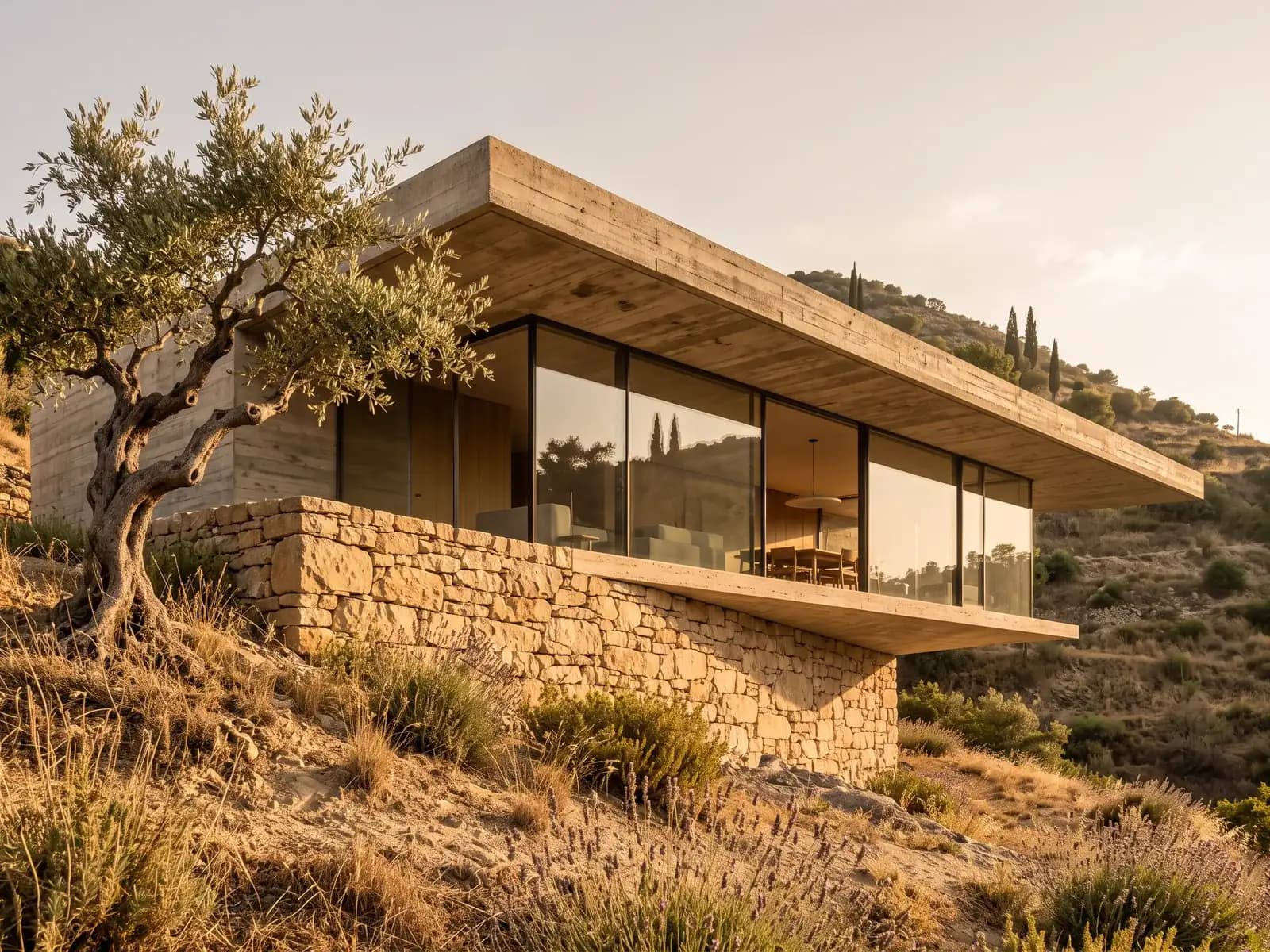
 RenderA finished picture from a prompt, a sketch or a model view.Nano Banana 2.1 · Seedream 5.5 · Seedream 5.0 Pro · FLUX 3 · GPT Image 2.6
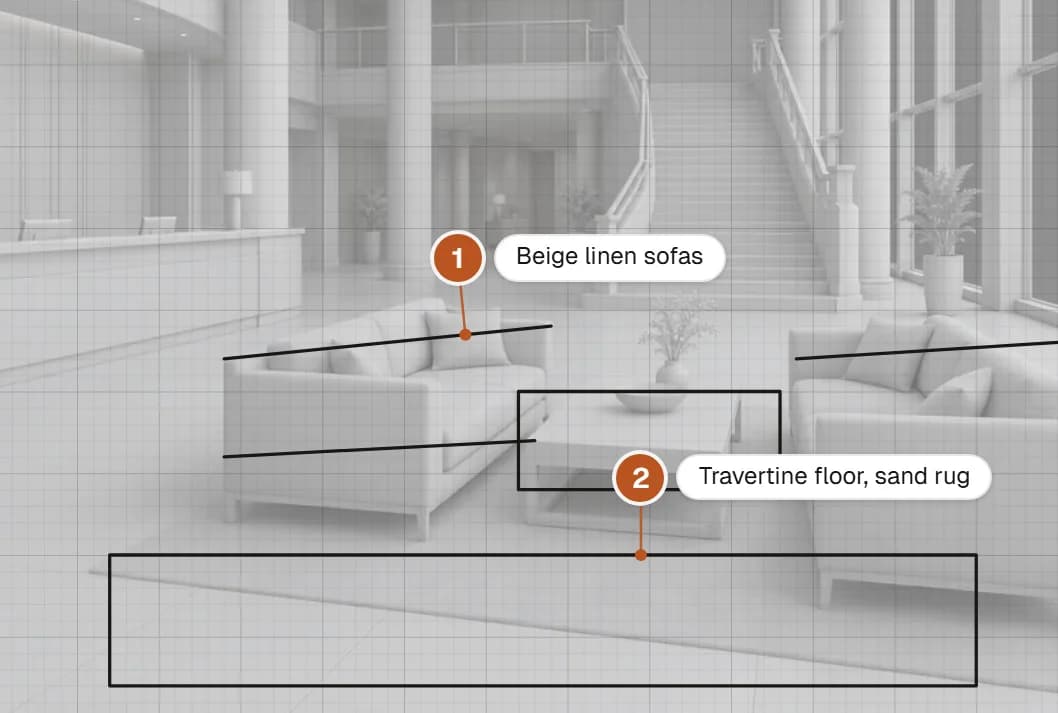 SketchDraw over a photo, pin notes, render the frame.Nano Banana 2.1 · Nano Banana Pro · GPT Image 2.5 Flare · Seedream 5.5
 RealtimeSee the render live as you draw.FLUX.2 Klein
 VideoA short clip with a camera move from one picture.Kling 4.0 · Seedance 1.0 Pro · Wan 3.0 · H3 Max
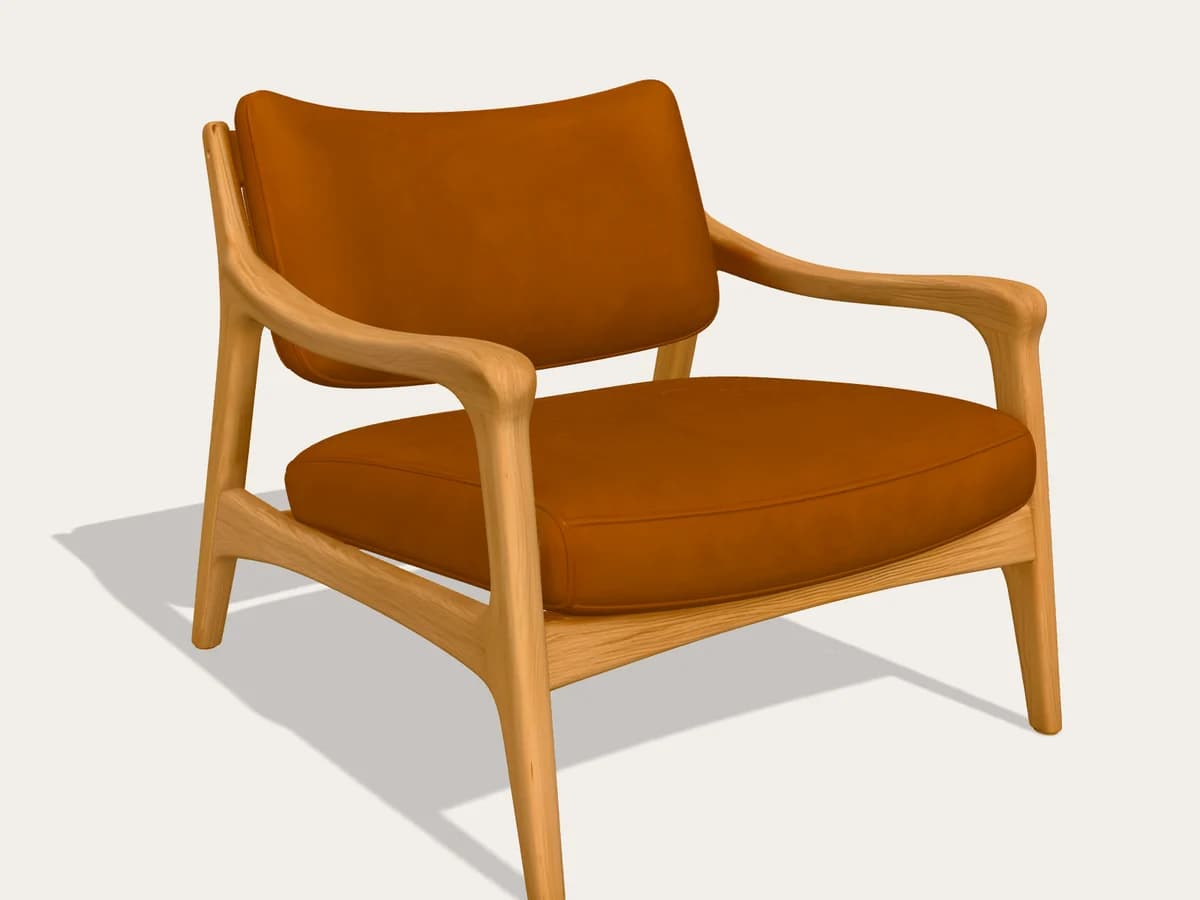 3D BuilderA textured 3D model in parts from a product photo.Hunyuan 3D · Tripo · Meshy · TRELLIS.2
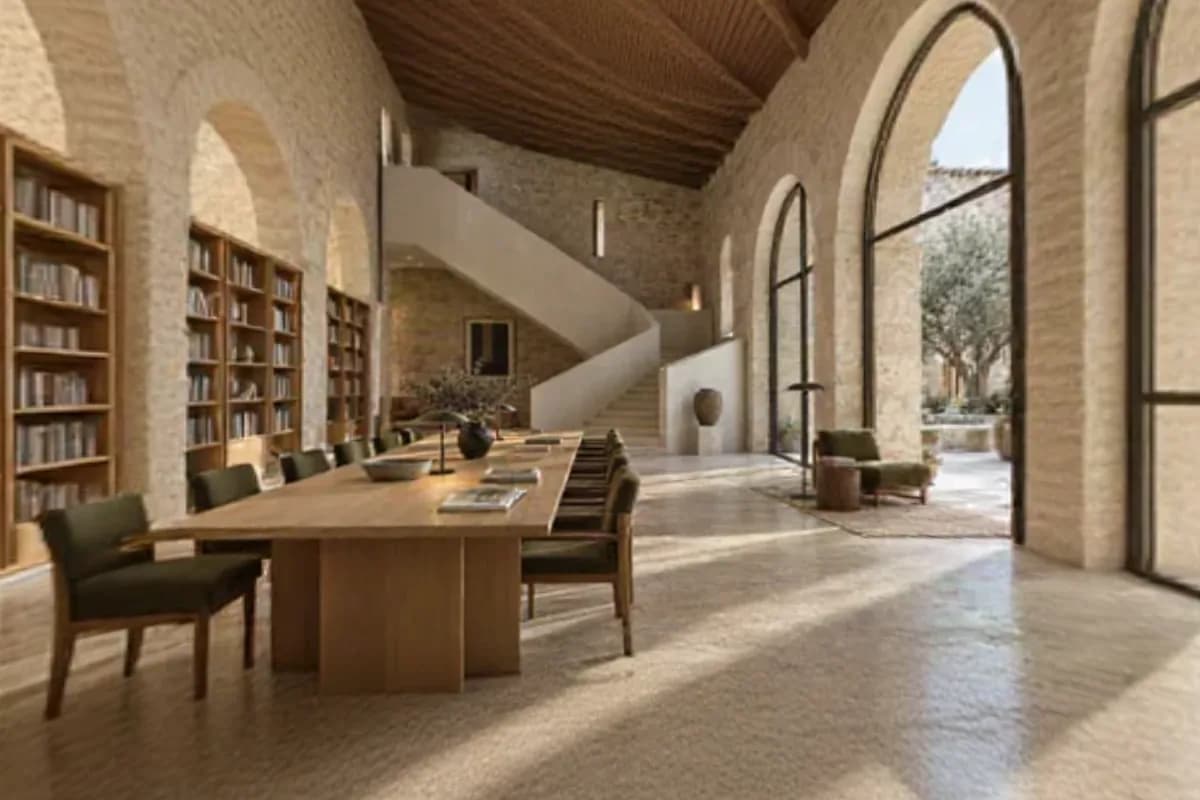 360 TourA tour people walk through, from your panoramas.
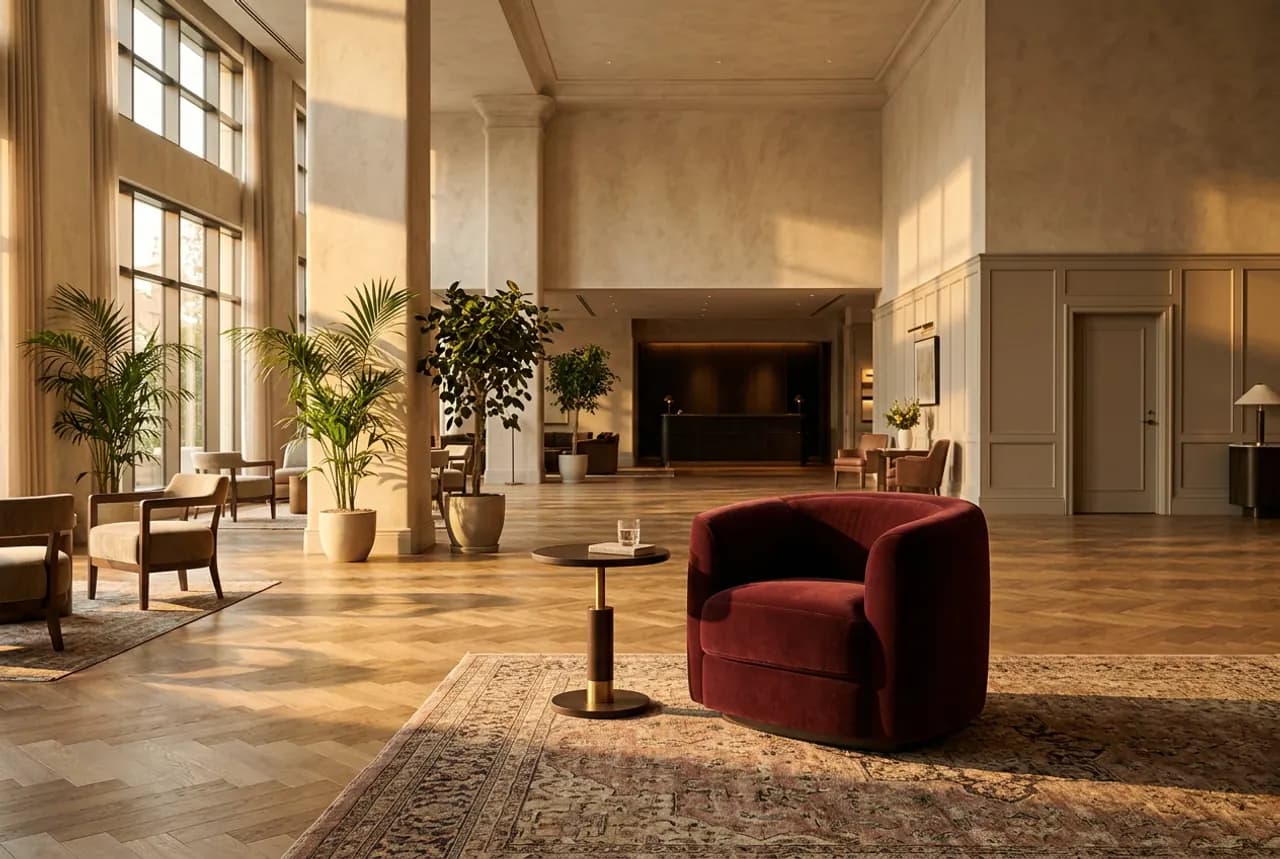 Product in scenePut your own product into a room from its photo.
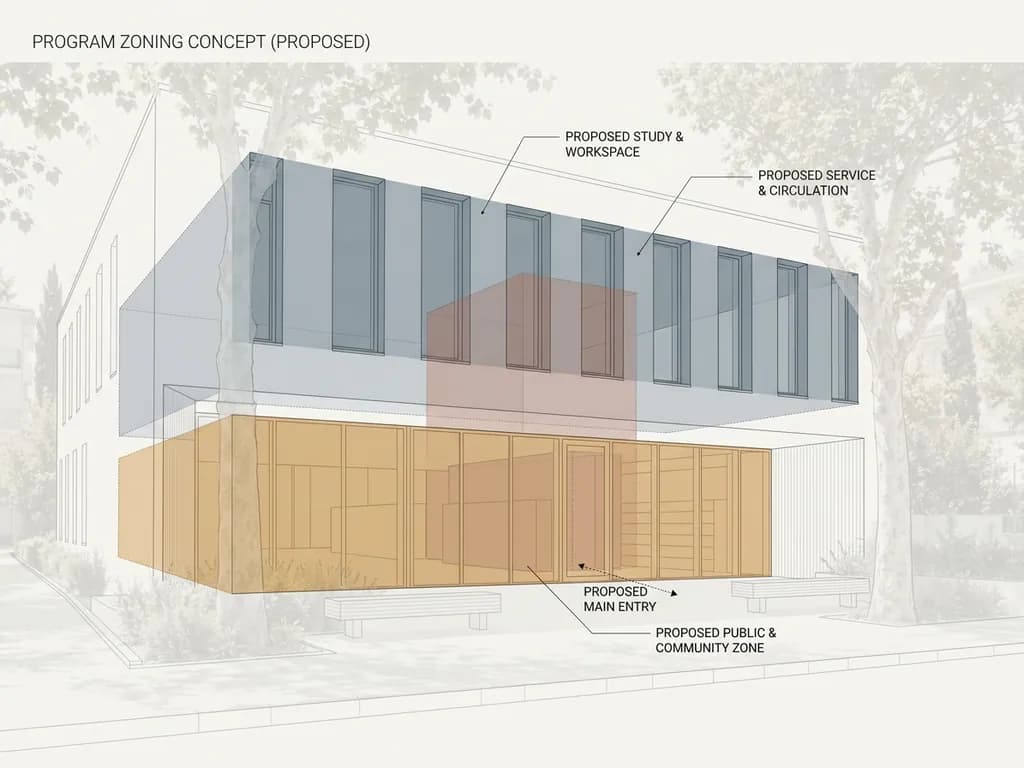
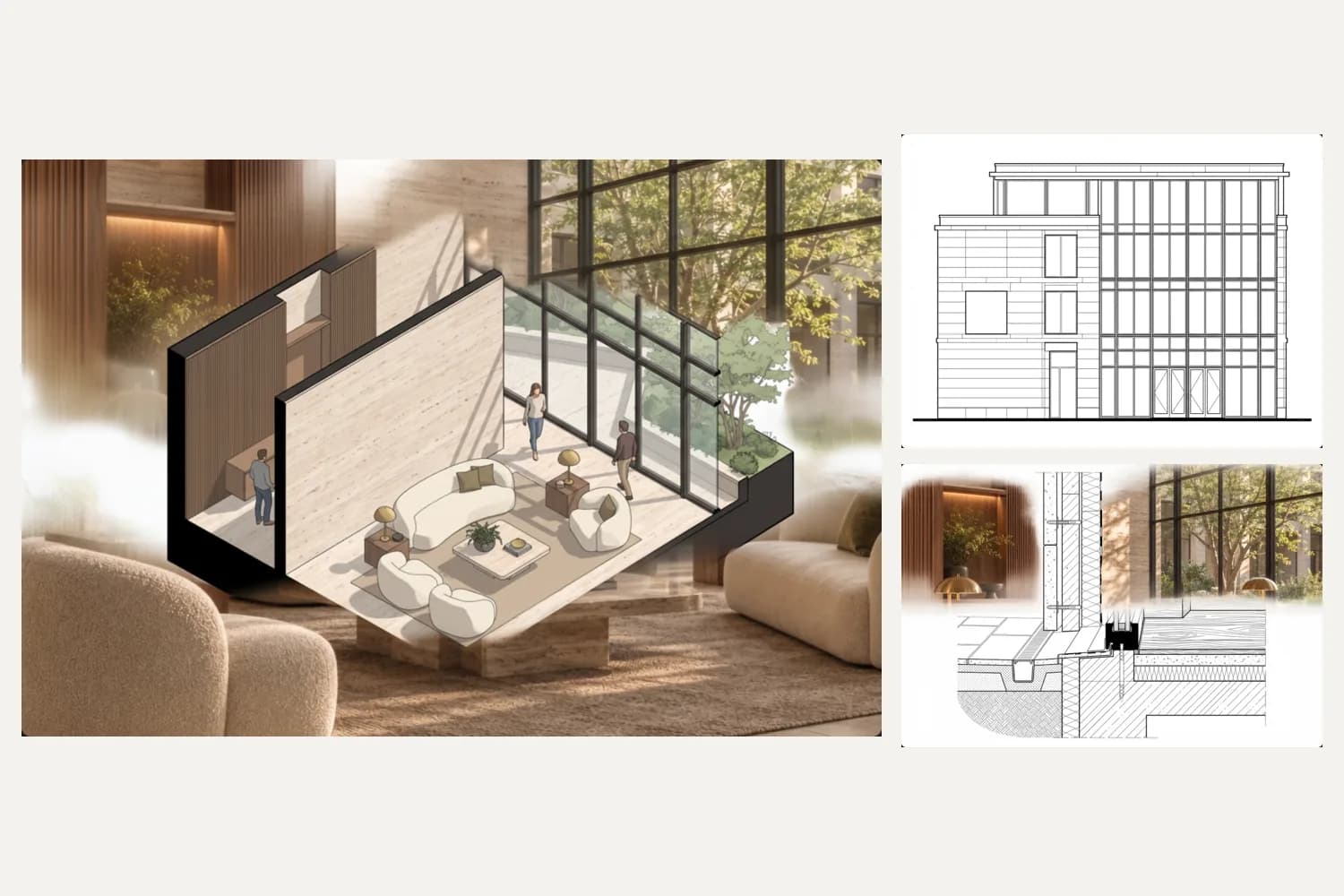 DrawingsA section, elevation and plan set from one picture.Nano Banana Pro
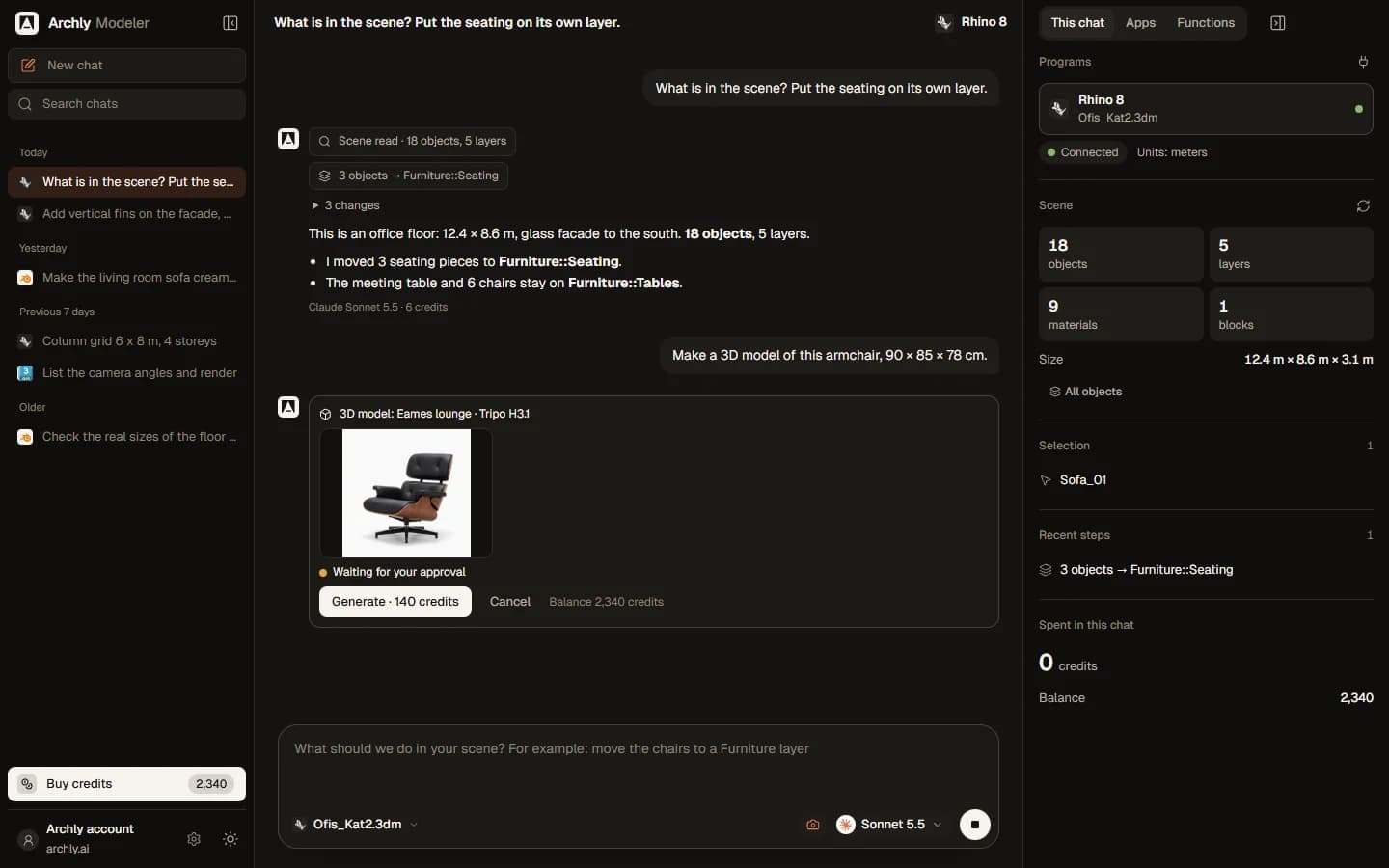
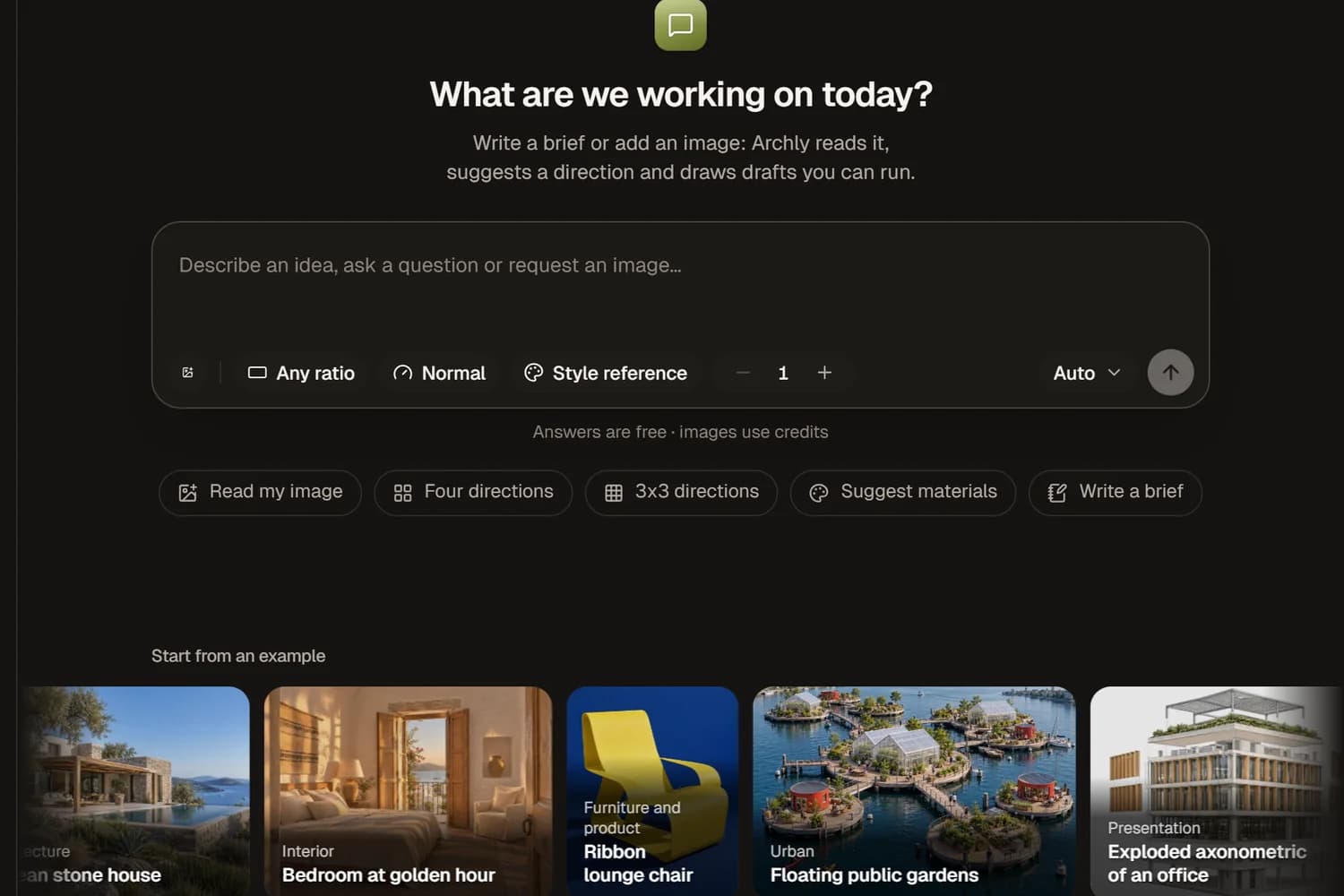 ChatAsk and plan; an image runs when you approve its card.
Edit and enhance
Change one part of a picture, its light or its size.
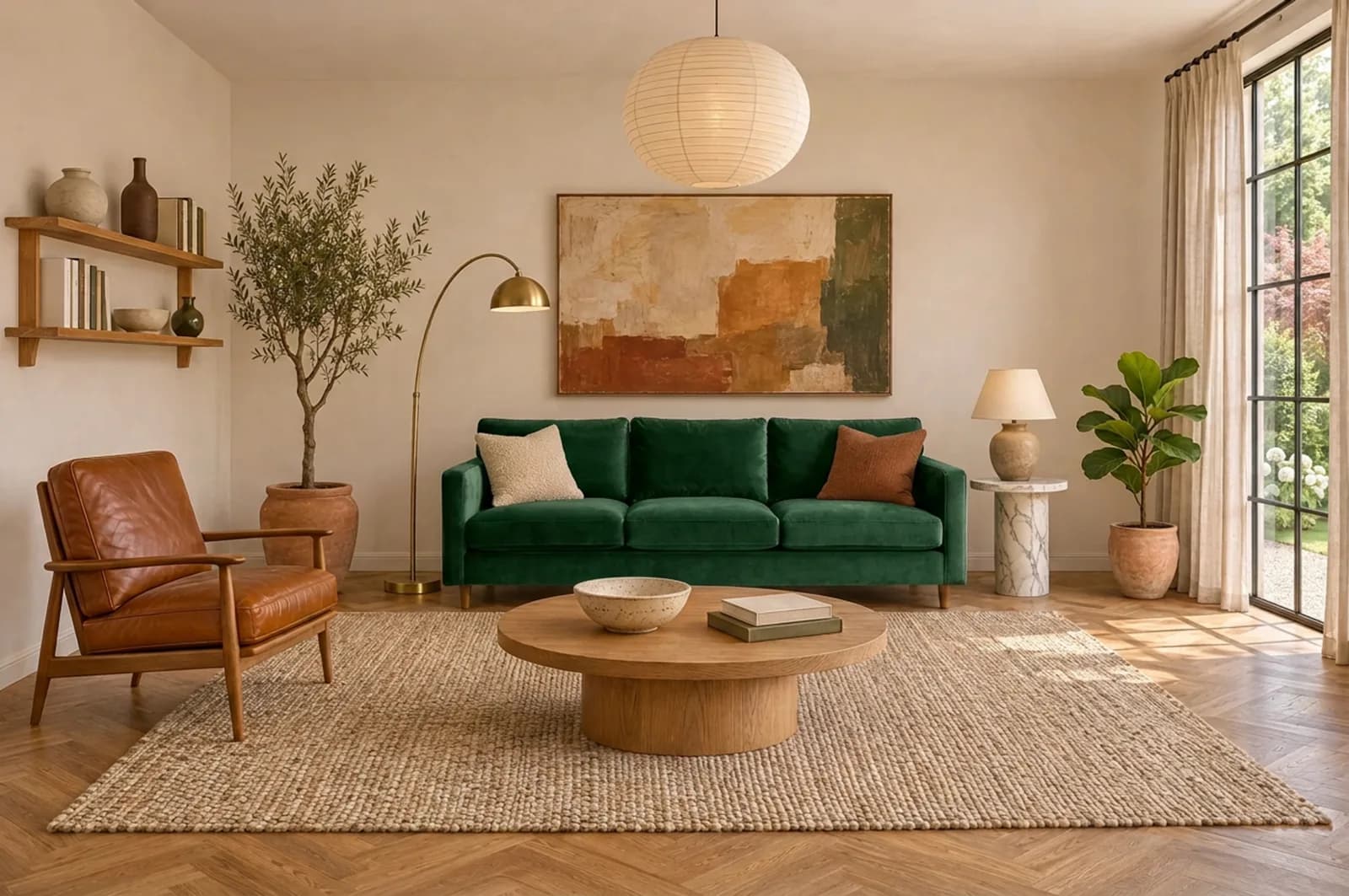 LayersFind the objects, mark a number, say the change.Nano Banana 2.1 · Ideogram 4.5 Edit · Bria Eraser
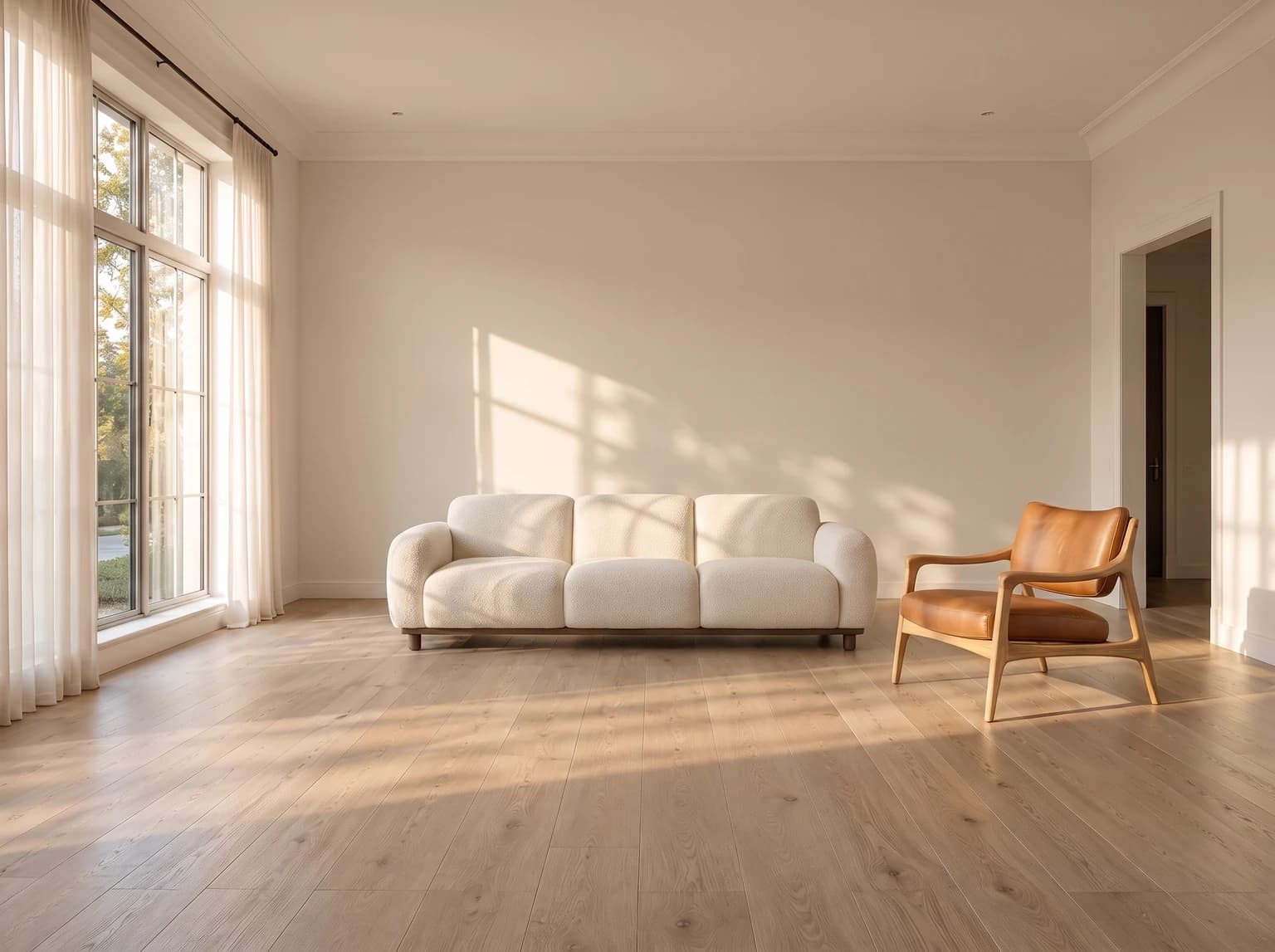 Edit with referencesEdit with a catalogue photo or a sample.FLUX 3 · Nano Banana Pro
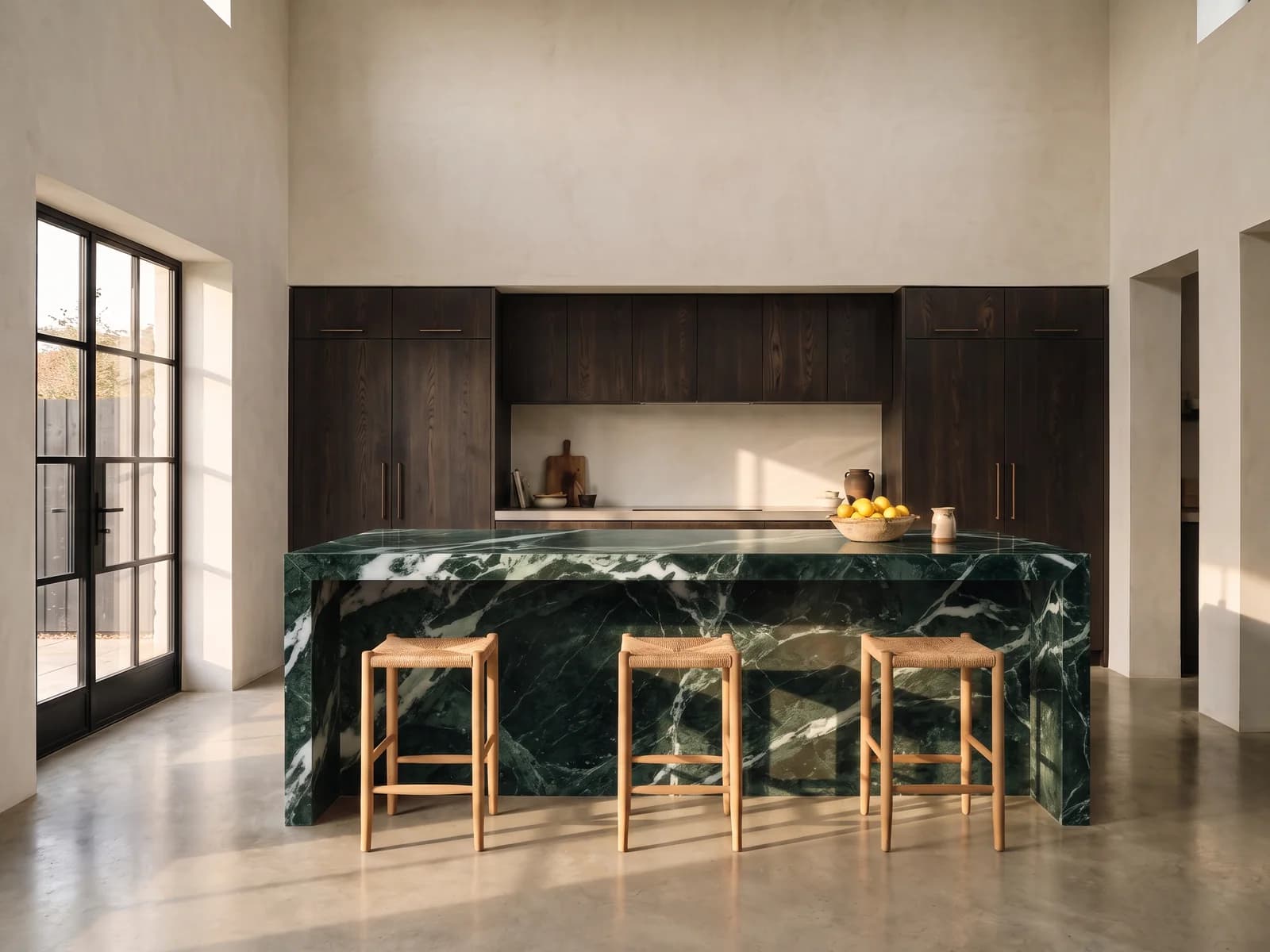 Change materialGive a surface a material from the library.
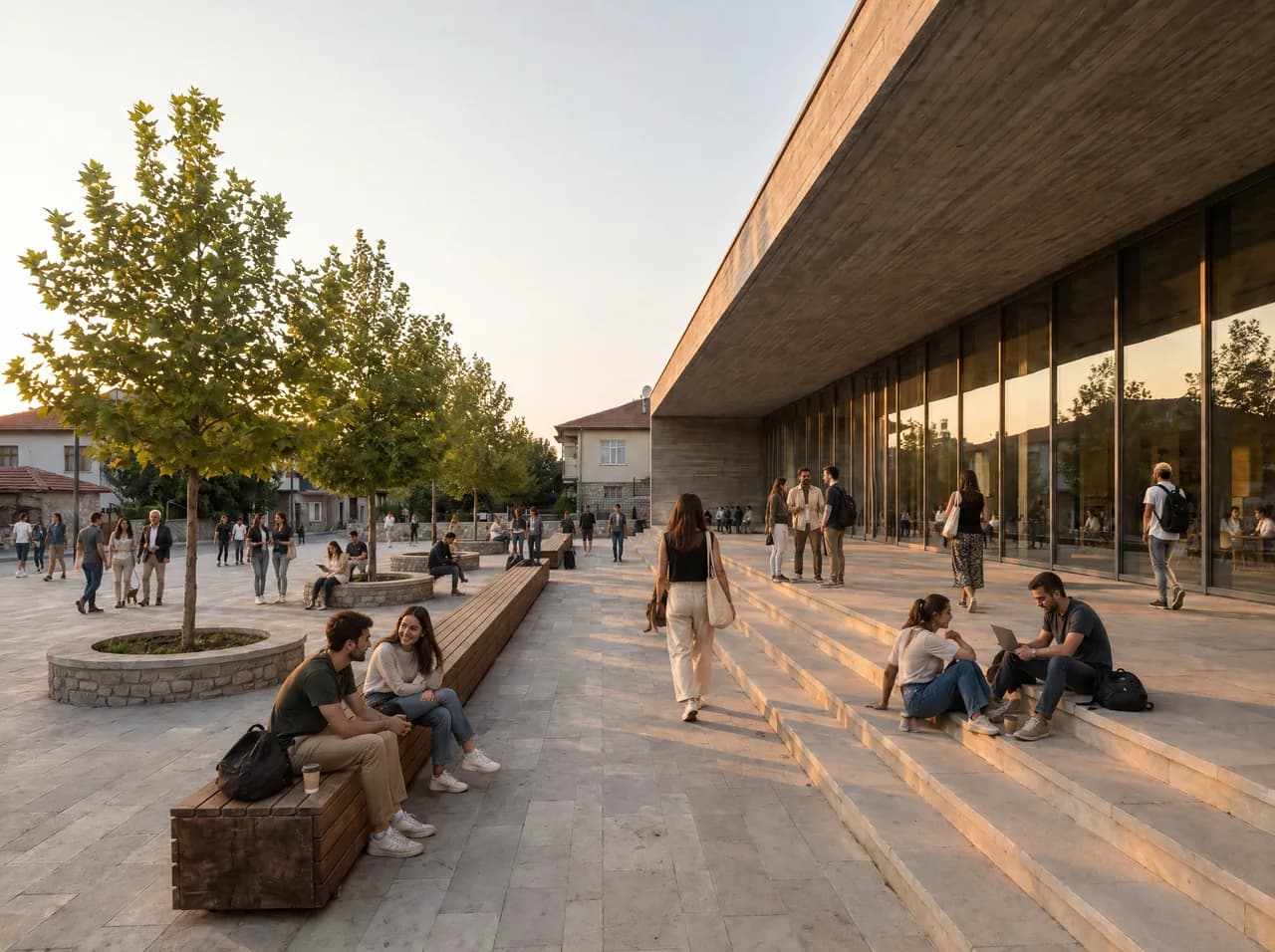 Add peopleAdd people at the right scale.
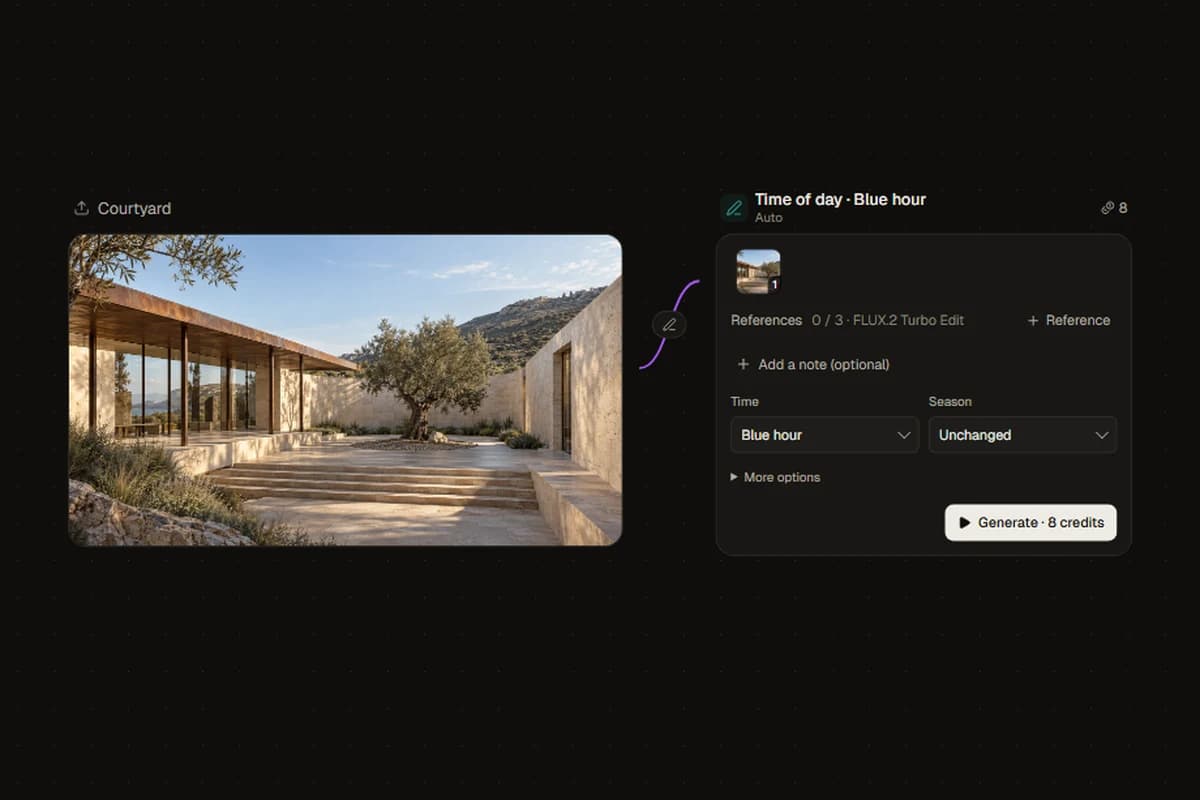
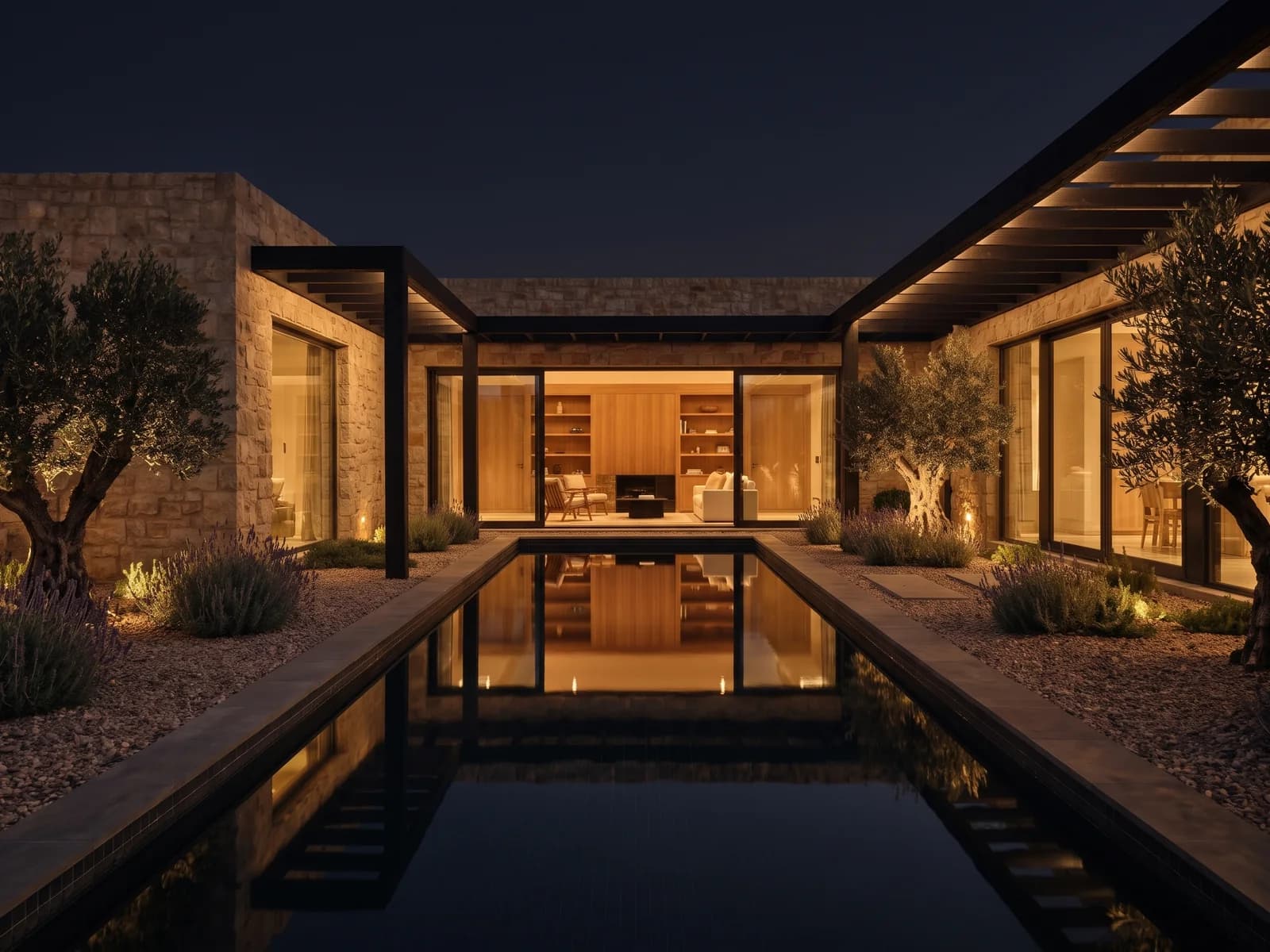 Time of dayThe same scene at another hour and weather.
 4× UpscaleEnlarge for print and large screens.SeedVR2 · Topaz · Clarity
Build and customise
Wire the steps once, run them again on every project.
Connect: plugins, MCP and API
Open Archly from the program and assistant you use.

Office
The team, shared credit and the client in one place.