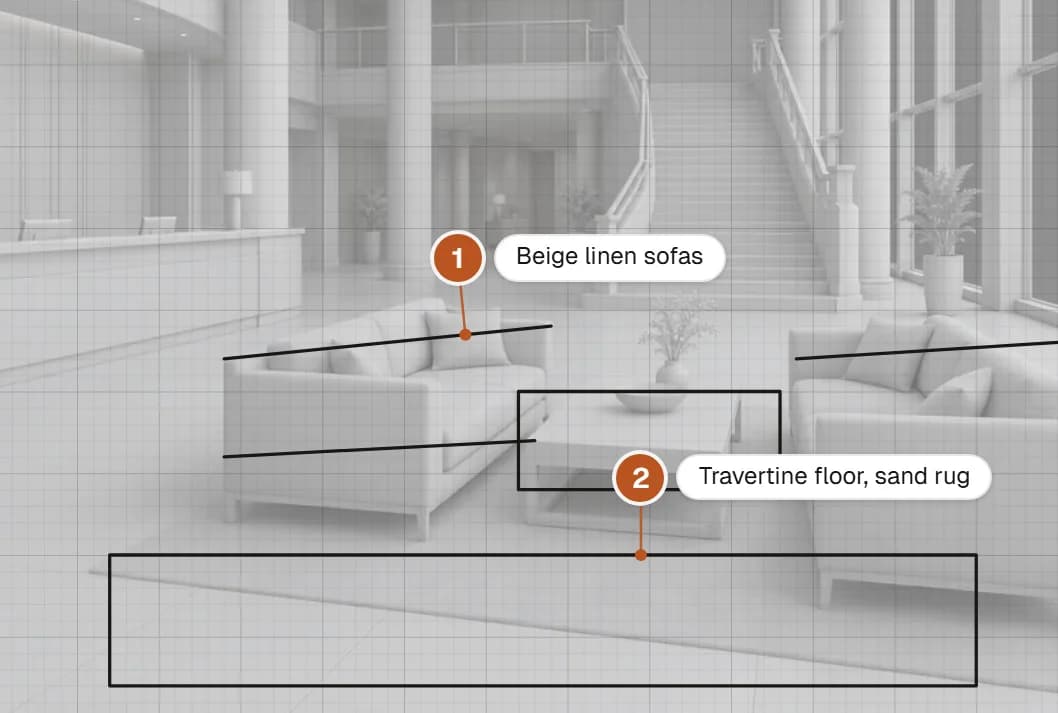
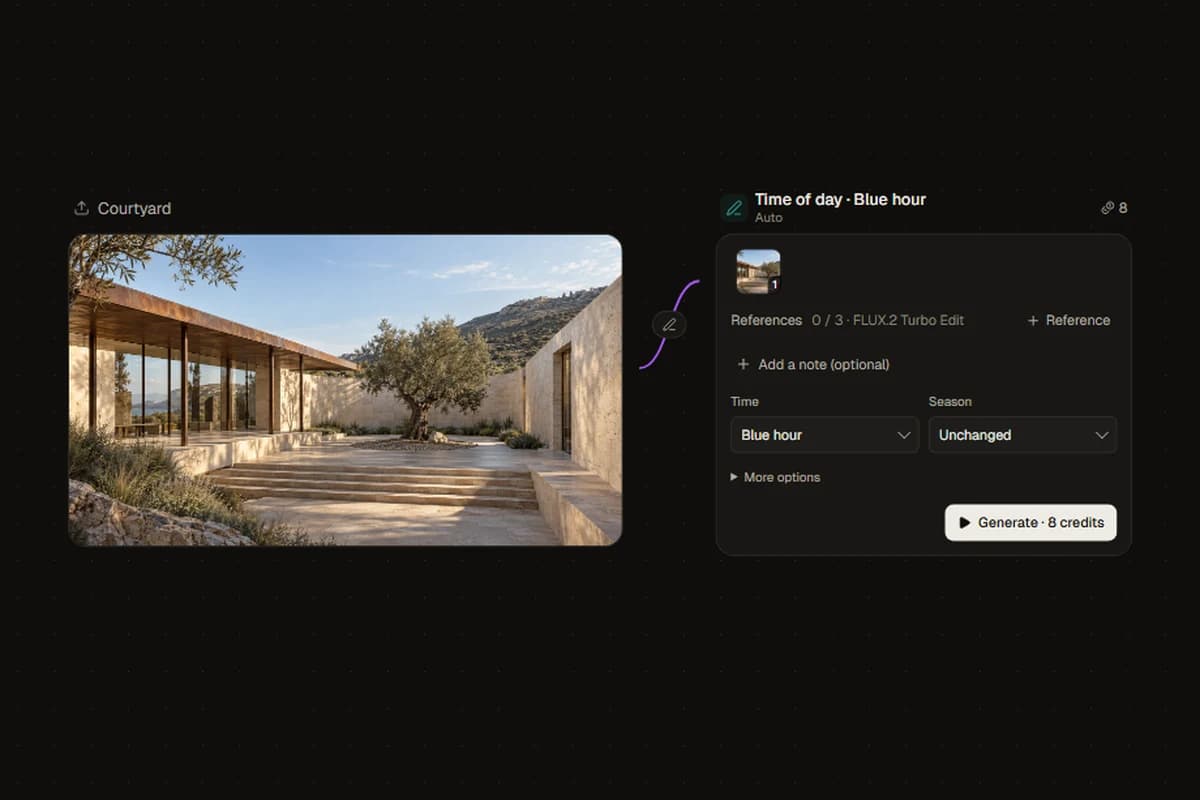
A prompt and examples
Start from a photoreal exterior, exposed concrete, a Scandinavian interior, evening light, a white model or watercolour. With Prompt only, your words alone make the picture.
Draw on the left; the render on the right updates live.
ModelsFLUX.2 Klein
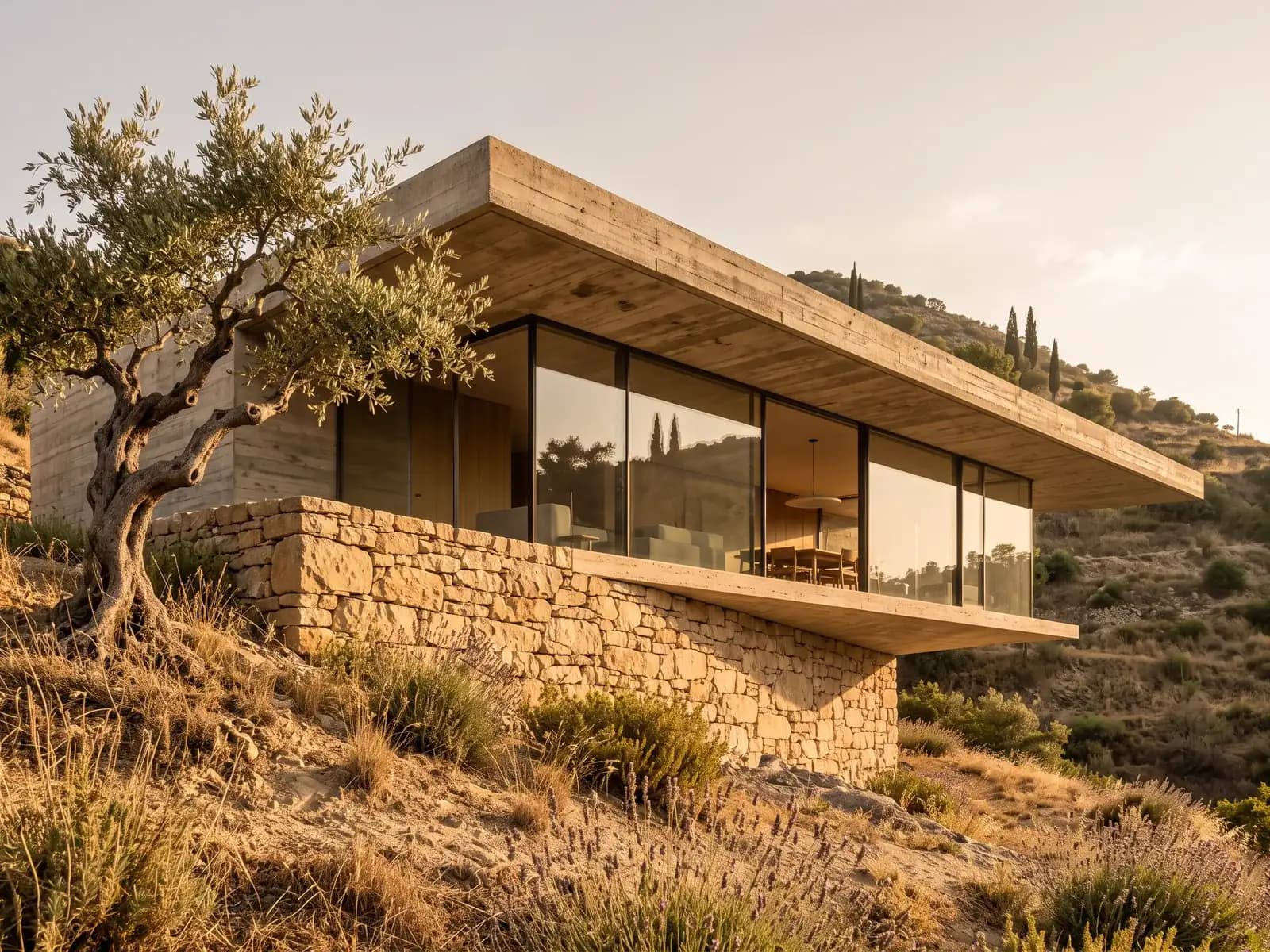
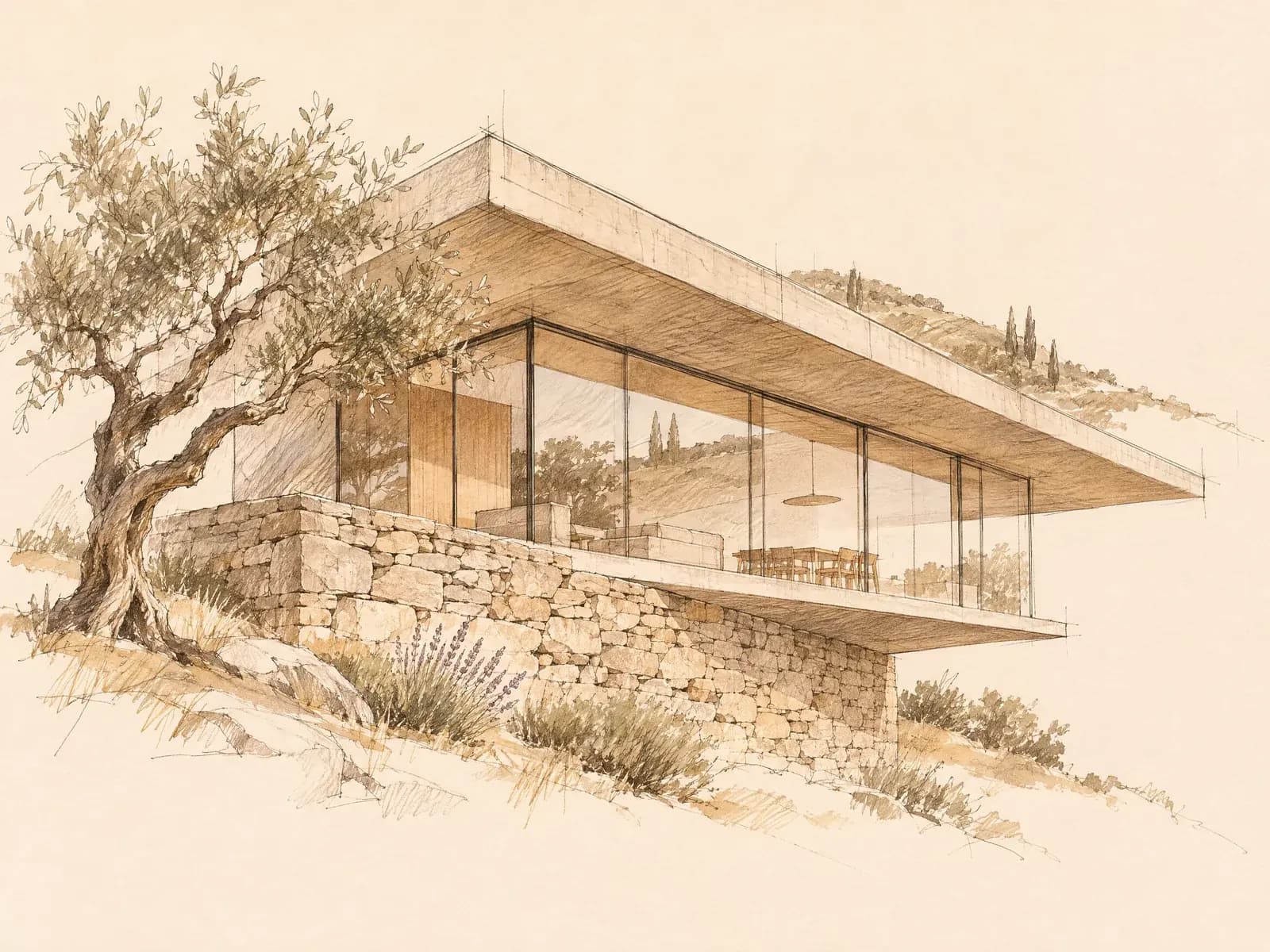
Start from a photoreal exterior, exposed concrete, a Scandinavian interior, evening light, a white model or watercolour. With Prompt only, your words alone make the picture.
Save frame adds the frame to your project as a picture. Send to canvas and Upscale sit on the same frame, and where your browser supports it you can record a short clip.
Credits are counted step by step while you draw; the rate shows in the tool. If no first frame arrives, nothing is charged. The pictures are the Sketch to render app's result from one sketch, not a Realtime frame.