Sketch
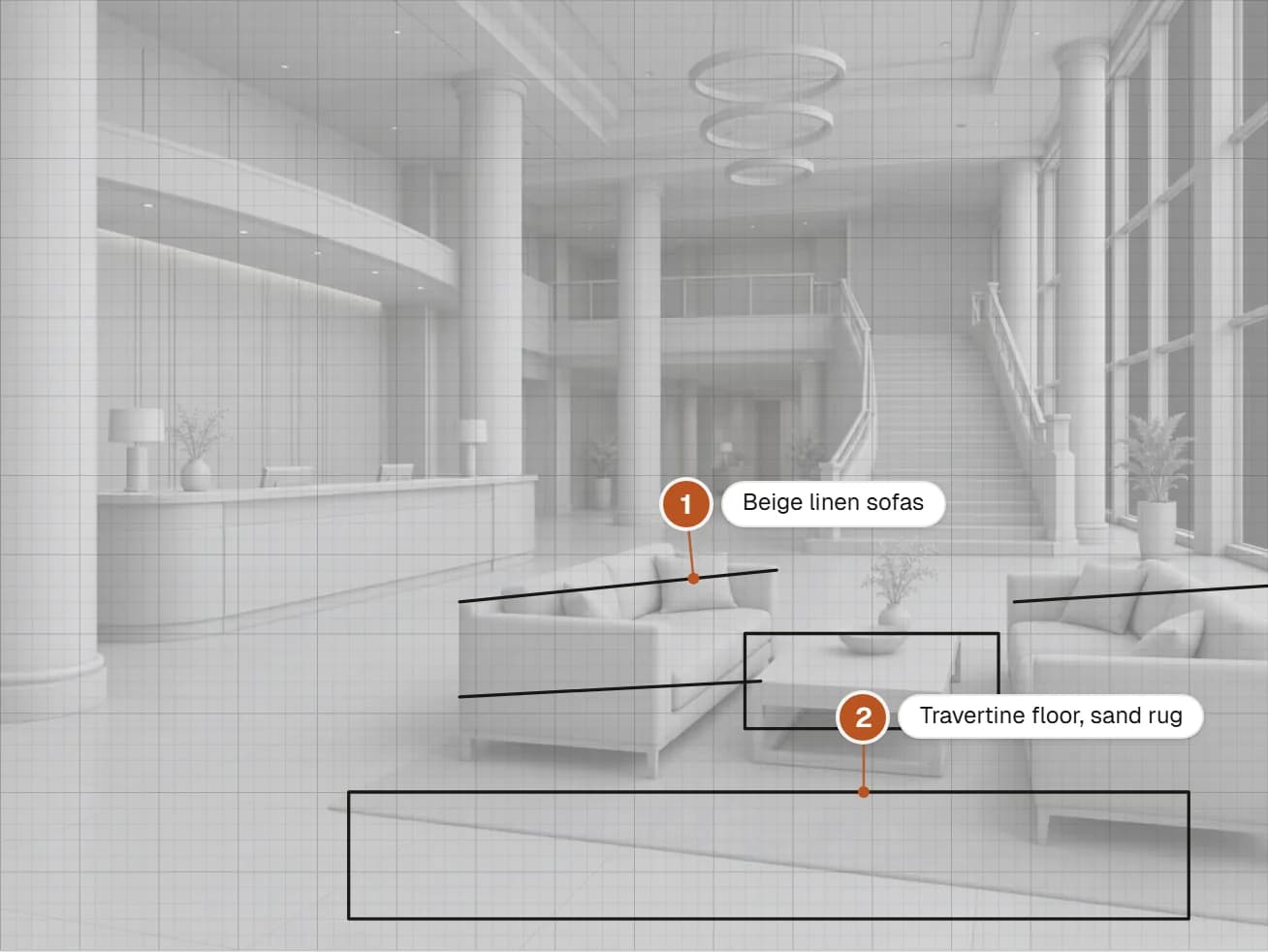
Draw over a blank page, a photo, a 3ds Max view or a DXF, then render the frame.
Before you start
An underlay to choose under Underlay: Blank, Photo, 3ds Max view or DXF. Photos are PNG, JPEG or WebP.
Steps
- Open Sketch in the sidebar's tools and choose the underlay.
- Draw with Pen, Line, Rectangle or the other tools in the bottom toolbar.
- Use Note to pin a numbered note; inside it, attach a picture or Choose material.
- Choose Precise or Realistic under Mode, add a prompt if you like, and pick the models under More.
- Press Render frame. Results appear under Results; right-click one for Upscale, Open in Layers or Make 3D.
- What you get
- Renders of your frame, kept with the drawing in a project. Open in canvas shows its cards.
- What to keep in mind
- Precise keeps a 3ds Max view's camera and massing; on other underlays the model can invent the surroundings. A DWG does not open: save it as DXF.